TLDR; Need the quick answer for technical SEO tools?
Semrush comes out on top for most teams: audits, rankings, keyword research, and competitor insights in one place. Ahrefs is the pick for backlink data, crawl insights, and deep research. Surfer SEO fits best when technical SEO and content work overlap. Alli AI is best for automation-heavy teams that need to push changes across many pages fast. Choose based on the bottleneck: research, content workflow, or implementation speed.
Most technical SEO teams don’t need another dashboard. What they do need is AI SEO software that helps them spot issues faster, understand what matters, and keep projects moving. That’s why the AI SEO software you choose matters. A weak tool mostly creates extra noise. A strong one can shorten the trip from audit to fix, which is often the whole point.
For this guide, we looked at four real platforms that technical teams mention most often: Semrush, Ahrefs, Surfer SEO, and Alli AI. Each one brings something a bit different, and that matters depending on the job. Some tend to be stronger for broad site health, competitor research, and visibility across large websites. Others lean more toward automation or AI-supported content workflows, which is really a separate use case. The best choice comes down to what the team is trying to solve, whether that’s working through technical debt, scaling optimization across large sites, or tying technical SEO more closely to content production.
This comparison matters because SEO teams are being asked to take on more work without getting more headcount. In many cases, AI-powered workflows can help. Still, that only works when the platform matches how the team already works day to day. If the goal is an AI-powered SEO platform that supports technical priorities instead of distracting from them, this roundup should help narrow the options. That’s usually the real key here: finding a tool that helps teams move faster without adding extra friction.
What you’ll find in this guide
- Semrush
- Ahrefs
- Surfer SEO
- Alli AI
Four AI SEO tools you’d likely pick
1. Semrush
At a Glance
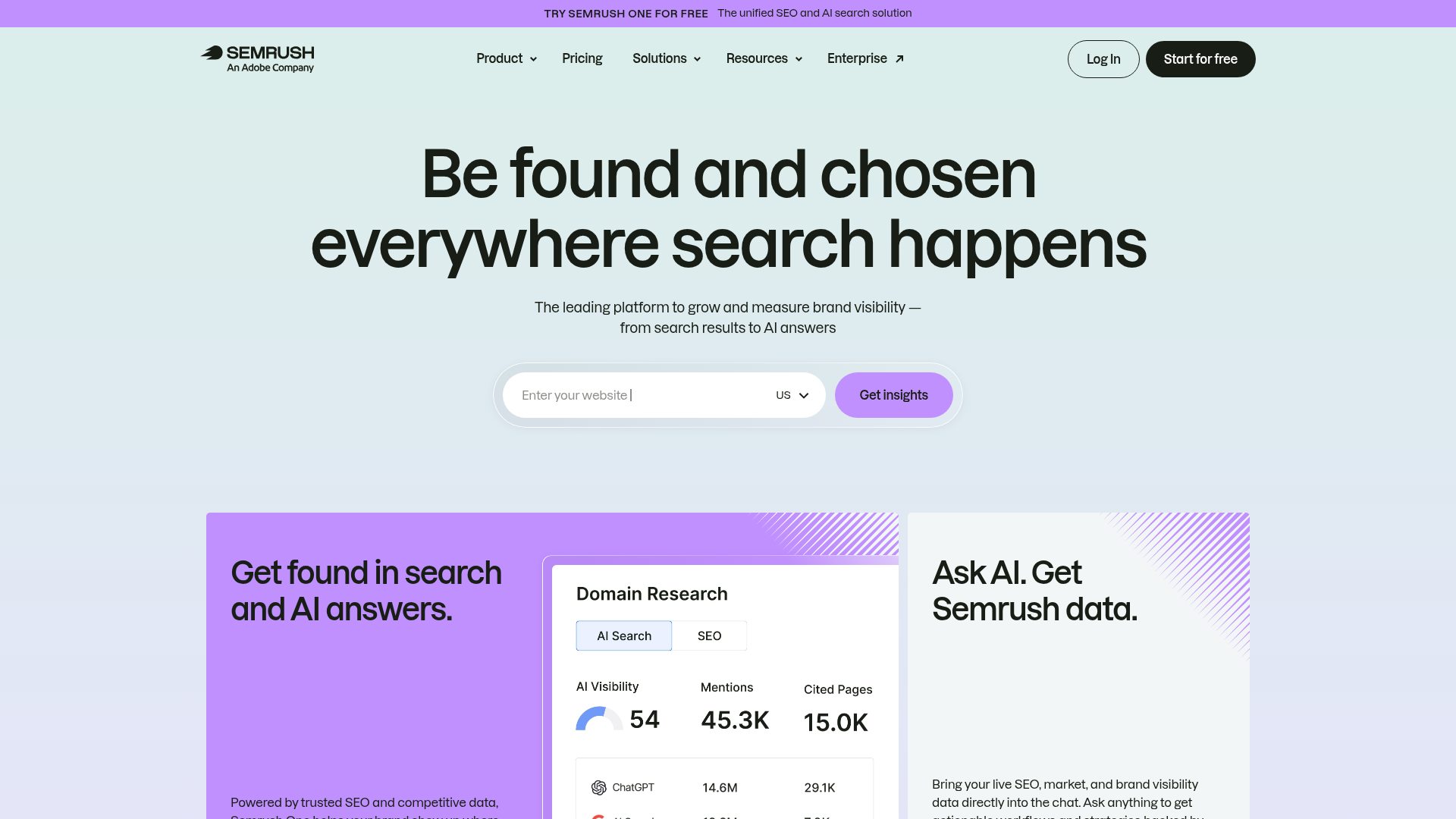
Semrush is probably the broadest all-in-one tool in this group. You get site audits, keyword research, rank tracking, competitor analysis, backlink tools, content features, and team workflows all in one platform. For technical teams, that usually matters a lot, because there’s less switching between tools when they’re trying to connect crawl issues with rankings, specific pages, and competing domains, which can get messy pretty fast. It also includes AI-assisted workflows, but the platform still feels more like a full SEO suite than a deeply AI-native product. Pretty broad, honestly. If a team wants one system for most of the day-to-day SEO work, Semrush is usually one of the first names mentioned.
Core Features
Who It’s For
Semrush is a good fit for in-house SEO teams, agencies, and technical marketers who want one platform for audits, rankings, keyword work, and competitive analysis. Simple. It’s especially useful when technical SEO needs to stay tied to a broader search strategy instead of sitting in a separate tool, which happens a lot.
Unique Value Proposition
What makes Semrush stand out is that it gives technical teams context, not just alerts. A team can catch a crawl or indexing issue, then quickly tie it to affected pages, keyword opportunities, and competing sites. That makes it a strong choice for teams that want a central operating system for SEO, rather than a single-purpose AI assistant.
Pricing: Public 2026 references commonly put entry plans at around $139.95, $199/month.
Website: https://www.semrush.com/
2. Ahrefs
At a Glance
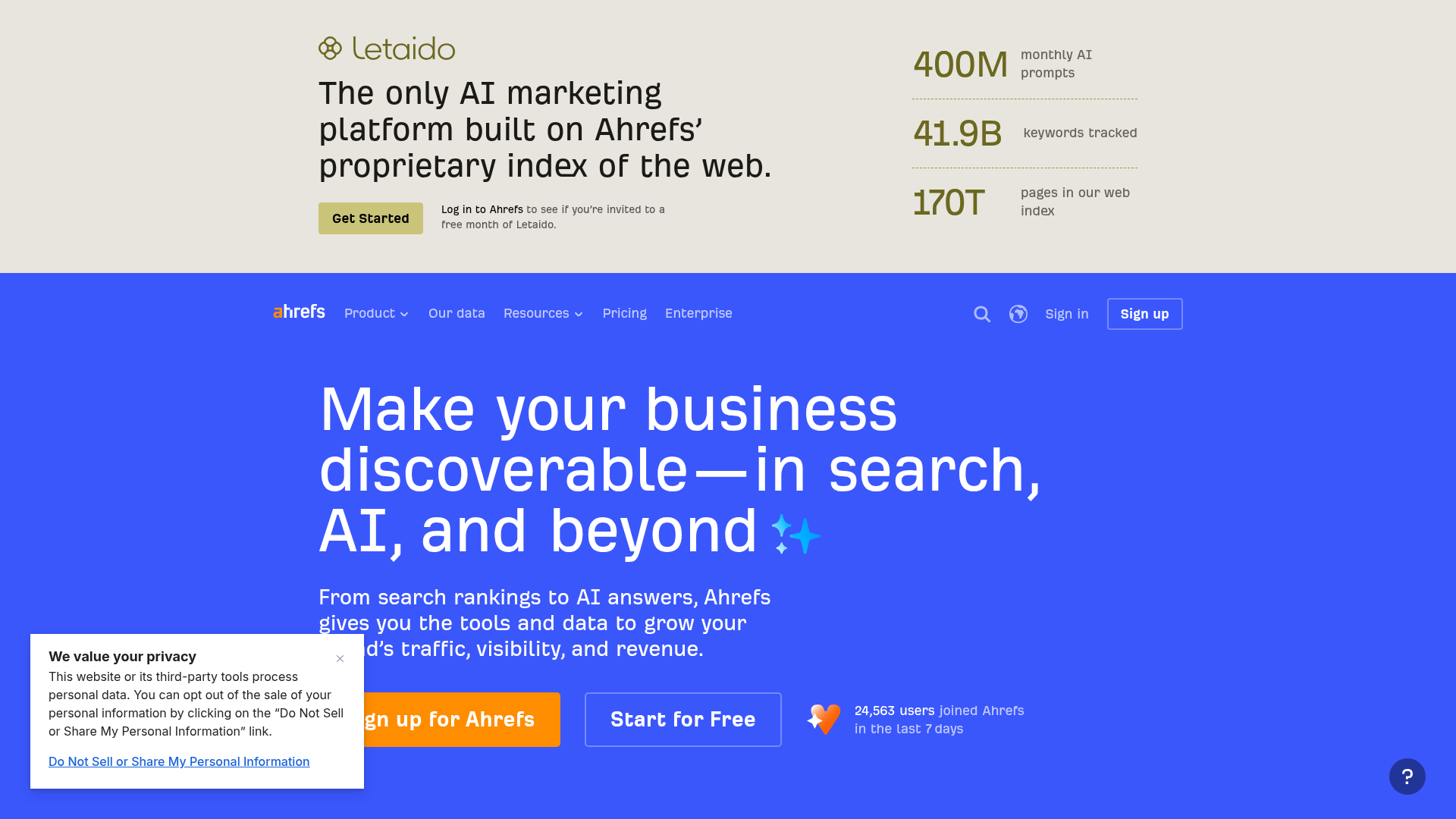
Most people know Ahrefs for backlinks, but it’s also a solid pick for technical SEO teams focused on crawling, site structure, and competitor research. People tend to rate its Site Audit tool highly, and its keyword and link databases are especially handy when technical SEO also has to help with authority growth and content planning. Compared with more AI-first tools, Ahrefs uses AI more as a helper in the workflow instead of putting it at the center of the product. If a team wants trusted SEO data and deeper research, it still comes across as one of the safer, more established options.
Core Features
Who It’s For
Ahrefs makes sense for technical SEO teams that care a lot about crawl health, backlinks, and competitive analysis. It’s especially useful for consultants, publishers, SaaS teams, and agencies that want reliable SEO data and are comfortable turning that data into action on their own. In most cases, it’s a practical fit for teams that already know how to prioritize issues and manage implementation themselves, which is often a big part of technical SEO.
Unique Value Proposition
Ahrefs stands out most for its depth. Rather than trying to win on flashy AI messaging alone, it gives technical teams solid crawling, keyword, and backlink data they can trust. That’s likely the main reason it keeps showing up on serious SEO shortlists. If a team already has a process for execution and mainly needs strong SEO data to guide decisions, Ahrefs is hard to ignore.
Pricing: Public 2026 references commonly show entry pricing from about $129/month.
Website: https://ahrefs.com/
3. Surfer SEO
At a Glance
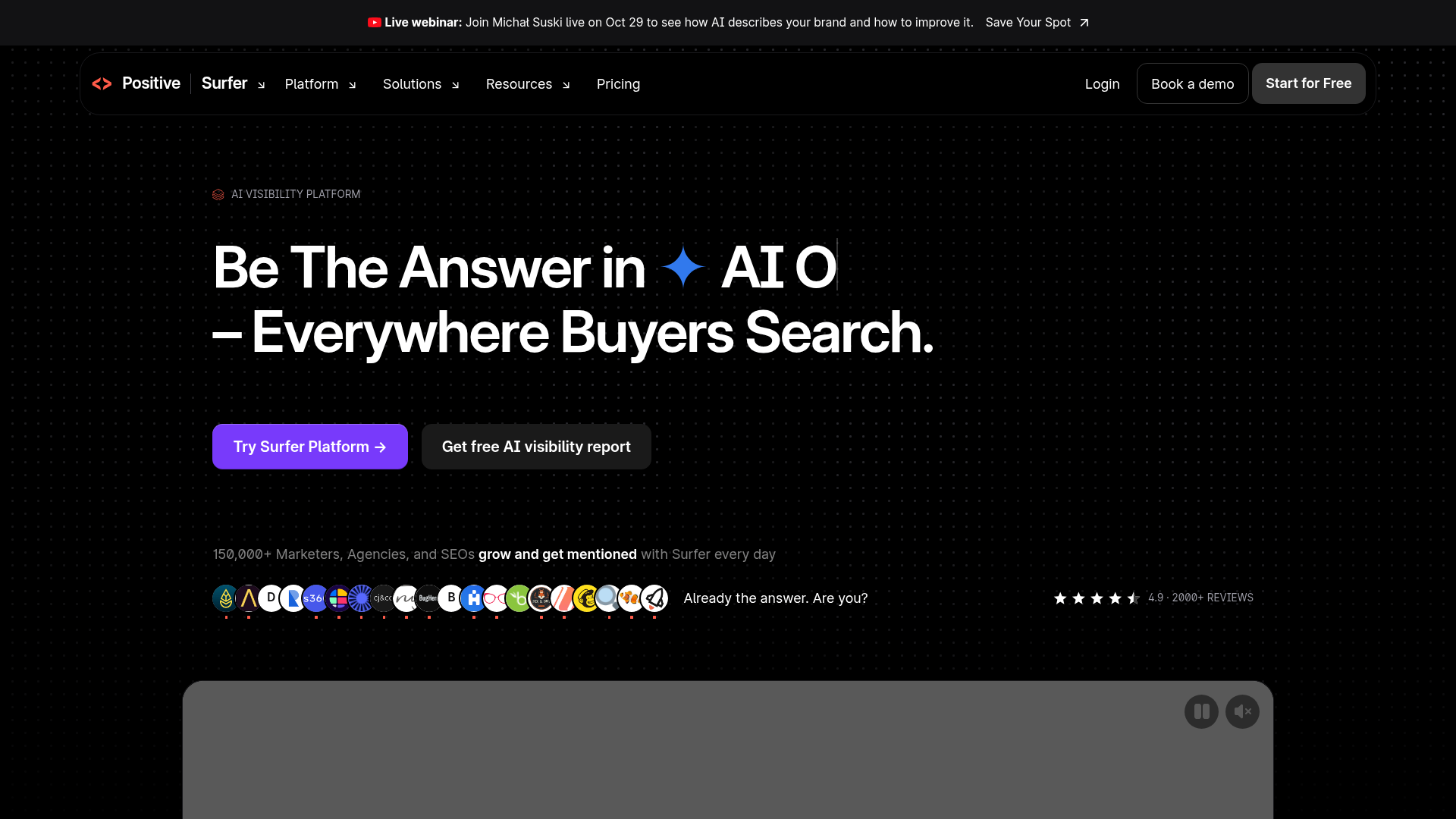
Surfer SEO is the most content-focused option in this roundup, but it can still be useful for technical teams when content work and technical workflows overlap. A lot of SEO teams are fixing crawl issues, updating pages, improving topical coverage, building briefs, and trying to publish faster without lowering optimization quality, and that’s often the hard part. That’s usually where Surfer helps most, and it does that especially well.
Where Surfer Fits Best
It’s not a full technical SEO suite, so most technical teams will still want another platform for crawling and sitewide diagnostics. As an AI SEO software option, it’s especially helpful when technical work supports a content-heavy program, not just audits and errors all day.
Core Features
Who It’s For
Surfer SEO is a better fit for technical teams that also do content optimization or spend a lot of time helping with it. It works well for publishers, content-led SaaS companies, and agencies where technical SEO and on-page execution happen side by side. Rather than being split across completely separate departments, it usually works best when people are coordinating updates in the same workflow.
Unique Value Proposition
Surfer is especially useful for teams where technical SEO and content operations overlap. If a team spends as much time improving pages as it does digging into site issues, Surfer can help make that work faster and easier to repeat across multiple pages. In many cases, that means putting briefs together faster, updating copy with clearer recommendations, and keeping optimization steadier from page to page. It’s not the strongest choice if the only need is deep technical analysis. Still, for page-level optimization, it’s one of the better AI-powered SEO platform options.
Pricing: Publicly referenced 2026 pricing commonly falls around $79, $219/month depending on plan and source.
Website: https://surferseo.com/
4. Alli AI
At a Glance
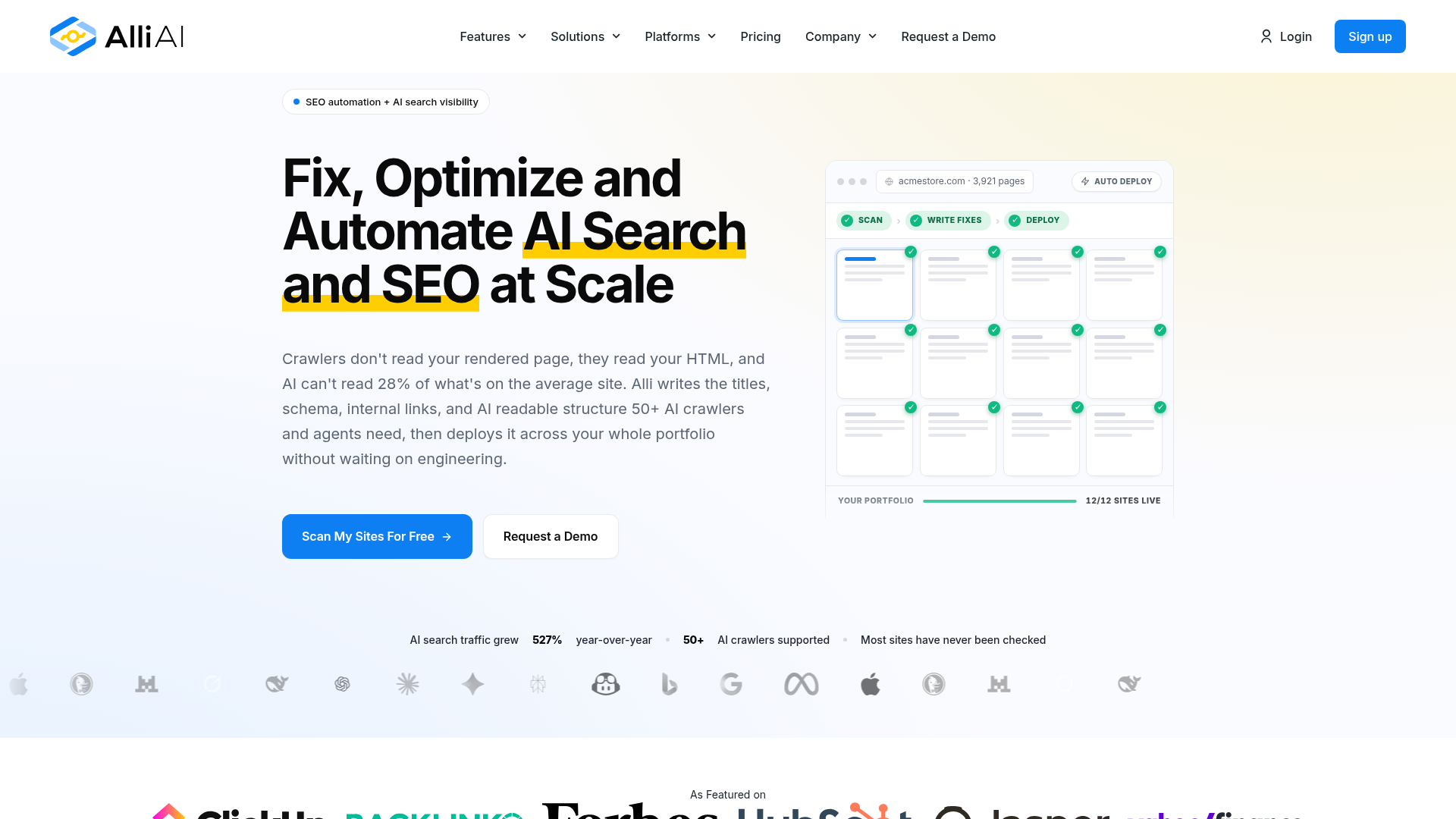
Alli AI is the most automation-focused platform in this comparison. It’s made for teams that need to handle SEO changes at scale, including on-page updates and technical recommendations that can be pushed live more directly. Because of that, it usually stands out most for technical teams working on large sites, managing lots of templates, or dealing with recurring optimization work, especially when those tasks pile up fast. Next to Semrush and Ahrefs, it’s more narrowly focused and not nearly as familiar to most buyers. But that emphasis on automation is also a big part of the appeal for some teams. If the biggest challenge isn’t finding issues but getting changes implemented efficiently across many pages, Alli AI deserves a close look.
Core Features
Who It’s For
Alli AI is a better fit for technical teams, agencies, and larger websites where getting changes live matters just as much as the analysis itself. It’s most useful when a team already knows what should be optimized and needs a faster way to push those changes across a lot of pages, rather than spending extra time uncovering issues. In that kind of setup, it’ll likely be more helpful than a broader all-in-one research tool.
Unique Value Proposition
What makes Alli AI different is how much it focuses on execution. A lot of platforms can spot issues, but fewer are set up to help teams roll out fixes across many pages. For technical SEO groups dealing with recurring updates, that difference can often save a lot of time and make automation useful in a practical way, such as pushing updates across templates or repeated page groups instead of leaving the work at the planning stage. That’s likely the main reason to consider it.
Pricing: Public 2026 references list $249/month billed annually or $299/month monthly.
Website: https://www.alliai.com/
How pricing and platform age compare
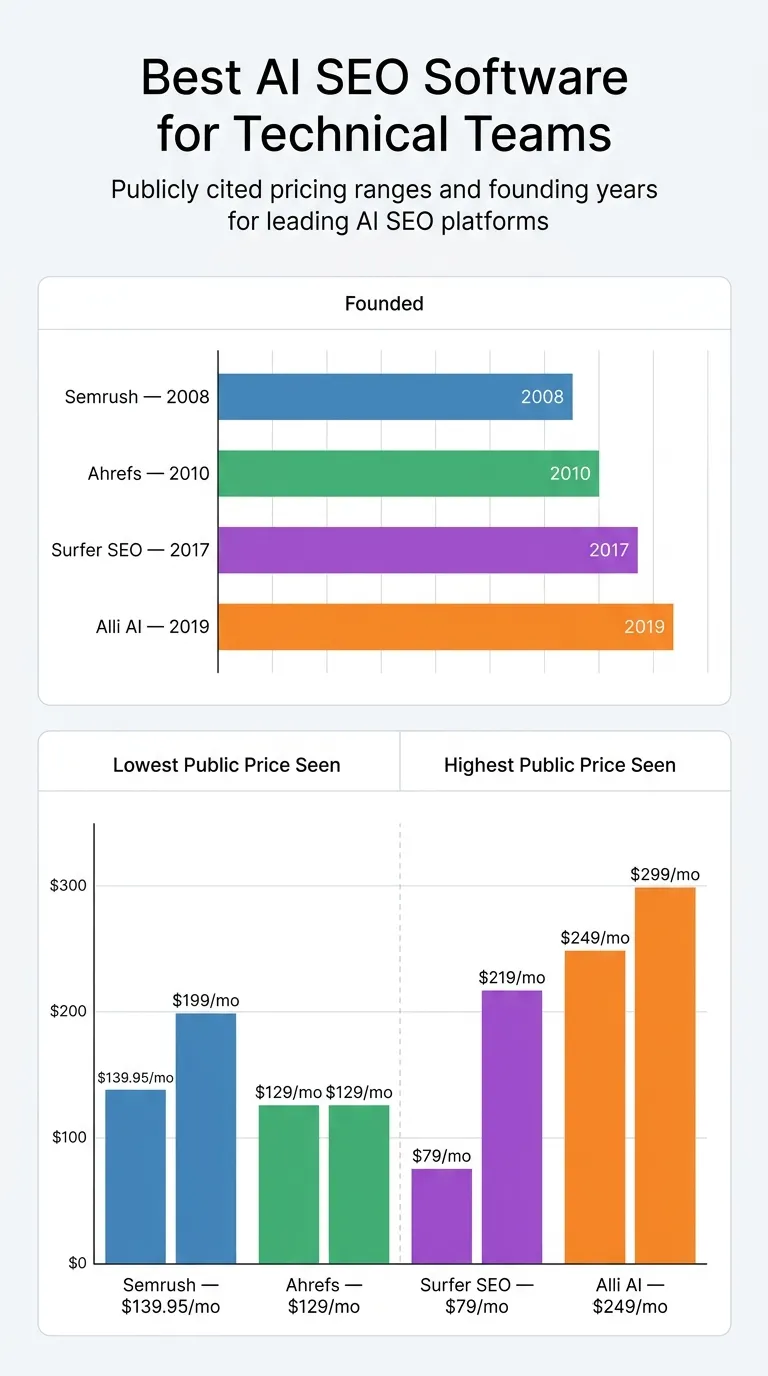
The clearest hard data across these tools is still the price range and the year each company was founded. For technical teams, that usually helps because they weigh several things at once: budget, how mature the platform feels, and how specific the workflow needs to be, which is often the harder part. That’s useful because the comparison isn’t just about cost. Teams will probably check how long the company has been around, too, and whether the tool fits the way they work.
Publicly cited pricing ranges and founding years for leading AI SEO platforms
| Platform |
Founded |
Lowest Public Price Seen |
Highest Public Price Seen |
| Semrush |
2008 |
$139.95/mo |
$199/mo |
| Ahrefs |
2010 |
$129/mo |
$129/mo |
| Surfer SEO |
2017 |
$79/mo |
$219/mo |
| Alli AI |
, |
$249/mo |
$299/mo |
Those numbers don’t tell the full story, but they do point to a pattern. Semrush and Ahrefs have been around longer and usually cover more needs. Surfer SEO has the lowest public entry price in this group and stays more focused on content. Alli AI starts at a higher price, which probably fits its stronger automation angle.
So which one should you pick?
Choosing based on workflow
If you want the most complete all-around platform, Semrush is probably the safest paid pick. It tends to fit best when a technical team needs keyword research, competitor insights, and reporting all in one place. In that kind of setup, keeping those tools together usually works better than spreading them across several platforms.
When backlink depth and trusted SEO data matter most, Ahrefs is the strongest choice for research-first work. It’s especially helpful for experienced teams that already know how to turn insights into action and don’t need much guidance. It’s often the better fit when deep link analysis is the main priority.
For content-heavy SEO operations, Surfer SEO is the best fit when technical work is closely tied to publishing and page updates. It’s straightforward and practical, and it’s usually easier to work with when content is changing all the time.
If the biggest pain point is rolling out changes across lots of pages, Alli AI is the right choice for automation-driven technical workflows, especially on larger sites. It’s usually the better fit when scale and speed are the main issue and updates need to go live fast.
Teams comparing broader automation workflows may also want to review this guide to Best Automated SEO Software for GEO Teams, especially when AI SEO software overlaps with large-scale optimization and reporting.
How to turn the right tool into real SEO progress
Picking a platform is just step one. What usually makes the biggest difference is how a team uses it each day. A good way to begin is to look at the workflow eating up the most time right now, because that problem is usually the easiest to spot. For many teams, that’s technical audits and deciding which fixes need to happen first. For others, the main bottleneck could be page updates, internal linking, keeping content optimization aligned with technical health, or some other repeated task that slows everything down.
Building a practical stack
A setup like this is often practical: Semrush or Ahrefs for site health and research. Surfer is a good fit when content optimization is a regular part of the work, especially for teams that update pages often. Alli AI makes sense when slow deployment is the main thing holding things back. The goal isn’t to automate everything at once. In most cases, it’s better to remove repetitive work first, so the team has more room for judgment, strategy, and the decisions that still need a human touch.
Teams trying to compare smaller and more flexible setups can also look at Top SEO Software for Small Teams and Agencies or explore SEO Automation Software for Lean Marketing Teams for additional workflow ideas.
That is where SEO Bot Software can help. It’s not one of the tools being ranked here. Instead, it gives teams a way to make better calls on AI-powered SEO workflows, technical audits, content automation, and newer search visibility trends, which can get confusing fast. Short and useful. If help with choosing a stack and putting it into practice sounds useful, SEO Bot Software is probably a smart next step. You can also use this AI SEO software guide as a place to start when comparing tools and putting together a workflow that fits the team.
For teams evaluating implementation versus reporting tradeoffs, this comparison of Automated SEO Platform or Google SEO Tools? is also relevant when narrowing down AI SEO software options.
Frequently Asked Questions
What should technical teams look for in AI SEO software?
Pick tools that don’t just list errors. The strongest options help you decide what to fix first, move faster, and tie technical issues back to rankings, specific pages, or revenue impact. If you’re on a technical team, crawl quality, clear reporting, and implementation support matter more than flashy AI writing features.
How do I know if an AI-powered SEO platform is actually effective?
Check whether it reduces manual work and helps the team get to the right fixes more quickly. You’ll usually see it in shorter audit cycles, quicker page updates, clearer tracking of technical problems, and smoother coordination across SEO, content, and development. A good platform should make decisions easier, not pile on more alerts.
How much does AI SEO software usually cost?
What you pay depends on how much the platform actually covers and how many workflows it’s built to handle. Here, the publicly cited starting prices run from about $79/month for Surfer SEO up to $249 and $299/month for Alli AI, with Semrush and Ahrefs landing in between. The price also goes up as you add more users, sites, tracked keywords, and advanced features.
How long does it take to see results from these tools?
The software can cut down the time spent right away, especially on audits, reporting, optimization planning, and similar work. That comes first. SEO results take longer to show up, since rankings and crawl improvements need time to be processed. Teams notice workflow gains first. You usually see performance improvements later, after fixes and updates have had time to take effect.
Which types of businesses benefit most from AI SEO software?
Agencies, publishers, SaaS companies, e-commerce teams, and in-house marketing groups tend to get the most out of it. The common thread is scale. If a team is handling lots of pages, frequent updates, or more than one site, automation and AI support start to help a lot more.
Where can I learn how to compare these tools without getting lost in vendor claims?
It helps to have outside guidance when every platform claims it can do it all. Side-by-side comparisons in plain English can genuinely help. SEO teams looking for workflow advice and practical breakdowns can use SEO Bot Software as a learning resource. It’s especially useful when trying to connect technical SEO, AI content workflows, automation, and one clearer workflow.