TLDR; Need the 2026 pick fast? Here’s the shortlist.
Surfer SEO is the top pick for most SEO teams. Clearscope is best for premium, editor-friendly optimization. Frase gives the best value for faster briefs and smaller budgets. Semrush works best for teams that want content optimization in a broader SEO platform. Choose the tool for your bottleneck—research, drafting, optimization, or reporting—and back AI with human review, a clear process, and regular content refreshes.
Choosing an AI SEO platform used to be mostly about content scores and keyword suggestions. In 2026, teams need tools that support search intent, content briefs, optimization, refresh workflows, and visibility in AI-driven search results. The best platform is not always the one with the longest feature list. It is the one that fits how a team actually works.
We reviewed four leading options for marketers, SEO pros, content teams, and agencies that want a real AI content creation platform, not just a basic writing add-on. SEO content workflows have changed quickly, and teams no longer use AI only for first drafts. They use it to plan, optimize, update, and scale content across full content libraries. Human review still matters just as much. Rankings now depend on clarity, trust, structure, and intent match, so teams cannot hand everything over to automation and expect strong results.
For teams trying to choose the right AI SEO platform for content optimization in 2026, this guide helps narrow the options without the usual hype.
What we’re comparing
- Surfer SEO
- Clearscope
- Frase
- Semrush Content Toolkit and SEO Writing Assistant
AI SEO platform options worth a shortlist
1. Surfer SEO
At a Glance
Surfer SEO is one of the best-known tools in this space, and that makes sense. It brings together SERP-based optimization, content scoring, AI-assisted writing, keyword clustering, and workflow support in one platform. For SEO teams that want a solid mix of direction and speed, Surfer often lands near the top of the list, especially for teams publishing a high volume of blog content. It gives them a repeatable way to build briefs, improve drafts, and update older pages without having to rebuild the process each time.
Core Features
- Content Editor with live optimization scoring
- AI writing and outline generation
- Topical mapping and keyword clustering
- Content audit and refresh suggestions
- SERP analysis based on top-ranking pages
- Collaboration tools for writers and editors
- Integrations with Google Docs and WordPress
Pros
- Strong workflow: Teams can move from brief to optimized draft in one place.
- Useful scoring system: Writers can follow it easily as they draft.
- Solid refresh support: It helps teams improve posts that aren’t performing well.
- Good for scaling: Agencies and in-house teams with production goals can put it to good use.
- Broad feature set: It goes beyond basic on-page suggestions.
Cons
- Learning curve: New users may feel a bit overwhelmed at first.
- Score chasing risk: Some teams may focus too heavily on the content score instead of quality.
- Pricing climbs fast: Higher-tier usage can get expensive for larger teams.
Who It’s For
Surfer works well for SEO-led content teams, agencies, and marketers that want an AI SEO platform for planning, writing, optimization, and updates. It’s a strong fit for teams that care more about structure and repeatability than pure writing creativity.
Unique Value Proposition
Surfer stands out by connecting live SERP analysis closely with the writing workflow. It doesn’t just point out what’s missing after a draft is done. The platform helps shape the draft while the writer is still building it. For teams trying to reduce rewrites and tighten SEO execution earlier in the process, that can be especially helpful.
Pricing: Starts at about $99/month
Website: https://surferseo.com/
2. Clearscope
At a Glance
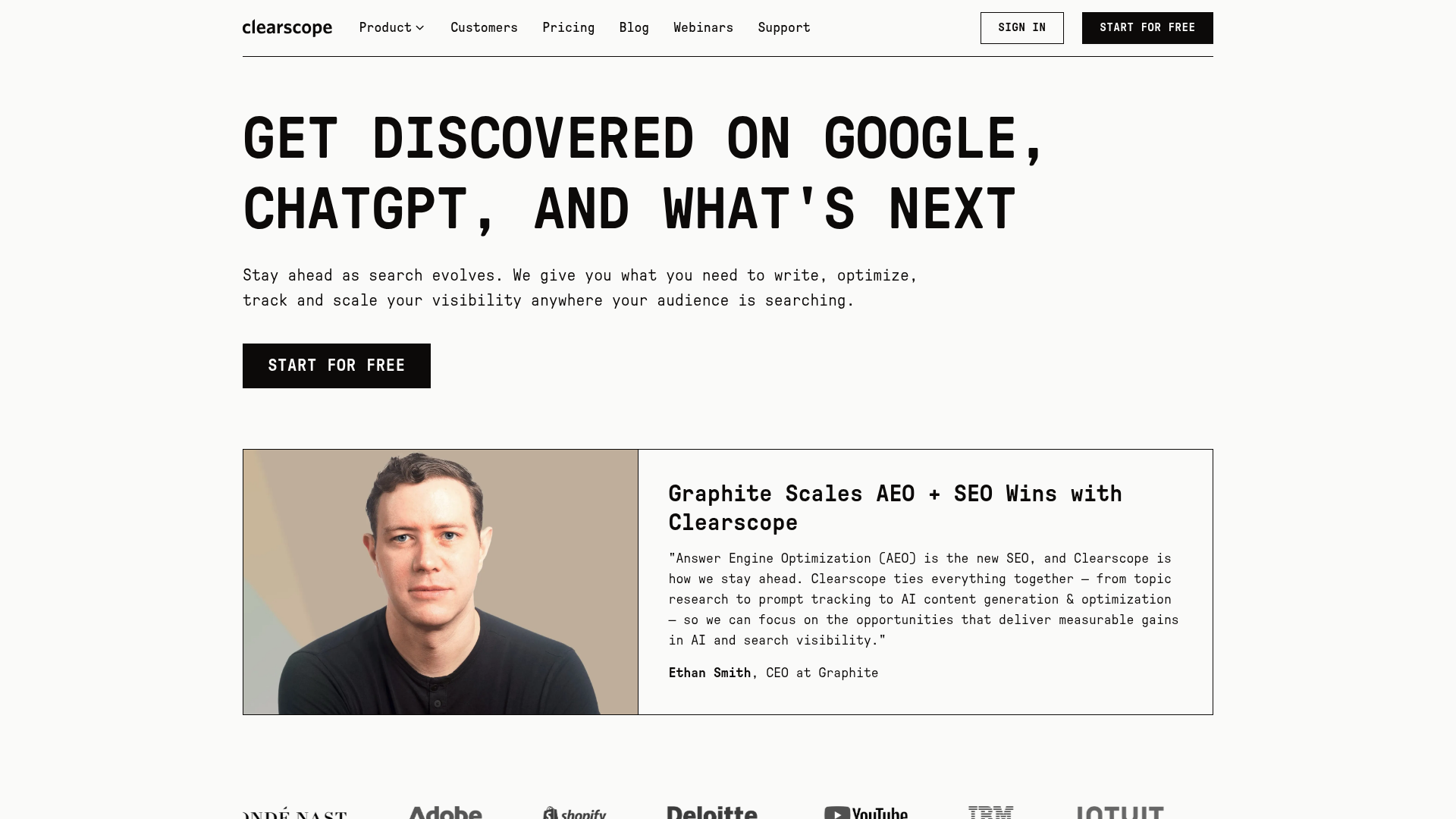
Clearscope is well known for clean content optimization and simple, high-quality recommendations. For editors and content strategists, that matters a lot. It feels less noisy than some all-in-one platforms. Its biggest strength is helping teams create relevant, complete content that matches search intent without burying them in extra dashboards. It’s not the cheapest option, but it feels polished and dependable.
Core Features
- Content grading and optimization interface
- Keyword and term recommendations
- Search intent support through content relevance signals
- Content report generation for briefs
- Google Docs and WordPress integrations
- Page inventory and optimization tracking
- Simple team collaboration workflow
Pros
- Clean user experience: It’s one of the easiest tools to use well.
- Strong content guidance: It gives useful recommendations without adding too much clutter.
- Editor-friendly: It works well for teams with writers, editors and freelancers.
- High content quality focus: It pushes for completeness and topical relevance.
- Trusted by larger brands: Mature content operations use it a lot.
Cons
- High price point: Small teams and solo creators may have a harder time fitting it into the budget.
- Narrower scope: Some alternatives cover more as all-in-one SEO platforms.
- Fewer automation features: Clearscope works better for optimization than for wider workflow automation.
Who It’s For
It fits editorial teams, agencies with premium clients and brands that care a lot about content quality and simple processes. For writers who want clarity instead of complexity, it can be especially appealing.
Unique Value Proposition
Clearscope’s biggest strength is restraint. It doesn’t try to do everything. Instead, it focuses on one part of the content process and does it very well: helping teams create more relevant, more complete pages based on what is already working in search. For teams tired of bloated software, that focus can feel like a real advantage.
Pricing: Starts at about $189/month
Website: https://www.clearscope.io
3. Frase
At a Glance
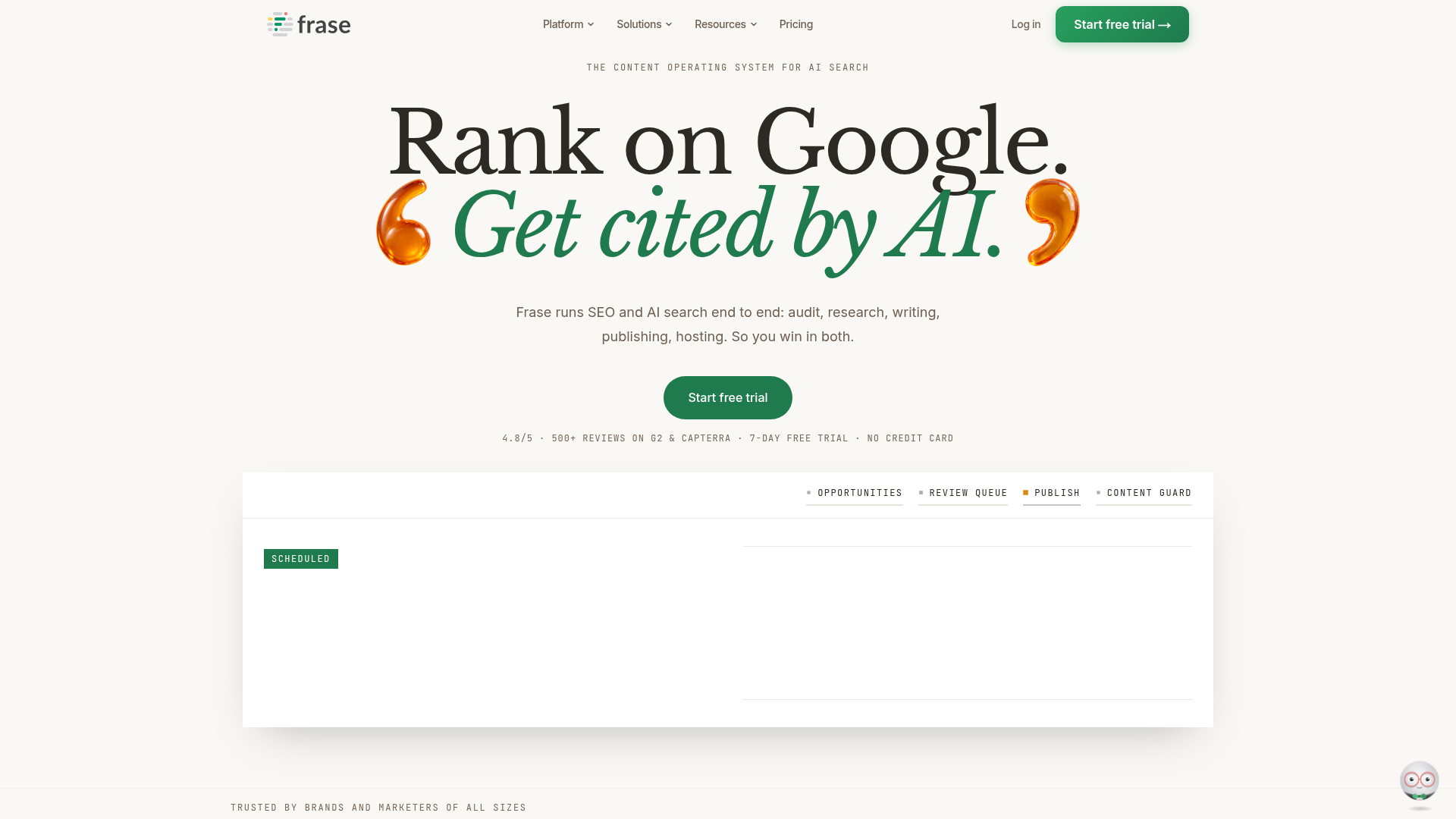
Frase helps teams do research faster, build briefs more quickly, and optimize content in one place. Marketers have liked it for a while because it turns SERP data into useful drafts without taking up too much time. The platform brings together research, outlines, AI writing support, optimization, and question-based topic discovery in a single workflow. For many teams, it gives a practical middle ground on price, ease of use, and helpful SEO support.
Core Features
- AI-powered content briefs
- SERP-based outline and topic research
- Content optimization editor
- AI draft generation
- Competitor content analysis
- Question and topic extraction
- Content refresh and workflow tools
Pros
- Fast brief creation: It saves a lot of prep time before writing begins.
- Good value: It’s usually more affordable than premium competitors.
- Helpful research workflow: It works well for intent research and topic planning.
- Flexible use cases: Teams can use it for blogs, landing pages, and FAQs.
- Beginner-friendly: It’s easier to learn than some heavier platforms.
Cons
- Less polished scoring: The optimization tools can feel lighter than top premium options.
- AI output still needs editing: The drafts help, but they’re not ready to publish.
- Team features are more limited: Larger operations may outgrow the platform.
Who It’s For
Frase fits small marketing teams, freelancers, content creators, and growing agencies that need an AI content creation platform with solid SEO guidance without enterprise-level pricing.
Unique Value Proposition
Frase stands out early in the workflow. It helps teams figure out what a page should really cover, which is a problem many of them run into every day. Faster research and briefing cut wasted time before drafting starts. In practice, that can matter more than a flashy writer when a team gets stuck at the planning stage.
Pricing: Starts at about $45/month
Website: https://www.frase.io
4. Semrush Content Toolkit and SEO Writing Assistant
At a Glance
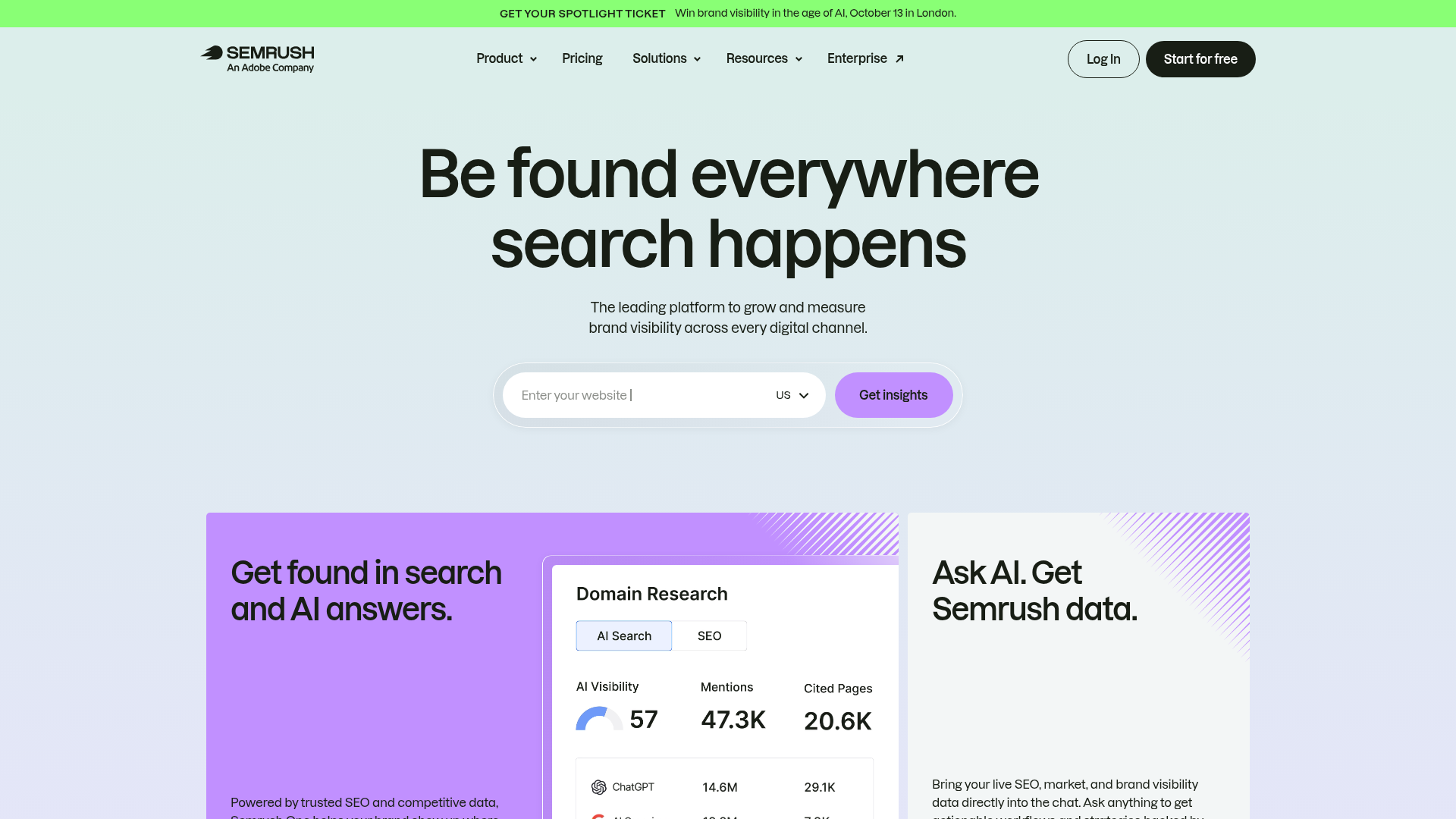
Semrush does more than the other tools on this list, which can be a plus or a downside depending on what a team needs. Its content tools are part of a much larger SEO platform that also includes keyword research, rank tracking, competitive analysis, and site audits.
For some teams, that makes a real difference. Teams that want content optimization tied to the rest of their SEO work may find Semrush a strong match. It’s especially helpful when content decisions need to connect directly to keyword strategy and performance reporting in one place.
Core Features
- SEO Writing Assistant
- Content brief and topic research tools
- Keyword research and clustering
- Site audit integration
- Competitor analysis and SERP tracking
- Content performance measurement
- Broad marketing workflow integrations
Pros
- All-in-one depth: It connects content optimization to a broader SEO strategy.
- Strong keyword data: Helpful for planning and prioritizing content.
- Great for teams already using Semrush: Teams move between fewer tools.
- Reporting support: Useful for agencies and managers.
- Versatile platform: It supports both content and technical SEO workflows.
Cons
- Can feel crowded: It’s less focused than dedicated optimization tools.
- Content tools aren’t always the easiest: Some teams find them less intuitive.
- Cost can rise with add-ons: Getting full value may mean paying for a broader subscription.
Who It’s For
Semrush fits agencies, in-house SEO teams, and marketers who want content optimization inside a wider search platform. If a team already uses Semrush for keyword research and competitor research, its content stack may feel like a natural next step in that workflow.
Unique Value Proposition
Semrush stands out by tying content work to the full SEO picture. Teams can connect briefs and drafts to ranking opportunities, site issues, and competitor insights instead of optimizing pages by themselves. That wider view can cut down on tool sprawl and give teams better strategic visibility across the workflow.
Pricing: Semrush plans start at about $139.95/month
Website: https://www.semrush.com/
A quick look at AI SEO platform price and launch year
Price isn’t everything, but it helps narrow the shortlist quickly. Frase stands out for smaller teams, while Clearscope makes more sense for bigger content budgets.
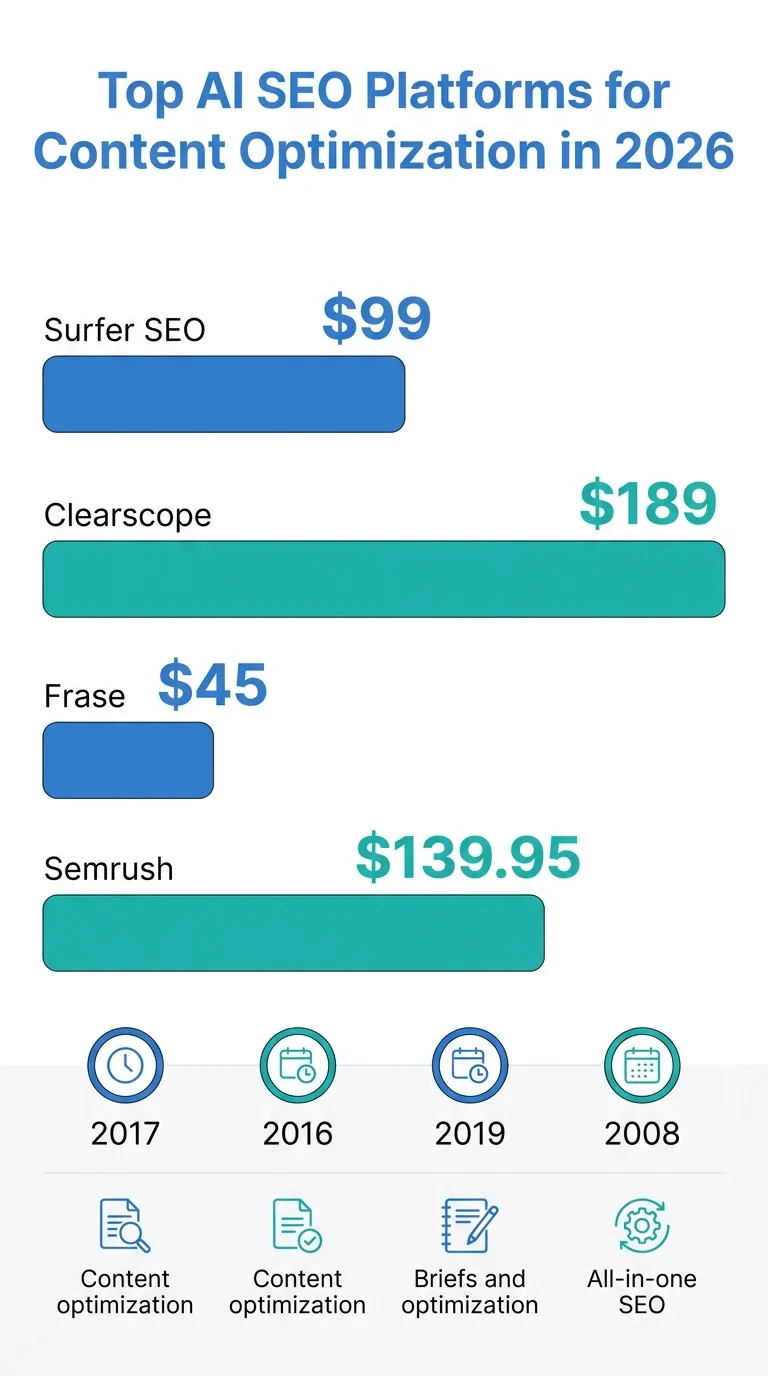
| Platform | Starting Price/Month | Founded | Primary Focus |
|---|---|---|---|
| Surfer SEO | $99 | 2017 | Content optimization |
| Clearscope | $189 | 2016 | Content optimization |
| Frase | $45 | 2019 | Briefs and optimization |
| Semrush | $139.95 | 2008 | All-in-one SEO |
Still, those numbers don’t tell the whole story. A cheaper platform can be the better deal if it saves a team ten hours each month. Meanwhile, even an expensive tool brings little value if writers keep avoiding it.
Across the market, one trend shows up again and again. AI tools do their best work when they support the full workflow instead of just helping with a draft. The real value is better research, clearer briefs, stronger optimization, and easier updates over time. Teams exploring AI-powered content tools beyond first drafts often notice the same shift toward workflow support instead of isolated writing features.
How they compare in real use
Here’s the short version.
- Surfer SEO gives teams the strongest mix of deep optimization and solid workflow support.
- Clearscope is the most polished option for clean, editor-friendly content optimization.
- Frase is the easiest option for teams that want faster briefs and a lower starting cost.
- Semrush makes the most sense for teams that need content optimization inside a broader SEO stack.
Most teams in 2026 aren’t picking a tool just for writing. They’re picking a system that helps them publish with more purpose and make smarter calls about what goes live. It’s not just about speed. Search intent, freshness, internal linking opportunities, and content refreshes matter just as much as first-draft speed.
So which one should you pick?
For most SEO-focused teams, Surfer SEO is the best overall pick because it offers a strong mix of planning, optimization, AI support, and enough room to grow as needs change. It’s a solid all-round option. Teams that care most about a clean interface and strong content quality will probably prefer Clearscope as the premium choice. If budget matters most and faster content briefs are the main priority, Frase gives the best value. For teams already handling keyword research, tracking, and audits in one ecosystem, Semrush will likely feel like the most practical platform.
There’s no single winner for everyone. The best choice depends on the team’s biggest bottleneck, whether that’s research, drafting, optimization, reporting, or keeping the whole workflow together in one place.
How to turn the right AI SEO platform into better rankings
Choosing a tool is only the first step. What matters more is how a team uses it week after week, because plenty of teams buy an AI SEO platform, run a few drafts, and then wonder why the results still feel flat. That happens pretty often. The software usually isn’t the problem. The real issue is the workflow around it.
Start with one clear job: briefs, refreshes, optimization or scaling output. Then build a review process that fits that job instead of trying to make the platform do everything at once. Let AI handle the heavy lifting in research and first-pass structure, but keep people in charge of judgment, examples, brand voice and final edits. That balance helps. It can lead to stronger pages and makes it easier for people to trust what gets published.
Teams that want broader workflow ideas can also review SEO workflow automation for lean content teams and WordPress SEO plugins that fit AI content workflows when building a scalable publishing process.
If you want help understanding how these tools fit into real SEO operations, SEO Bot Software is a useful independent guide. The site covers AI-driven SEO workflows, content automation, technical SEO and ways to make different tools work together instead of adding one more messy stack.
For teams trying to keep up with AI search, GEO and content optimization at scale, reading practical breakdowns from an AI-powered SEO automation guide can save a lot of trial and error. Pick the platform that fits your workflow, then build a process your team will actually follow. Teams comparing publishing systems may also find value in AI Content Creation QA for Search Teams for improving review standards across larger SEO operations.
Frequently Asked Questions
What should I look for in an AI SEO platform?
Start with workflow fit, not hype. Look for strong brief creation, search intent support, content optimization, integrations, and an editing process your team will actually use. A good AI SEO platform should reduce friction, not add another layer of busywork.
How do I measure whether an AI content creation platform is working?
Track more than output volume. Look at time saved per article, ranking improvements, content refresh performance, click-through rate, and how often drafts need major rewrites. If the tool helps your team publish faster and improve quality, it is doing its job.
How much do AI SEO platforms usually cost in 2026?
Entry-level pricing often starts around $45 to $100 per month, while premium optimization tools can begin closer to $189 per month or higher. Broader platforms with extra SEO features may cost more once you add users or advanced workflows.
How long does it take to see SEO results from these tools?
The tool itself works right away, but search results still take time. Many teams start seeing workflow gains in the first few weeks, while ranking improvements often take a few months depending on competition, site authority, and how strong the content strategy is.
Which businesses benefit most from an AI SEO platform?
Agencies, SaaS brands, publishers, ecommerce teams with content programs, and in-house marketing teams usually benefit the most. The more often you create, update, or optimize content, the more value you are likely to get from structured AI support.
Where can I learn how to use these tools more strategically?
SEO Bot Software is a helpful place to learn the bigger picture around AI-driven SEO automation, technical audits, content workflows, and GEO strategy. That is especially useful if you are comparing tools and want guidance on implementation, not just feature lists.