TLDR; Pressed for time on technical SEO tooling? Pick for the bottleneck, not the feature list.
Screaming Frog and Sitebulb win for focused technical audits: Screaming Frog gives the deepest hands-on crawl control, and Sitebulb makes findings easier to read and share. Semrush and Ahrefs are the better pick for cross-functional teams because they pair site audits with keyword research, backlinks, reporting, and ongoing SEO management. If you need deep diagnosis, choose a crawler. If you need audits tied to strategy and team workflows, a platform comes out on top.
If you’re choosing between a technical SEO platform and dedicated SEO crawler tools, the real question usually isn’t which one is better overall. It’s which one actually matches how your team works day to day. Some teams need advanced crawl settings and highly detailed technical data, especially for larger sites. Others need a broader system that pulls audits, keyword research, backlinks, reporting, and content planning into one place.
Here, we’re comparing four widely used options that show both sides of that choice: Screaming Frog, Semrush, Ahrefs, and Sitebulb. This matters because a lot of marketers end up buying a crawler when what they really need is a workflow platform, and sometimes it goes the other way. Often, teams pay for a large platform when a focused technical audit tool would actually do the job better. When that happens, costs go up, extra noise creeps in, and fixes take longer, which gets frustrating fast.
A good technical SEO platform should help teams go from spotting issues to acting on them, including prioritizing fixes, sharing reports, and tracking changes over time. SEO crawler tools, though, should help you uncover site problems with enough depth to trust what you’re seeing. The best fit usually depends on site size, team skill level, reporting needs, and whether technical SEO is the whole workflow or just one part of a bigger process.
What we’ll compare in a technical SEO platform
- Screaming Frog SEO Spider
- Semrush
- Ahrefs
- Sitebulb
The simple difference: technical SEO platform vs crawler
A crawler tool mainly goes through your site and points out technical issues such as broken links, redirect chains, missing metadata, indexation signals, canonicals, and response codes. It’s mainly there to diagnose problems, and that’s usually the core job. Very direct.
A technical SEO platform usually starts with site auditing and then layers in related features like rank tracking, backlink data, keyword research, content workflows, dashboards, and team reporting. It’s meant for ongoing SEO management rather than just crawling. It’s more of an all-in-one setup and often suits teams better.
That’s why picking the wrong one can get frustrating fast. A pure crawler can be excellent for hands-on technical work, but it may not give you enough for stakeholder reporting or content planning. A platform can work really well for cross-team SEO, though it can also feel too broad if the only goal is deep technical investigation, especially when most of the work is fixing technical issues. Usually, the better fit comes down to how the team actually works day to day.
Here are the clearest hard facts we can verify across these tools right away.
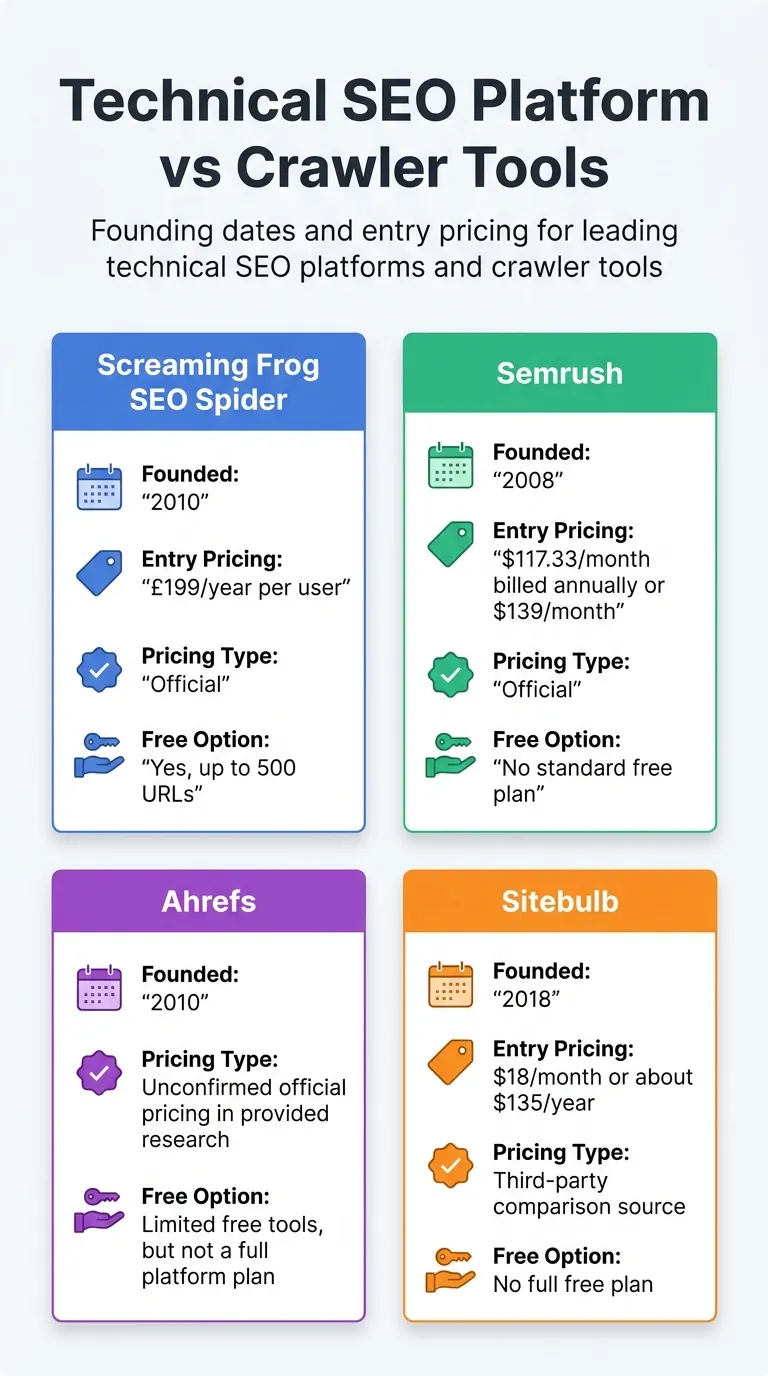
Founding dates and entry pricing for leading technical SEO platforms and crawler tools
| Tool |
Founded |
Entry Pricing |
Pricing Type |
Free Option |
| Screaming Frog SEO Spider |
2010 |
£199/year per user |
Official |
Yes, up to 500 URLs |
| Semrush |
2008 |
$117.33/month billed annually or $139/month |
Official |
No standard free plan |
| Ahrefs |
2010 |
, |
Unconfirmed official pricing in provided research |
Limited free tools, but not a full platform plan |
| Sitebulb |
2018 |
$18/month or about $135/year |
Third-party comparison source |
No full free plan |
Those numbers already make the split pretty clear. Screaming Frog and Sitebulb are more focused on specialist crawling. Semrush and Ahrefs are geared more toward broader platform workflows, although both still include strong technical audit features.
Screaming Frog SEO Spider
At a Glance
Screaming Frog SEO Spider is one of the SEO crawler tools people know best for deep technical audits. It runs as a desktop crawler, which suits people who want control, detail, and flexibility, and that’s probably a big part of why so many users like it. There’s plenty on screen, and you usually notice that right away.
If your work involves checking redirects, canonicals, status codes, metadata, JavaScript rendering, or custom extraction, this tool gives you a lot to dig through, especially if you like being specific. It’s less about polished dashboards and more about technical investigation. A lot of experienced SEOs open it first when they need quick answers during audits or troubleshooting. Fast.
Core Features
Pros
Cons
Who It’s For
Screaming Frog works well for technical SEOs, consultants, and agencies that need deep crawl data and don’t mind a more hands-on workflow, that’s often why they like it. It’s also a solid choice for teams handling migrations, redirect audits, internal linking checks, and large-scale, detail-heavy QA.
Unique Value Proposition
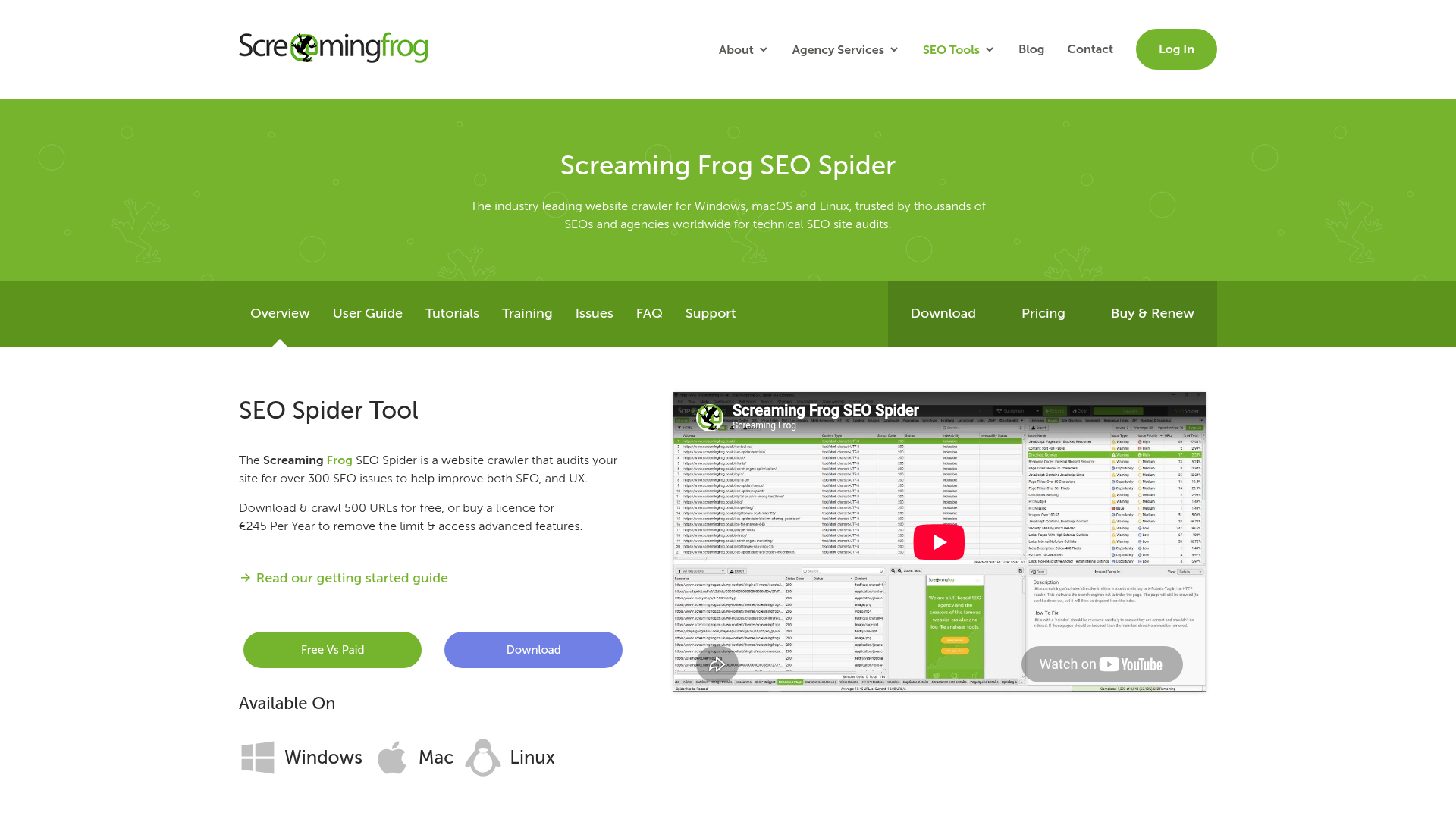
Screaming Frog stands out because it’s precise. It keeps to a pretty narrow job, and that seems intentional. Because it stays focused, teams can dig into technical issues properly, which is a big part of why experienced users rely on it. If a team wants a microscope rather than a wider management suite, this is often the go-to specialist for technical checks.
Pricing: Free version available; paid license £199/year per user (Screaming Frog)
Website: https://www.screamingfrog.co.uk/seo-spider/
Semrush technical SEO platform
At a Glance
Semrush is mainly a technical SEO platform, with crawling as one part of it, so the Site Audit tool lives inside a much larger system. Besides auditing, it also includes keyword research, competitor tracking, backlinks, rank monitoring, reporting, and content support, which means you get a lot in one place and that can be useful.
That makes it a solid choice for teams that don’t want a different tool for every SEO task. On pure technical depth, though, it usually won’t match a dedicated crawler in most cases. Semrush tends to be much stronger when SEO work has to tie strategy, reporting, and execution together, so it’s a better fit when those parts need to work together.
Core Features
Pros
Cons
Who It’s For
Semrush is a good match for in-house teams, agencies, and marketers who need a technical SEO platform that covers the full SEO workflow. It tends to work best when you can tie technical fixes to reporting, keyword targeting, and competitor research in one place.
Unique Value Proposition
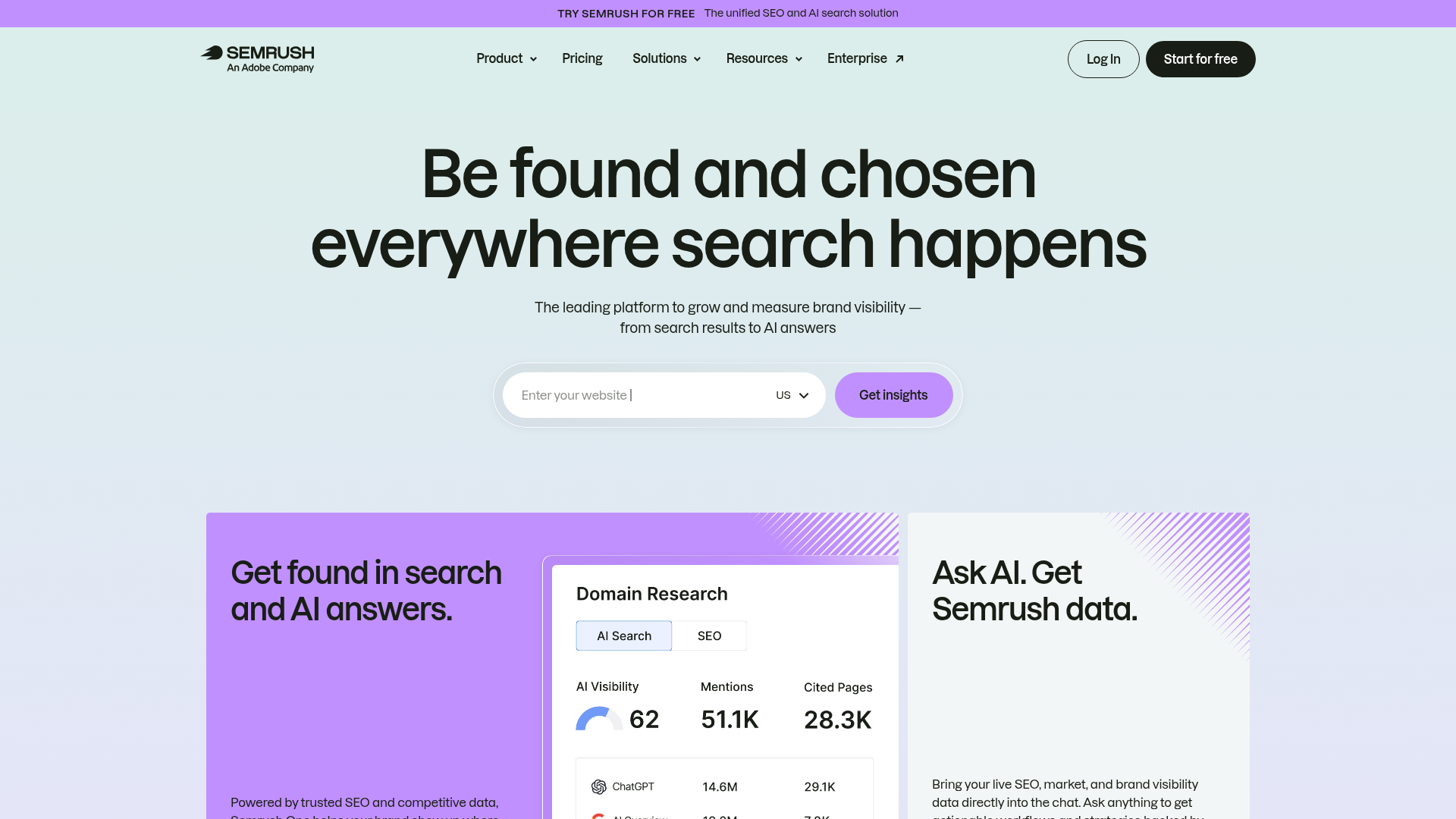
What makes Semrush stand out is the extra context it gives. It doesn’t just point out what’s broken. It also ties technical issues back to rankings, competitors, content priorities, and team reporting, which is useful. So it’s often a better fit for organizations that use SEO both for audits and as an ongoing growth channel, especially when multiple stakeholders are involved. In most cases, that also makes it clearer what needs attention first.
Pricing: Starts at $117.33/month billed annually or $139/month (Semrush)
Website: https://www.semrush.com/
Ahrefs technical SEO platform
At a Glance
Ahrefs has more in common with Semrush than with a tool built just for crawling. It covers more of SEO, including site auditing, and many teams use it for backlink intelligence, keyword research, competitor analysis, and market visibility, so it ends up covering a lot of ground. All in all, it’s a pretty flexible option.
Its technical SEO tools work well for monitoring and diagnosis, but it usually isn’t the tool teams pick first for highly custom crawl work. Where Ahrefs really stands out is in linking technical health with authority metrics and content gaps, so site issues, backlinks, and missed keyword opportunities can be looked at together.
Core Features
Pros
Cons
Who It’s For
Ahrefs is a strong choice for SEO pros and agencies that spend a lot of time on links, competitor research, keyword opportunities, and technical site health. Overall, it fits well. Teams that want a single platform for research and monitoring, not just technical crawling, often find it works well too.
Unique Value Proposition
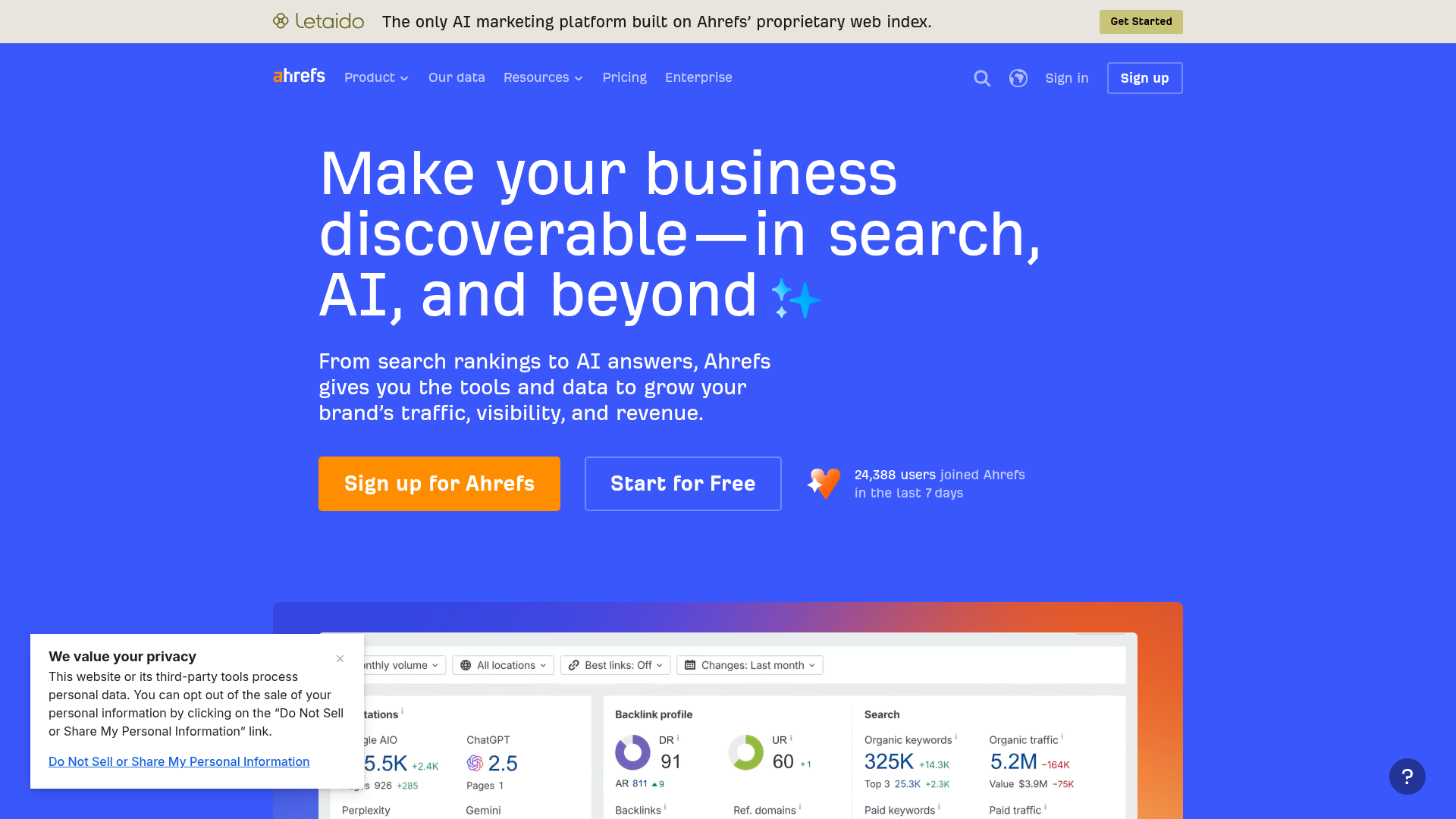
Ahrefs puts technical SEO in the context of the wider search picture. It shows site issues, but it also helps teams weigh them against backlink strength, keyword targets, competitor gaps, and what likely matters most, which can be a big help. Because of that wider view, teams often have an easier time deciding which fixes matter most and should come first.
Website: https://ahrefs.com
Sitebulb technical SEO platform workflows
At a Glance
Sitebulb is built around crawling, with a focus on making technical SEO easier to follow. You can use it as a desktop app or in the cloud, and people mainly know it for visual audit reports and straightforward issue explanations, which is genuinely useful day to day.
So, it offers more direction than a basic crawler. But it doesn’t try to be a full all-in-one SEO suite with rank tracking, content tools, or backlink research. That puts it in a useful middle ground.
For that reason, it suits consultants, agencies, and marketers who need strong technical audits and want outputs that are easier to share with clients or non-technical teammates.
Core Features
Pros
Cons
Who It’s For
Sitebulb is a strong fit for agencies, consultants, and growing in-house teams that need deep crawling but don’t want to deal with an overly technical interface, which tends to make the work easier. It also helps when technical issues have to be explained clearly to clients and cross-functional teams day after day.
Unique Value Proposition
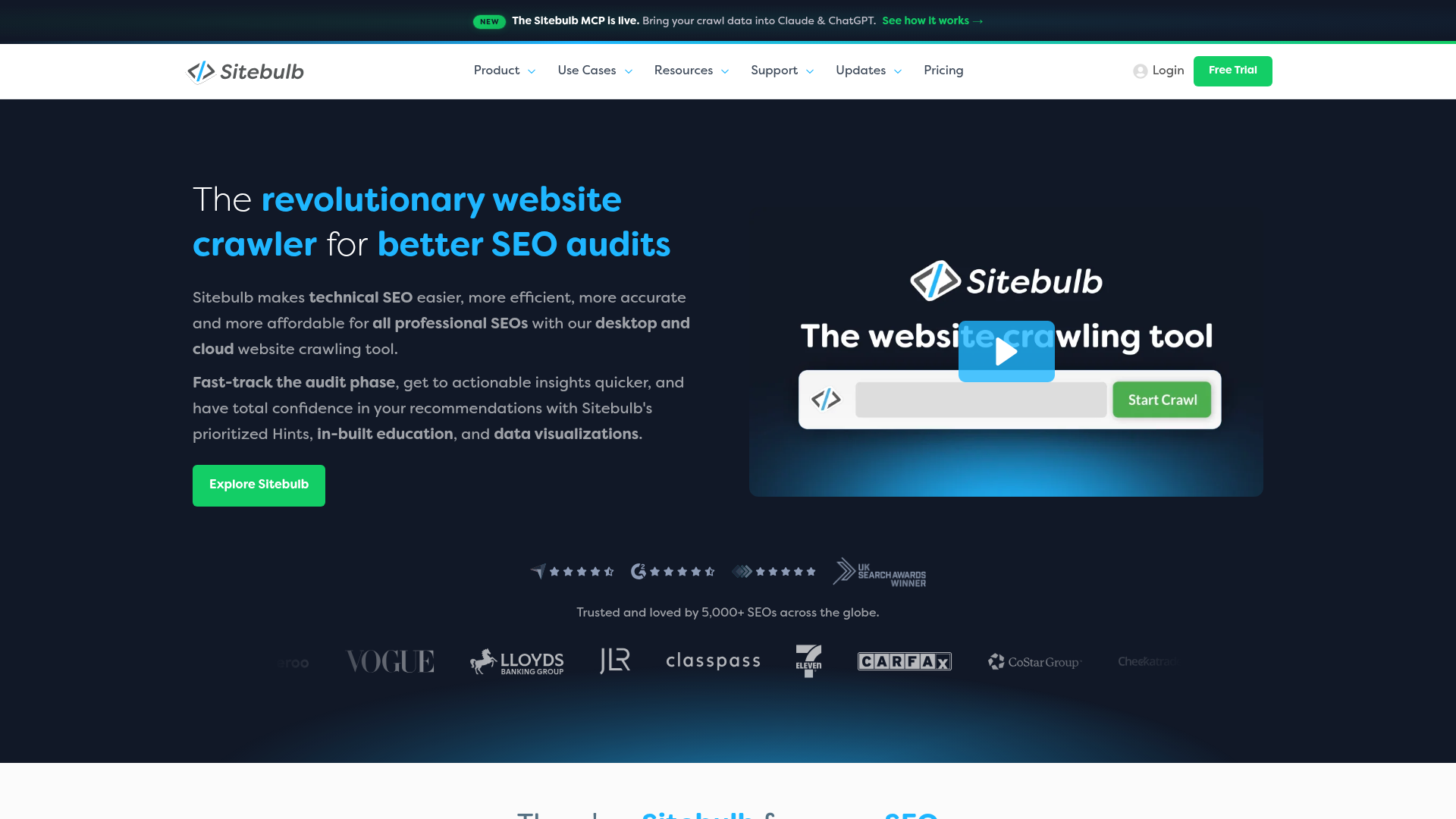
What Sitebulb does best is make the technical stuff easier to act on. It turns crawl findings into clearer priorities, and that usually makes team discussions simpler too. It works well for teams that want more direction than a raw crawler gives them but don’t need a giant SEO platform. In this list, it tends to land in that practical middle ground for a lot of teams.
Pricing: About $18/month or around $135/year from third-party comparison research (Neil Patel)
Website: https://sitebulb.com/
How technical SEO platform tools stack up in practice
A practical way to compare these tools is to look at how the work actually gets done. When most of the work is finding technical issues page by page, a crawler usually makes more sense. It’s pretty straightforward.
If the job is to prioritize technical SEO, content, backlinks, reporting, and team needs, a platform is usually the better fit. For most teams, that tends to make the choice a lot clearer.
A useful shortcut:
So which technical SEO platform should you pick?
If the goal is a specialist crawler first and foremost, Screaming Frog is probably the strongest option here. It goes deep, is widely trusted, and is made for technical jobs like site audits and issue checks, which is generally where it performs best. A very solid pick.
Sitebulb is probably a better fit when the crawler needs to be easier to read and simpler to share with other people. It tends to work well for teams that want clearer reports and a setup that’s easier to use.
If what’s needed is a broader technical SEO platform that also supports wider marketing workflows, Semrush is the top pick here since it ties audits into reporting, content, and research. Ahrefs is a close alternative for teams that put more weight on backlink intelligence and competitive SEO.
The right choice mostly comes down to the job. A technical specialist will usually do better with a crawler, while a cross-functional SEO team will often want a platform. In most cases, that’s the clearest way to choose.
How to choose a technical SEO platform without wasting budget
A better way to choose is to look at the bottleneck first, not the feature list. If indexing issues, redirect problems, crawl waste, or migration checks are what slow things down, a dedicated crawler will usually give you the quickest, clearest answers, often with less clutter. But if the real problem is messy workflows, too many logins, or difficulty turning audits into broader SEO work, a technical SEO platform is probably the better fit. In practice, that means audits, reporting, and team workflows live in one place instead of being split across separate tools. Start there.
That’s also where a guide like SEO Bot Software can help. It covers practical SEO automation, tool comparisons, and workflow advice, which makes it easier to tell which product only looks good on paper and which one actually holds up for a team day to day. Often, that’s more useful than leaning on a long feature list by itself, since those can be a little misleading. Additionally, you can compare broader workflows in Automated SEO Platform or Google SEO Tools?. That can be pretty useful.
The easiest advice is to try one real use case before you commit. You could run the tool through a migration check, a content pruning review, a large crawl, or even the monthly reporting cycle. That usually tells you more than any feature grid will. And if you need help thinking through those workflows and actually putting the choice to work, the team at SEO Bot Software shares useful guidance on automation, technical SEO, and AI-assisted SEO operations at this SEO automation guide hub. You can also review related comparisons in Best Technical SEO Tools for 2026: A Detailed Review and Best AI SEO Software for Technical Teams.
Frequently Asked Questions
What should I look for when choosing between a technical SEO platform and SEO crawler tools?
Begin with the main task you need to handle. If you need a detailed technical diagnosis, a crawler such as Screaming Frog or Sitebulb will usually fit better. But if you’re looking at technical audits, keyword research, backlink data, reporting, and team workflows, a platform like Semrush or Ahrefs makes more sense.
How can I tell whether a tool is actually effective for my team?
Check whether it helps the team catch real issues sooner and act on what it finds without adding extra steps. The right tool should save time, reduce manual checks, and make crawl health, indexing, reporting, and prioritization easier to manage over time.
How much do these tools usually cost?
Prices can differ quite a bit depending on the category. More focused crawlers are often cheaper than broader platforms. For Screaming Frog, the paid license is listed at £199 per year per user (Screaming Frog). Semrush pricing starts at $117.33 a month when billed annually, or $139 from month to month (Semrush).
How long does it take to see value from a technical SEO tool?
From day one, crawls and audits can already surface useful issues. The business impact takes longer to show up. You still have to implement the fixes, run another crawl, and only then do the changes appear in rankings, traffic, and indexation.
Which businesses benefit most from a technical SEO platform?
As teams grow in-house, at agencies, or across several marketing stakeholders, they usually need more than just crawl data.
What they need is reporting, keyword context, competitive insights, and a shared workflow so they can actually act on what they find. That’s what matters.
Where can I learn how to use these tools more effectively?
If you’re trying to compare workflows, audit methods, SEO automation use cases, and AI-assisted workflows, SEO Bot Software can be a helpful place to learn, especially for teams. It can also help tie together technical SEO, content operations, and the bigger picture of search visibility planning.