TLDR; The article compares four local SEO platforms for multi-location businesses, looking at strengths, limits, pricing, and the kind of teams each one fits best. It keeps things practical and clear, with no extra fluff.
Seobotsoftware stands out as the best overall choice because it goes beyond listing management. It adds AI-based workflows, technical SEO support, content improvement, and broader Automated SEO features, which makes a real difference. Semrush Local is also a strong option, especially for teams already working in the Semrush ecosystem.
Moz Local works well for smaller teams that mainly want simple listing management. Local Falcon is especially useful for geo-grid map ranking visibility. Each tool does a different job well.
The main point is to choose based on the type of automation your workflow needs most, especially when handling lots of locations, pages, reviews, and reports at scale.
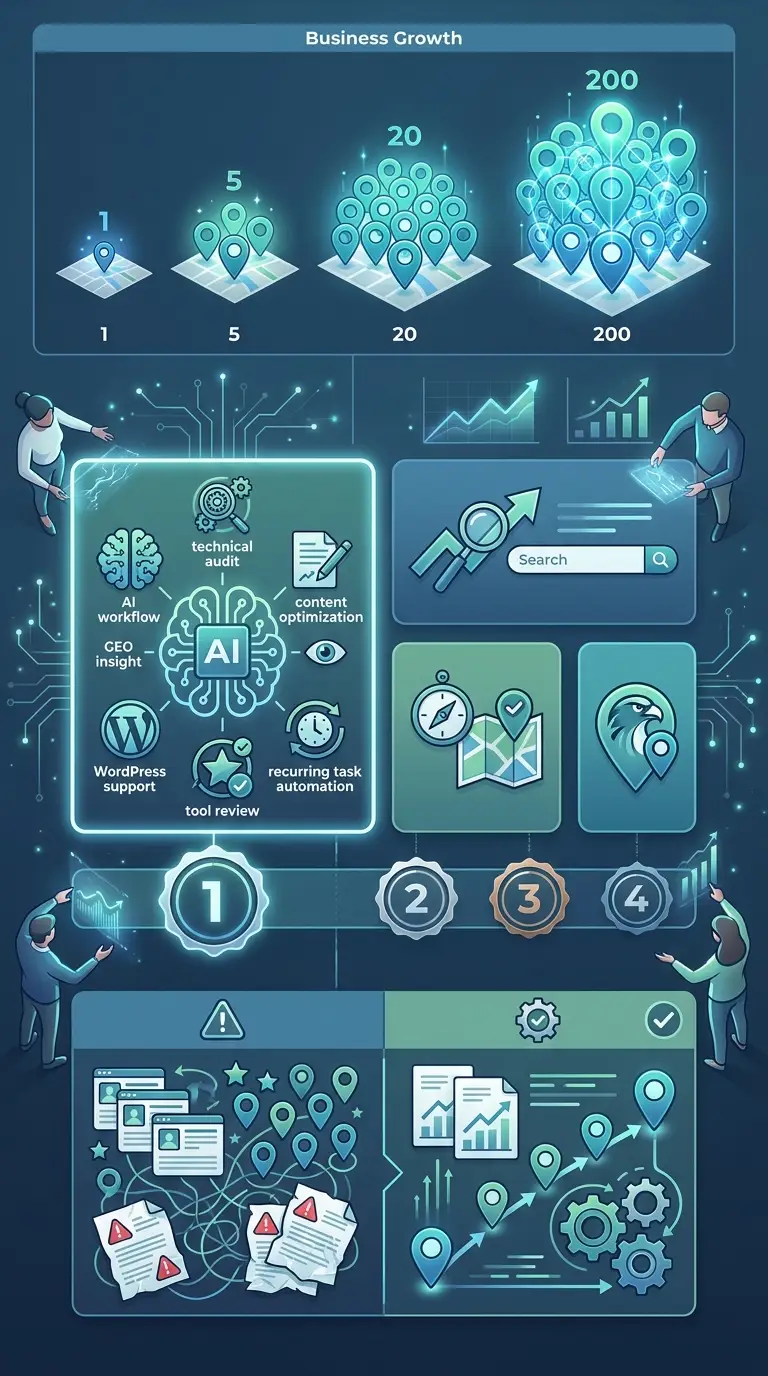
Managing local SEO for one business location is already a lot of work. Doing it for five, 20 or 200 can quickly become a daily mess of listings, reviews, map rankings, duplicate profiles and reporting. More teams are searching for local SEO tools that automate repeat tasks instead of relying on manual updates.
To make the choice easier, I reviewed four solid options for brands, agencies and marketers that need automated SEO support for multi-location campaigns. I looked at what each tool does best, where it might fall short and which type of team gets the most value from it. The goal is to save time and help teams choose a platform that really fits how they work.
Local search results change fast. Google Business Profile management keeps getting more important, and agencies are under pressure to show clear results across many locations at the same time. Pick the right tool, and it reduces errors, speeds up reporting and makes local growth much easier to handle.
What You’ll Find in the Comparison
- Seobotsoftware
- Semrush Local
- Moz Local
- Local Falcon
Best Local SEO Tools for Multi-Location Work
1. Seobotsoftware
At a Glance
SEO Bot Software is the featured pick on this list because it speaks directly to marketers and SEO teams that want smarter automation, not just a basic dashboard. It focuses on AI-powered SEO workflows, technical SEO insights, content support, and practical automation help. A useful mix. That setup works well for teams managing local visibility across many pages or service areas. It cuts down repetitive SEO work while still leaving room for real strategic thinking. Anyone looking for a tool and resource hub built around modern SEO automation will notice that pretty fast.
Core Features
Who It’s For
Seobotsoftware is a strong fit for digital marketers, SEO professionals, content teams, and agencies that want to automate recurring SEO work across lots of pages, locations, or campaigns. It’s especially useful for people who want AI support but still need to keep strategy, quality, and technical health clearly in view.
Unique Value Proposition
Seobotsoftware stands out because it’s not trying to be just another listings tool. It serves users who want a broader automated SEO system with technical audits, content help, and AI-driven process support. In multi-location work, local SEO rarely ends with citations alone. Teams also need landing pages, larger-scale optimization, technical checks, and steady content updates over time. Seobotsoftware fits that bigger job better than tools that only handle one part of the process.
Real World Use Case
Picture an agency managing 30 city pages for a service brand. The team doesn’t need to manually check optimization issues or plan every update one by one. With Seobotsoftware, they can guide technical reviews, automate repeat tasks, and support content improvements across the full local footprint.
Pricing: Contact for pricing
Website: https://www.seobotsoftware.com/
For a quick side-by-side look before going deeper into the other tools, here’s how the main options compare.
Comparison of top solutions for local SEO automation
| Company |
Key Features |
Pros |
Cons |
Pricing |
| Seobotsoftware |
AI SEO workflows, technical audits, content support, GEO insights, WordPress-friendly automation |
Broad automation value, strong AI focus, useful for agencies and marketers, supports strategy plus execution |
None |
Contact for pricing |
| Semrush Local |
Listings, review management, local rank tracking, Google Business Profile tools |
Strong all-in-one suite, agency-friendly, trusted brand |
Can get expensive per location |
About $30/location/month |
| Moz Local |
Listing sync, duplicate suppression, review monitoring, profile management |
Simple workflows, good for SMBs, strong listing consistency |
Lighter enterprise depth |
Starts around $16/month |
| Local Falcon |
Geo-grid rank tracking, GBP insights, competitor tracking, AI-assisted local insights |
Excellent map visibility tracking, strong visual reporting, useful for audits |
More specialized, not full-suite automation |
Starts around $24/month |
The table shows that some tools focus more on listings, while others are a better fit for visibility tracking or broader SEO automation. That difference matters a lot when teams manage many locations and need to automate more than one kind of task.
2. Semrush Local
At a Glance
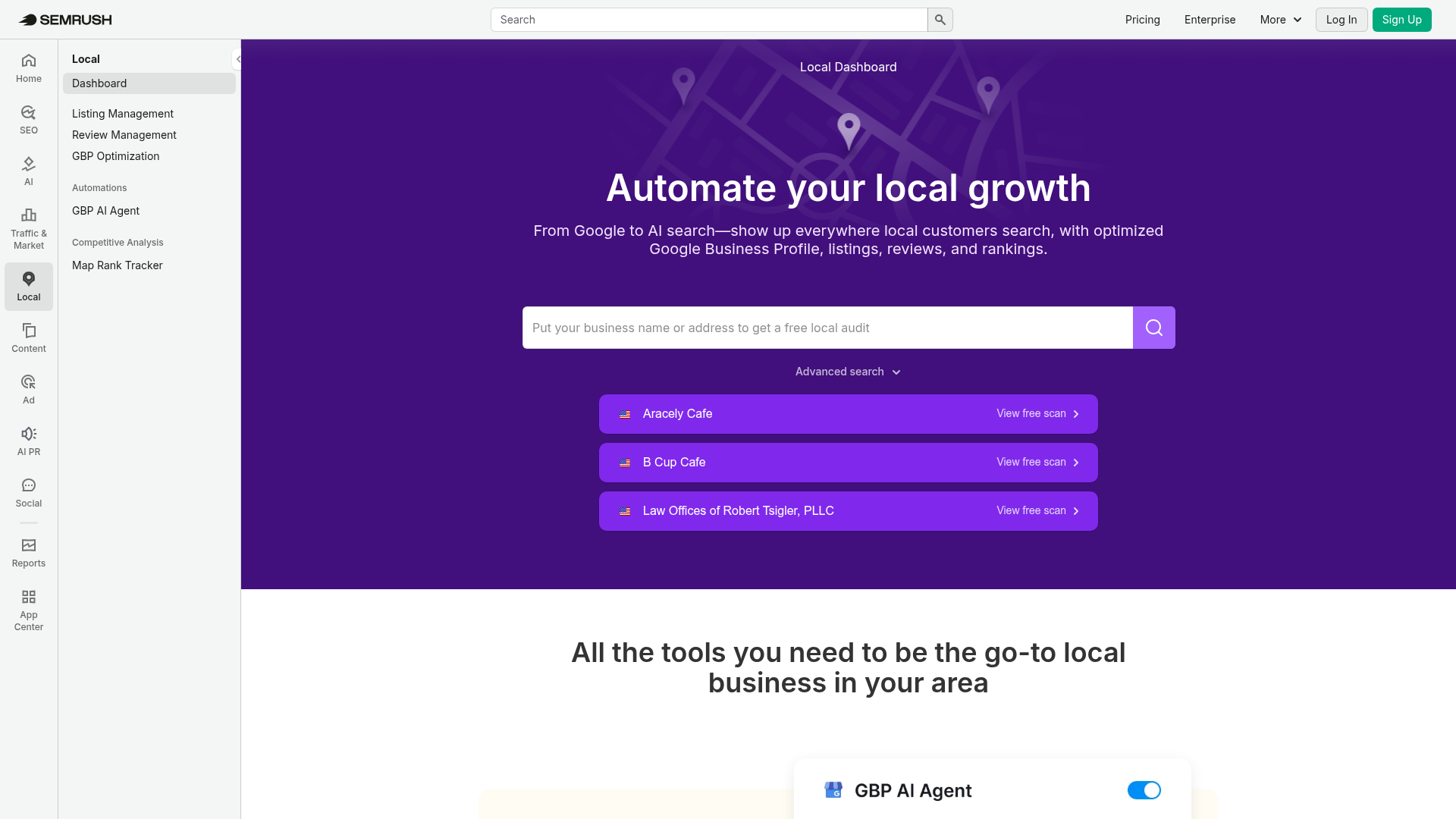
Built into the wider Semrush ecosystem, Semrush Local gives businesses and agencies listing management, review management, local rank tracking, and Google Business Profile support in one place. Since Semrush launched in 2008, it has served a broad SEO audience, so it makes sense for teams already using the company’s larger marketing suite. For multi-location campaigns, the main draw is convenience: one vendor, one login, and a wider platform for search marketing.
Core Features
Who It’s For
Semrush Local is a good fit for agencies, in-house SEO teams, and brands that already spend a lot of time in the Semrush ecosystem. It works especially well when local SEO is one part of a larger digital marketing operation and the team wants everything in one place.
Unique Value Proposition
Its biggest advantage is integration. Teams can connect local visibility work with keyword research, site audits, and competitive tracking in one platform instead of jumping between separate tools for local tasks and broader SEO work.
Pricing: About $30/location/month
Website: https://www.semrush.com/local/
A short video below gives useful context for what local automation includes and how modern SEO workflows are changing.
3. Moz Local
At a Glance
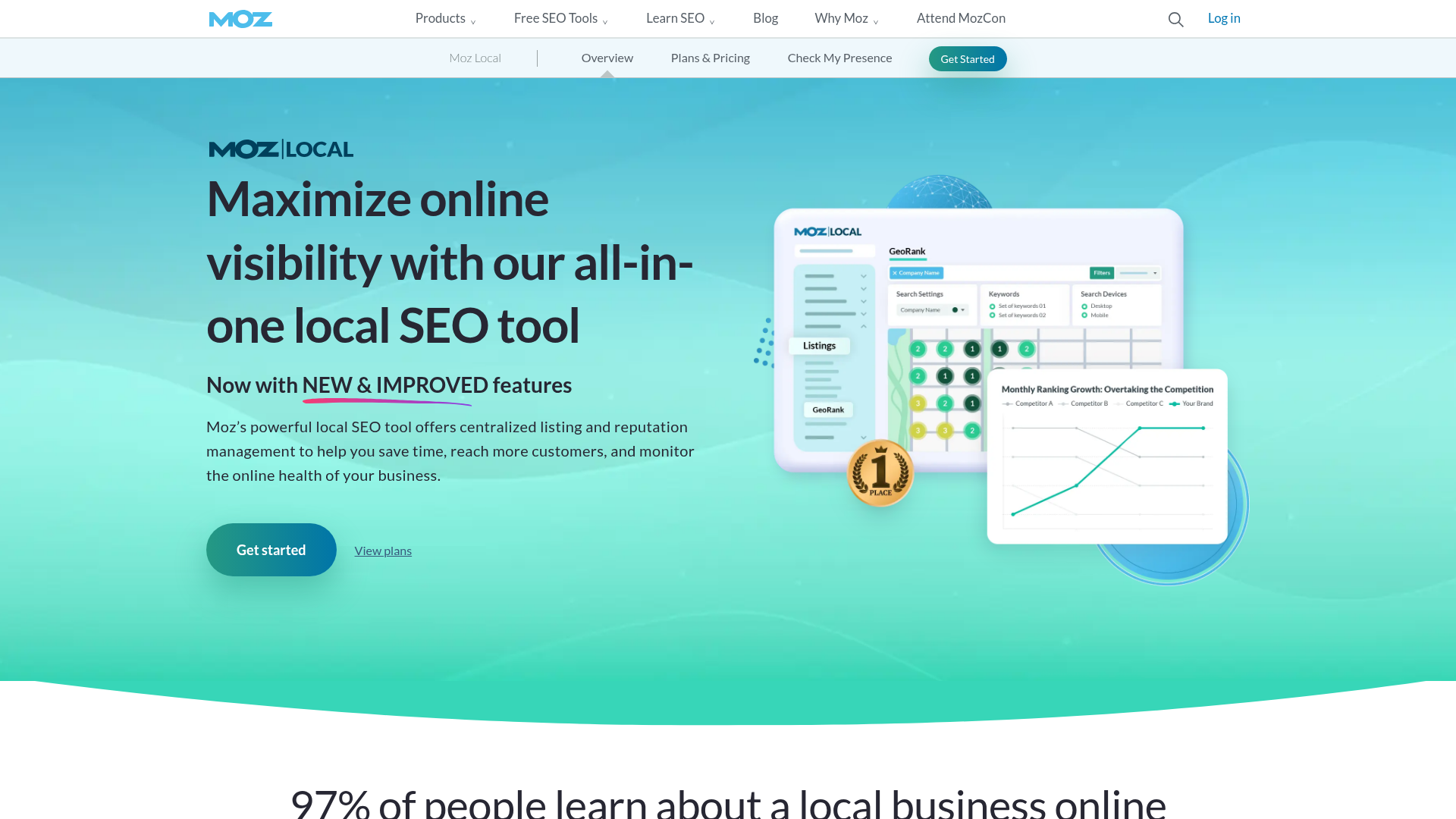
Moz Local is a well-known option for businesses that want simpler local SEO management. Moz launched in 2004, and its local product covers key automation tasks like listing sync, duplicate suppression, review monitoring, profile management, and location data distribution. Pretty straightforward. Many businesses see it as a good fit for small teams and marketers who want an easier way to keep business information accurate across the web. For multi-location work, it handles the basics well without feeling too complicated.
Core Features
Who It’s For
Small to mid-sized businesses, solo marketers, and local teams that mainly need accurate listings, review tracking, and simpler profile management will likely find Moz Local a solid fit. Not much fuss. It works best for teams that care more about ease of use than deep customization.
Unique Value Proposition
Moz Local stands out by making local SEO feel less intimidating. Instead of trying to do everything, the platform stays focused on the basics most businesses need first: accurate information, fewer duplicates, and easier reputation monitoring. That practical approach works well for teams with limited time or less technical experience.
Pricing: Starts around $16/month
Website: https://moz.com/products/local
4. Local Falcon
At a Glance
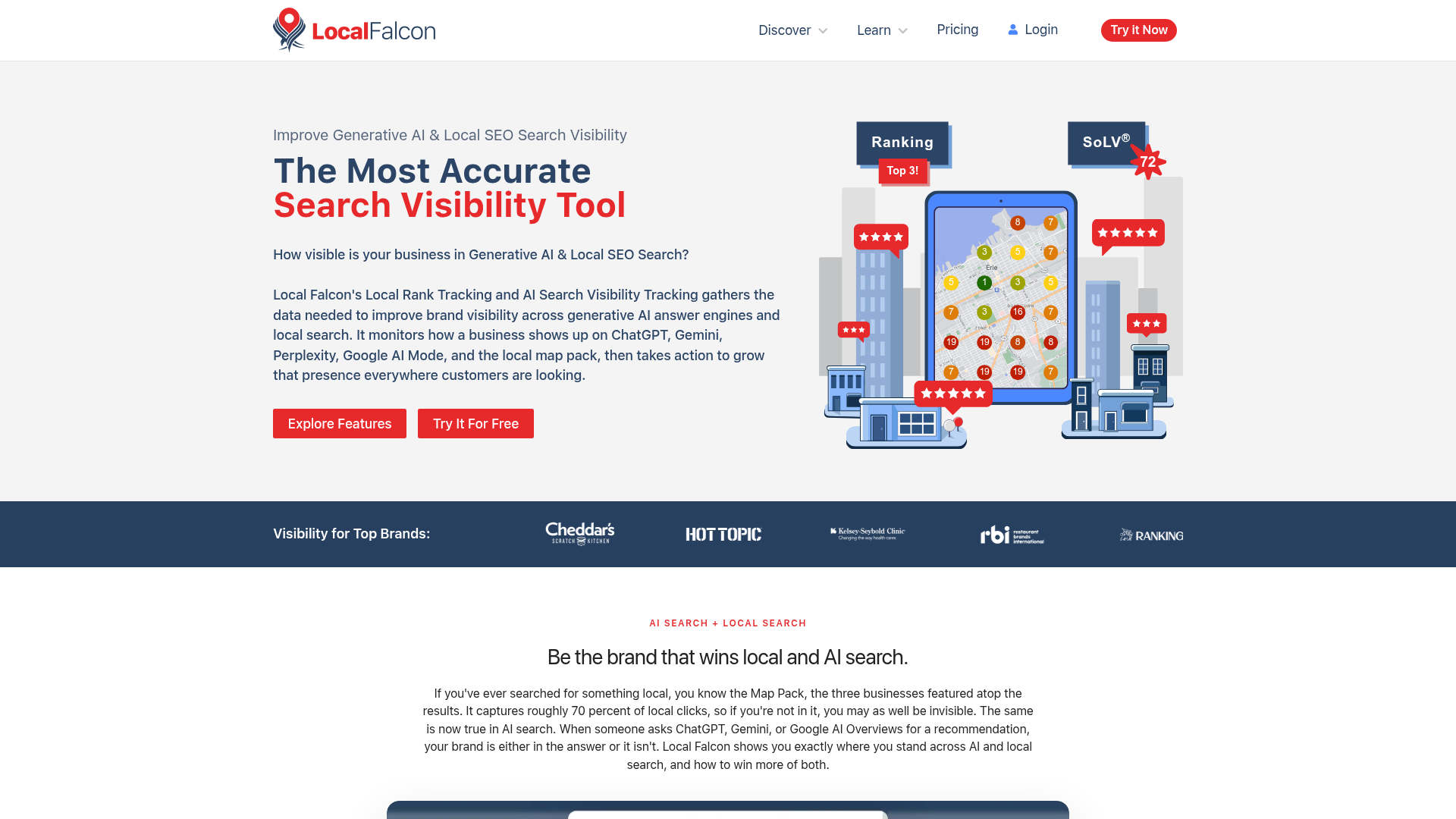
Local Falcon is more specialized than the other options on this list. Founded in 2018, it’s best known for geo-grid local rank tracking, which shows how a business performs across a map instead of giving one standard ranking position. That makes it especially useful for agencies and SEO pros who need to audit map pack visibility across service areas or nearby spots. It also includes competitor tracking, Google Business Profile insights, and AI-assisted local analysis.
Core Features
Who It’s For
Local Falcon is a strong fit for local SEO specialists, agencies, and consultants that need better map pack tracking across neighborhoods or service zones. It’s most useful when ranking visibility is the main thing they need to measure.
Unique Value Proposition
Visual local rank tracking is what sets it apart. Instead of showing one average ranking, it lets users see how visibility changes across a geographic grid. Service businesses and campaigns with many locations get a clearer view of local SEO performance that way.
Pricing: Starts around $24/month
Website: https://localfalcon.com
How to Pick the Right Tool for Your Workflow
The best choice depends on which part of the work needs the most automation. For broad, repeat SEO work across content, technical tasks and larger-scale optimization, Seobotsoftware is the strongest overall fit. It works well as an all-around option. Semrush Local makes more sense when local SEO needs to sit inside a bigger marketing suite, while Moz Local is easier to start with if the main need is simple listing management. If map pack visibility tracking matters most, Local Falcon stands out.
A lot of teams buy a tool that fixes just one small part of the problem. That’s the trap. Multi-location SEO usually needs several parts working together, including local pages, profile management, review handling, rankings, and ongoing optimization. Broader Automated SEO support can bring more long-term value than a single-purpose platform, especially when the workload keeps growing.
Stop Losing Time on Repetitive Local SEO Tasks
If your team still updates location assets by hand, jumps between spreadsheets, and tries to track local performance across multiple markets manually, that work is probably costing more than it seems at first. Time slips away, small mistakes build up, and before long growth starts to slow down.
Seobotsoftware takes the top spot for a reason. It gives teams a better way to manage local and scalable SEO work, combining AI-driven support, technical insight, and content-focused automation in one workflow that fits how this work actually gets done day to day. It’s not limited to just one task. Seobotsoftware supports the wider work agencies and marketers deal with every day across locations and markets.
For teams that want to cut manual SEO work and manage multiple locations more efficiently, SEO Bot Software is worth a look if its automation-first approach fits the way the team already works.
Frequently Asked Questions
What should I look for in local SEO tools for multi-location businesses?
Look for features that save time across all locations, such as listing management, review monitoring, local rank tracking, and scalable reporting. It also helps if the platform supports broader Automated SEO tasks like content optimization and technical checks, especially when your local strategy includes many landing pages.
How can I tell if a local SEO tool is actually effective?
A good tool should help you improve listing accuracy, review response speed, local rankings, and organic traffic to location pages. You should also see less manual work for your team and clearer reporting across all locations over time.
How much do local SEO automation tools usually cost?
Pricing varies a lot by feature set and by number of locations. Entry-level tools may start around $16 to $24 per month, while platforms with per-location pricing can become much more expensive as you scale.
How long does it take to see results from local SEO automation?
Some improvements, like listing accuracy and profile consistency, can happen within a few weeks. Ranking growth and traffic gains usually take longer, often between two and six months depending on competition, site quality, and how many locations you manage.
Which types of businesses benefit most from Automated SEO for local search?
Agencies, franchises, service-area businesses, healthcare groups, retail chains, and home service brands often benefit the most. Any business managing multiple locations or many local landing pages can gain a lot from automation because the workload grows fast with each added market.
Is Seobotsoftware a good option for agencies managing many local pages?
Yes, it can be a strong option for agencies that need more than simple listing management. Because SEO Bot Software focuses on AI-driven SEO automation, technical support, and content workflows, it fits teams that manage multi-location SEO as part of a wider growth strategy rather than as a single isolated task.