TLDR; The article points to a lean mix of tools as the best free SEO setup for AI workflows, instead of trying to do everything in one platform. Keeping it simple works better here and is honestly a lot easier to manage.
Google Search Console is the strongest free base for technical SEO, indexing, and performance tracking. AnswerThePublic is most useful for question-based keyword ideas and content planning. Semrush Free Tools cover a wider range of SEO and AI tasks, but the limits show up quickly, so the cap is easy to notice.
SEO Review Tools are useful for quick page-level checks and light diagnostics. They are fast, practical, and easy to use.
The recommendation is a simple stack with clear roles: Search Console for measurement, an ideation tool for content, and utility tools for improvement and validation.
Free SEO Tools That Actually Help AI Workflows
A lot of marketers, agencies, and content teams want good SEO tools without jumping right into expensive software. They’re usually trying to find free options that really fit AI workflows, without ending up with a messy group of disconnected apps that becomes frustrating fast. That matters even more now, because AI can speed up keyword research, briefs, drafting, audits, and reporting, but only if the tools behind it fit how people actually work.
After reviewing the strongest options in this space, four tools stand out for different reasons. Some are more helpful for technical SEO, while others work better for question-based keyword ideas, AI content planning, quick page-level checks, and the daily tasks teams deal with all the time. Rather than replacing SEO judgment with automation, these tools help cut down repetitive work so there’s more time for strategy, quality control, and real growth.
For most teams, the best setup usually isn’t one giant platform. A practical mix often works better, especially one that covers technical health, search demand, content planning, and AI-assisted optimization. It’s a simple approach, but a helpful one, and that’s exactly what this comparison makes clearer.
What we will cover
- Google Search Console
- AnswerThePublic
- Semrush Free Tools
- SEO Review Tools
A lot of teams use more than one platform because one tool usually does not do every job well, and that is completely normal. Smaller teams can still get good results with a lean stack instead of a bloated one. Keeping things simple often works just fine.
How these free SEO tools fit different AI workflows
| Tool |
Best For |
Free Access |
Main Limitation |
| Google Search Console |
Technical SEO and performance tracking |
Fully free |
Not built for deep keyword discovery |
| AnswerThePublic |
Question-based content ideas |
Limited free use |
Restricted usage on free access |
| Semrush Free Tools |
Broad SEO and AI support |
Free tools available |
Many features are gated or limited |
| SEO Review Tools |
Quick SEO checks and utilities |
Large free set |
Less unified workflow |
The best SEO tools depend on the job that needs to be done, so the right choice really comes down to what matters most to the team and what they will actually use.
Google Search Console
At a Glance
Google Search Console is usually the first tool an SEO team should set up. It’s free, comes straight from Google, and gives a simple look at how a site is doing in search. For AI workflows, that’s especially helpful because content updates only matter if there’s a way to track what got better, what dropped, and which pages still need work. It’s especially good for indexing, technical issues, page experience signals, and query-level performance data. It isn’t flashy, and it clearly isn’t trying to be. Even so, it remains one of the most useful free SEO tools out there.
Core Features
Why Search Console still matters for AI workflows
Teams using AI for content production still need reliable performance tracking after pages go live. Google Search Console helps close that loop by showing whether impressions, clicks, and rankings are improving over time. For people comparing broader AI SEO tools for technical SEO automation, it also works well as the measurement layer underneath more advanced systems.
Who It’s For
Google Search Console works best for anyone serious about SEO, from bloggers to agencies. For teams publishing AI content, updating pages at scale, or handling technical SEO, it belongs in the basic stack. It gives a direct way to see whether that work is actually moving pages forward.
Unique Value Proposition
The biggest benefit here is trust. Since the data comes from Google, it’s the strongest free source for measuring SEO results and checking technical visibility. In an AI workflow, it acts as a reality check. It shows whether prompts, page updates, and improvement tests are actually helping.
Pricing: Free
Website: https://search.google.com/search-console/
AnswerThePublic

At a Glance
AnswerThePublic makes it easy to turn search behavior into content ideas. Instead of putting a huge spreadsheet of keywords in front of you, it shows the kinds of questions and related searches people actually use around a topic. That makes it especially useful in AI workflows where better prompts, FAQ sections, cluster ideas, or new outline angles can make a big difference. It’s not built for audits or rank tracking, and it won’t replace a full SEO platform. What it does well is cover part of content ideation that more technical tools often miss.
Core Features
Using question-based research in content planning
Question-focused keyword research can improve briefs before AI drafting even starts. Many teams pair tools like this with broader content marketing tools for SEO-led teams because content structure, search intent, and prompt quality all connect closely when workflows scale.
Who It’s For
It’s a strong fit for content marketers, freelance writers, YouTube creators, and SEO teams building topic clusters. For AI workflows that start with idea generation and search intent mapping, it fits especially well and is easy to work into the process.
Unique Value Proposition
AnswerThePublic makes keyword ideation feel easier to manage by turning it into something visual and easy to use. That works especially well with AI because the input gets better from the start. Rather than giving a model broad topic prompts, teams can feed it clearer questions, sharper angles, and more specific audience language early on, which helps save time later.
Website: https://answerthepublic.com/
Semrush Free Tools
At a Glance
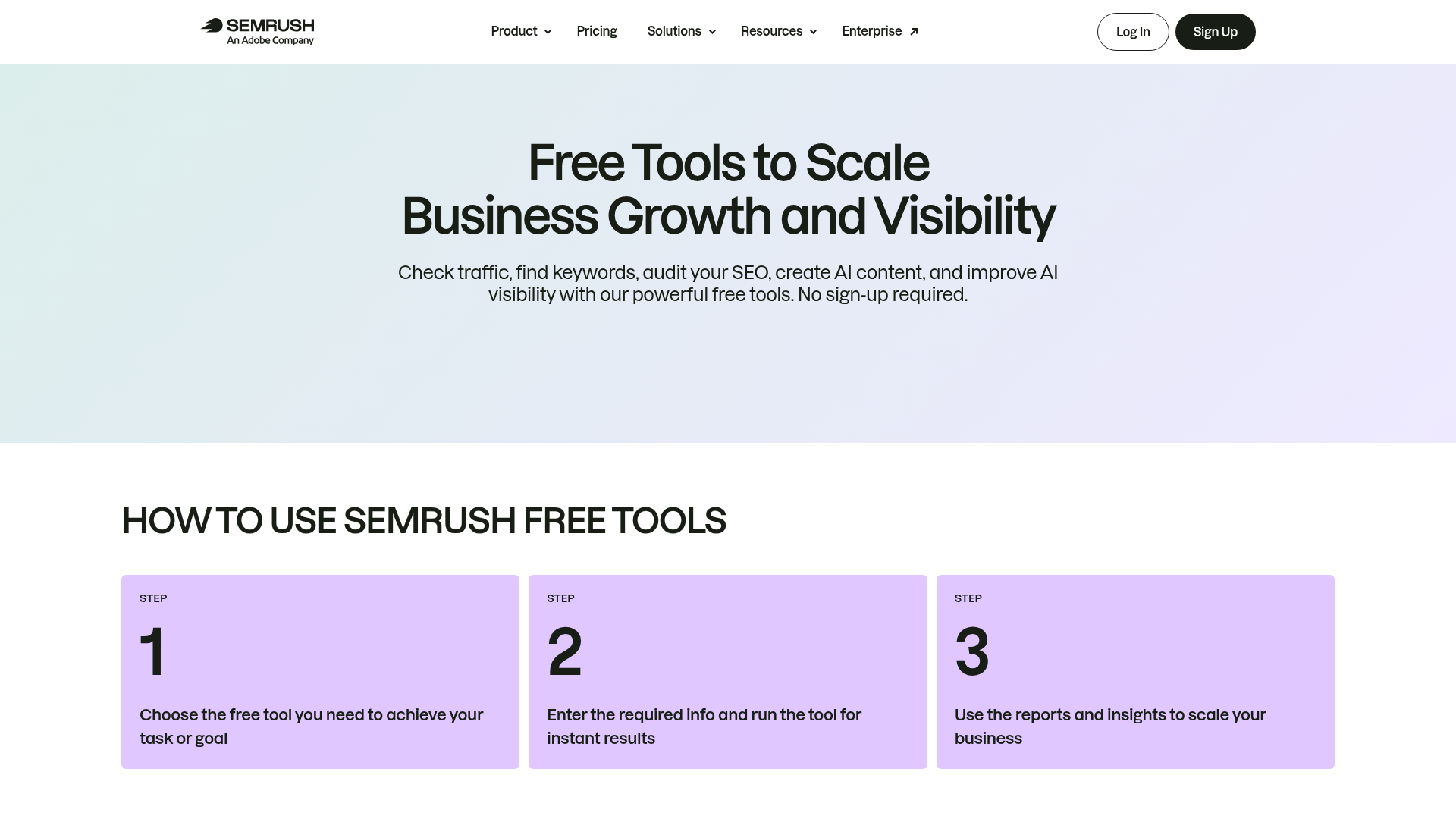
Semrush Free Tools give marketers a wide mix of tools for getting different kinds of SEO help without paying right away. The free toolkit includes keyword checks, rank checks, SERP analysis, traffic estimates, sitemap generation, plus a few AI content tools and AI visibility tools, so there’s a lot included. For teams trying to connect day-to-day SEO work with newer AI visibility tasks, it can be a practical bridge. Free access still has limits, though, and the full platform experience is still behind paid plans.
Core Features
Broader SEO coverage without a full subscription
Some teams prefer a wider collection of utilities instead of committing to one expensive suite immediately. That is part of why comparisons such as The Best SEO Audit Tools of 2026: Free vs Paid Options Compared continue to matter for growing marketing teams trying to balance cost and workflow flexibility.
Who It’s For
Semrush Free Tools fit marketers who want variety. They bring keyword checks, SERP insights, and some AI support into one place without asking for a full subscription right away. It’s a good option for teams that need that kind of workflow.
Unique Value Proposition
The main advantage here is coverage. Some free tools solve only one narrow problem, but Semrush offers a broader view of SEO work along with AI-related tasks. That makes it useful for growing teams that want a bigger toolkit now and room to grow later. The wider mix is what makes it appealing.
Website: https://www.semrush.com/free-tools/
SEO Review Tools
At a Glance
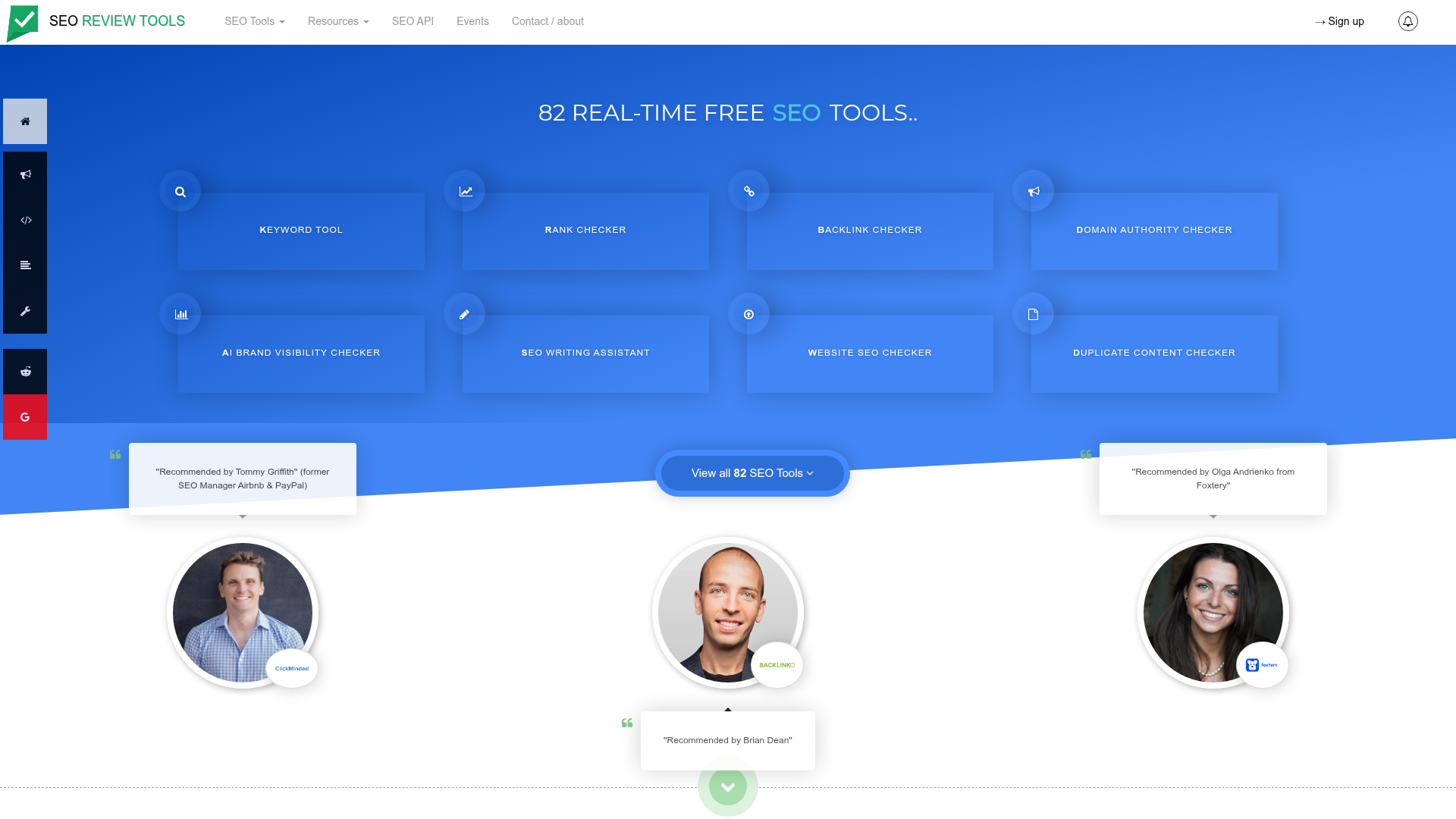
SEO Review Tools feels more like a big toolbox than a single all-in-one platform. That can work well if the job is quick checks and light diagnostics without paying for a lot of extras. It includes keyword research tools, heading checks, on-page utilities, AI brand visibility checks, AI content improvement tools, query fan-out features, and semantic topic exploration, so it covers a lot. For agencies and busy marketers, that makes it practical when fast diagnostics matter. The tradeoff is pretty obvious: it works more like a collection of separate tools than one smooth, connected workflow.
Core Features
Fast diagnostics for lean SEO teams
Quick utility platforms are often valuable when teams need rapid checks without heavy setup. Smaller agencies and lean marketing departments sometimes combine tools like this with SEO automation software for lean marketing teams to keep workflows efficient while avoiding unnecessary software complexity.
Who It’s For
SEO Review Tools fits agencies, consultants, and hands-on marketers who like having plenty of quick utilities ready to use. It works well as a support layer next to Search Console or a broader suite, rather than as a replacement.
Unique Value Proposition
Flexibility is the main draw. There’s no need to commit to a full platform to get something useful from it. If an AI workflow needs quick validation, on-page checks, semantic exploration, or fast spot checks, this tool offers plenty of smaller ways to work faster without much setup.
Website: https://www.seoreviewtools.com
How these tools compare in real use
Put these options side by side, and the big difference is not who has the longest feature list. You see it in how well each one fits the way your team actually works, and that becomes clear pretty quickly. Some tools do better with measurement and reporting, while others are stronger for planning, validation, and improvement. Because of that, many SEO teams mix tools instead of forcing every task into a single dashboard.

Comparison of top free SEO tools worth using with AI workflows
| Company |
Key Features |
Pros |
Cons |
Pricing |
| Google Search Console |
Performance reports, indexing, URL inspection, Core Web Vitals, sitemaps |
First-party Google data, fully free, strong technical visibility |
No competitor research, limited keyword discovery |
Free |
| AnswerThePublic |
Question-based keyword discovery, topic ideation, search intent ideas |
Excellent for content planning and AI prompts, easy to use |
Restricted free usage, weak for technical SEO |
Limited free usage |
| Semrush Free Tools |
Keyword and rank checks, SERP tools, traffic checker, sitemap generator, AI tools |
Wide range, trusted brand, useful bridge to AI workflows |
Free tools are gated or limited, upgrade pressure |
Free tools available |
| SEO Review Tools |
On-page checkers, keyword tools, AI visibility checker, semantic exploration |
Lots of lightweight utilities, helpful for quick checks |
Less polished workflow, lighter data depth |
Large free set |
Search Console stands out when reporting and technical health are the main issues. AnswerThePublic tends to help more when content ideation starts slowing a team down. Semrush Free Tools are a practical pick for broader SEO coverage. For fast page-level checks across a lot of work, SEO Review Tools can save clear time.
So which one should you pick?
The right choice mostly comes down to the kind of work filling the week.
Google Search Console is the best fully free base, and it’s the one tool almost everyone should be using. For most teams, it’s the easiest place to start.
AnswerThePublic fits content teams that need better questions, stronger briefs, and more useful AI prompts. Semrush Free Tools gives marketers a broader option if they want several SEO tools under one brand system, which can make day-to-day work easier.
SEO Review Tools works well as a lightweight set of tools for fast diagnostics and quick support checks. It’s practical, easy to use, and built for speed.
For many teams, the smartest move is not picking only one. A mix often makes more sense: Search Console for measurement, one idea tool for content planning, and a utility layer for execution support.
Build a smarter AI SEO stack, not a bigger one
Free tools work best when each one has a clear role. A simple setup might start in Google Search Console to spot pages losing impressions, then move to AnswerThePublic to find fresh questions tied to that topic. From there, content can be drafted or improved with AI, followed by quick checks in SEO Review Tools or Semrush Free Tools before publishing. It keeps things simple, works well, and is a lot less messy. That kind of setup saves time and helps keep quality up, so there are fewer avoidable problems to fix later.
What usually slows teams down is not a lack of software, but adding too much of it without making the process better. Starting with technical audits and reporting often makes more sense. Content planning can come next, with automation added only where it really saves time instead of being pushed into every step. The result is faster progress, less chaos, and a setup that stays easier to manage as things grow.
For anyone trying to understand how these tools fit with modern SEO, AI content systems, and newer search changes like GEO, SEO Bot Software offers a useful place to learn. It shares practical reviews, workflow guidance, and hands-on advice for teams connecting free SEO tools with smarter automation without making the process harder than it needs to be.
Frequently Asked Questions
What should I look for when choosing free SEO tools for AI workflows?
Start with workflow fit, not just feature count. The best free SEO tools should help with a real job such as technical audits, keyword ideation, content optimization, or reporting. It also helps to choose tools that give reliable data and work well with the way your team already creates and updates content.
Are free SEO tools enough for professional SEO work?
They can be enough for many core tasks, especially for solo marketers, creators, and small teams. Google Search Console alone covers a lot of technical and performance tracking needs. As your site grows, you may still want paid tools for deeper competitor research, larger-scale automation, or advanced reporting.
How can I tell if a free SEO tool is actually helping my AI content workflow?
Look at outcomes, not just output. A useful tool should help you save time, improve rankings, increase qualified traffic, or make your content planning more accurate. If you are producing more AI-assisted content but not seeing better visibility or cleaner workflows, the tool may not be the right fit.
How much should I expect to spend if I outgrow free SEO tools?
It depends on your team size and goals. Many paid SEO platforms start around the lower hundreds per month, while enterprise tools cost much more. A common path is to keep a free foundation like Search Console and add one paid tool only when deeper data or time savings clearly justify the cost.
Which businesses benefit most from free SEO tools with AI features?
Content publishers, freelancers, agencies, ecommerce teams, and in-house marketers can all benefit. These tools are especially helpful for teams with limited time that need to speed up briefs, audits, and optimization without losing control of quality.
Where can I learn how to combine these tools into a real SEO system?
A good next step is to study workflow-focused guides instead of tool lists alone. Resources like SEO Bot Software can help you understand how to connect audits, AI-assisted content work, and reporting into a process that is easier to repeat and improve over time.