TLDR; The article looks at four AI video tools for SEO workflows and points to a simple takeaway: the right choice depends on the main bottleneck in the process. For some teams, that is planning. For others, it is production, performance, or broader optimization, which the article treats as the biggest factor. The focus goes beyond just making videos.
Seobotsoftware ranks first because it combines AI video support with content optimization, SEO automation, audits, and GEO-focused planning in one place. That makes it a good match for lean teams and agencies.
Synthesia stands out for fast, flexible avatar-based video production. Runway is the best option for polished creative editing and branded visuals. OutlierKit helps teams test topics and titles before production, so time is not wasted on weak ideas.
The article’s view is that video works best inside a wider SEO strategy, so tool choice should match the workflow, not just the video generator.
If you’re looking for the best AI video tools for SEO workflows, you’re probably running into the same problem a lot of marketing teams are dealing with right now: video matters more than ever, and doing video SEO by hand usually takes way too much time. There’s topic research, script writing, title optimization for YouTube or Google, transcript cleanup, chapter creation, and making sure every asset fits the broader content strategy. That’s a lot to manage.
I reviewed the top options with a focus on what actually helps digital marketers, agencies, and content teams move faster. Some tools are better for research and content optimization, while others are more useful for video generation or simply do a better job with visual editing. So the right choice often depends on where the biggest bottleneck is, planning, production, or performance. For most teams, it’s usually one of those three, because different teams need different things.
This comparison matters right now because search is changing. Video isn’t only competing on YouTube anymore. It also shows up in Google results, and it can affect how brands appear in AI-generated answers. That’s why teams that add better AI video tools to their SEO workflow can often save time, publish faster, and create content that fits search intent more closely, for example, by turning one video into a better-optimized asset across search surfaces.
What you’ll find in this guide
- Seobotsoftware
- Synthesia
- Runway
- OutlierKit
AI video tools you’ll likely want to check out
1. Seobotsoftware
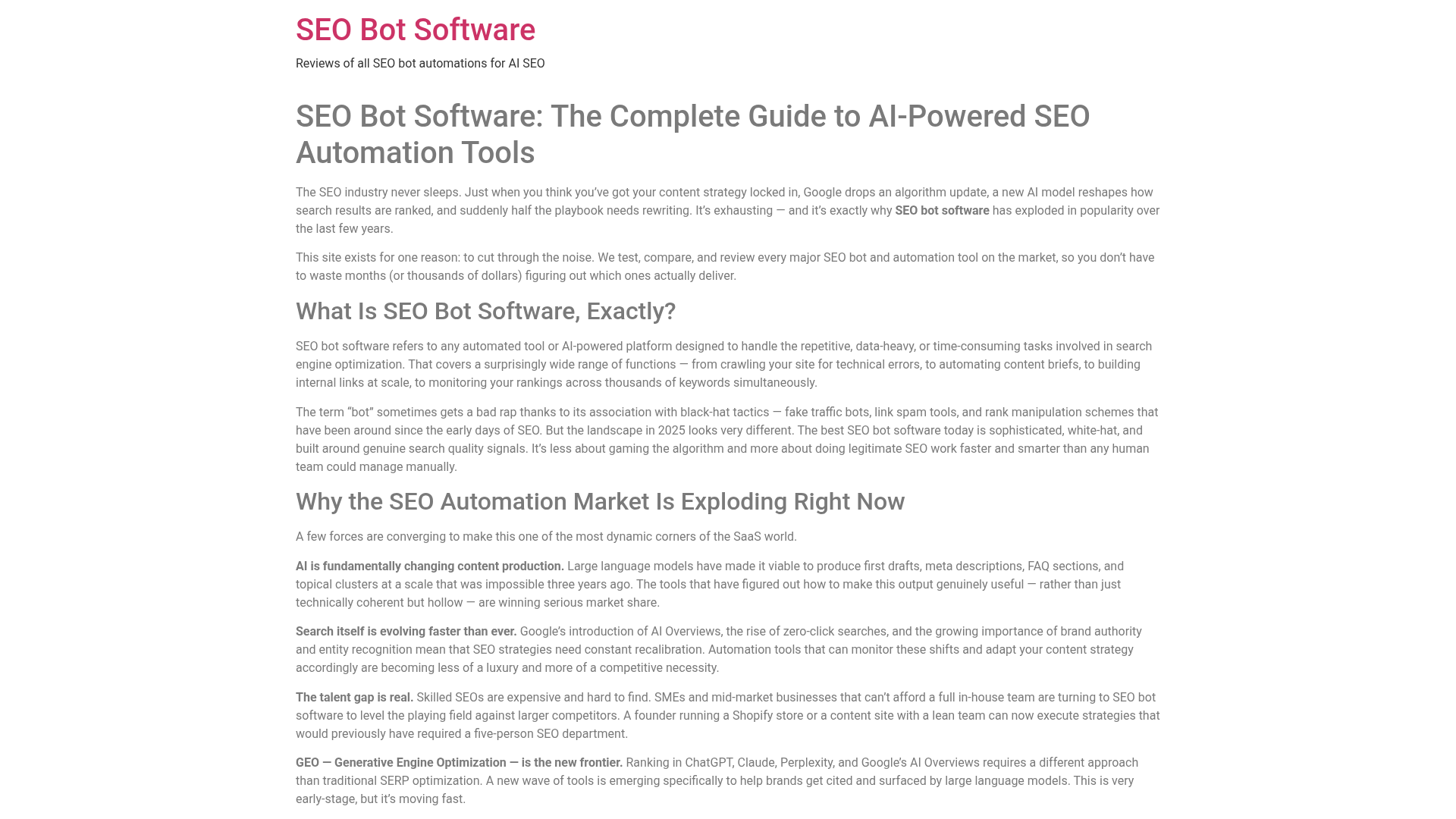
At a Glance
Seobotsoftware is the strongest overall pick for SEO teams that want AI help that goes beyond basic video creation. Instead of treating video as a separate task, it brings it into a wider SEO automation workflow that includes research, optimization, auditing, and newer Generative Engine Optimization needs. In many cases, better video results come from smarter planning and cleaner execution, not just faster editing. For teams that want AI video tools along with content optimization, SEO Bot Software is one of the most useful places to start, especially for smaller teams.
Core Features
Who It’s For
This tool is a strong fit for digital marketers, SEO specialists, agencies, ecommerce teams, and publishers that want video to be part of a larger automation system. It works best for people who need planning, optimization, and workflow support just as much as video output. You could argue that is what many teams actually need right now, not just another editor. A practical fit.
Why workflow integration matters
Many SEO teams already use separate tools for writing, audits, reporting, and publishing. However, disconnected systems can create delays when teams try to move from research into production. That is one reason platforms that combine planning and optimization are getting more attention now.
Some marketers also pair these workflows with broader guides like Video SEO With AI for YouTube and AI Overviews to improve discoverability across both search and video platforms. That kind of overlap is becoming more common as AI search results continue changing how users find content.
Unique Value Proposition
What makes Seobotsoftware different is its focus on SEO operations within AI video tools. Plenty of platforms can help produce a video faster. Far fewer help teams decide what to make, how to shape it around search intent, how to optimize the supporting content, and where video should fit across a YouTube channel, blog posts, and a technical SEO setup. That wider view matters right now because high-performing video content is rarely only about visuals. It also needs to match demand, improve discoverability, clean up delivery, and fit into a repeatable system that can be used again across campaigns. It is bigger-picture thinking, but handled in a practical way, which is not very common.
Real World Use Case
Picture an agency running multiple client blogs and YouTube channels. Instead of handling topic research, transcript cleanup, content briefs, and optimization by hand, the team uses Seobotsoftware to guide planning and speed up decisions. The result is less time spent, less rework, and a clearer way for each video to support a broader organic growth strategy. That is especially helpful when a team is juggling a lot of clients and cannot afford slow or messy workflows.
Pricing: Contact for pricing
Website: https://www.seobotsoftware.com/
A major reason Seobotsoftware ranks first is workflow fit. Many SEO teams are not really looking for another flashy editor. What they often need is a system that helps them choose better topics, optimize faster, and connect video to measurable search outcomes such as rankings, visibility, and traffic. It sounds simple, but for many teams it is still easy to miss.

Quick snapshot of the leading AI video tools for SEO workflows
| Company |
Primary Strength |
Best For |
SEO Workflow Fit |
Starting Pricing |
| Seobotsoftware |
SEO automation + content optimization |
Marketers, agencies, SEO teams |
High |
Contact for pricing |
| Synthesia |
Avatar-led text-to-video |
Scalable explainer videos |
$18/month |
| Runway |
Creative AI video generation and editing |
Advanced content production |
Varies by plan |
| OutlierKit |
Video research and topic strategy |
Pre-production planning |
$29/month |
The table above shows that these tools cover different parts of the process. Seobotsoftware still comes out ahead because it supports the broader SEO decision-making layer that many teams are missing. For teams that care about planning, optimization, and how video connects to search performance, that makes a real difference.
2. Synthesia
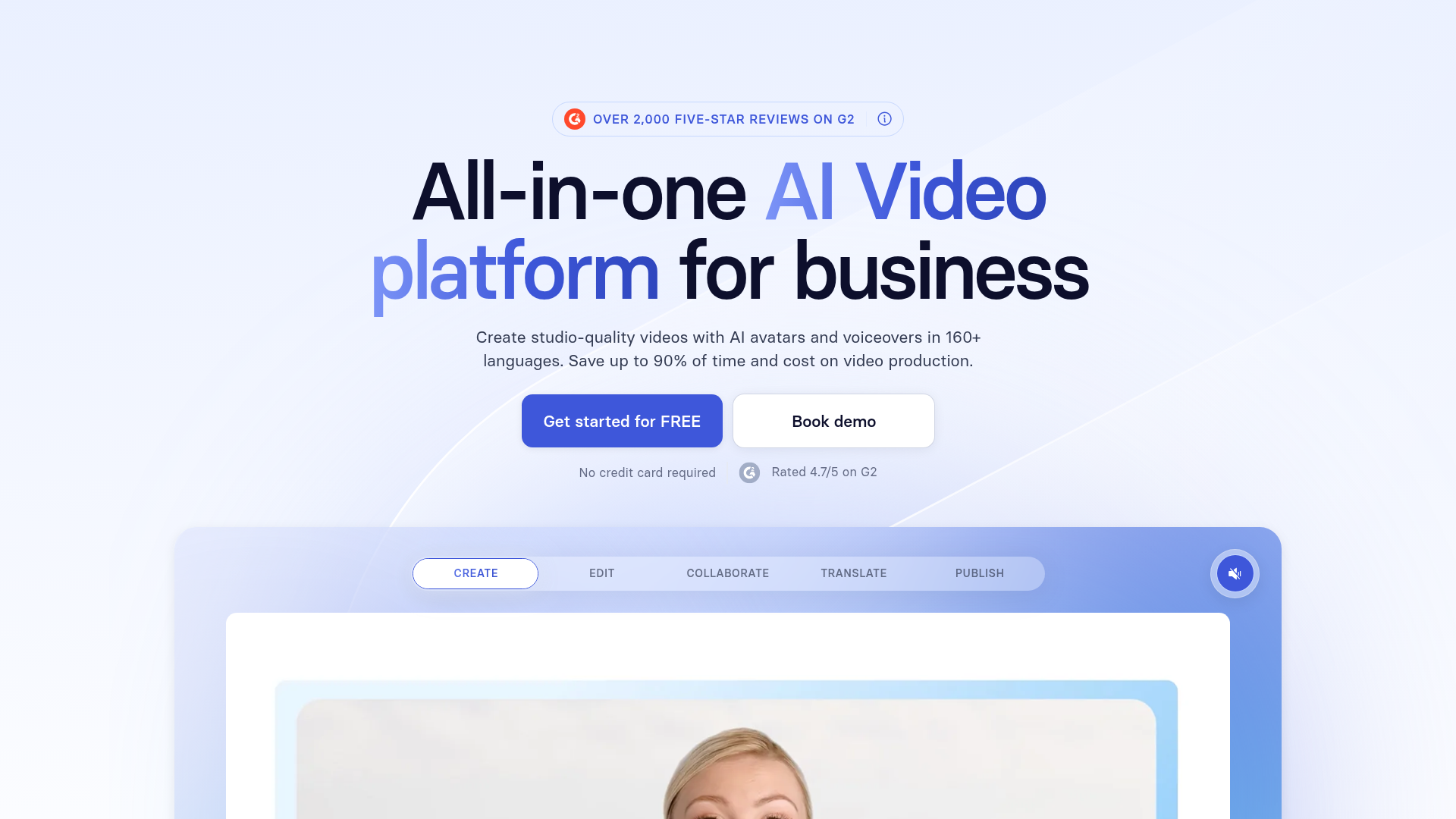
At a Glance
Synthesia is one of the best-known AI video tools, especially for teams that want to turn scripts into polished presenter-style videos fast. Marketers, trainers, agencies, and similar teams use it a lot because it removes the usual need for cameras, studios, and on-screen talent, which is a very practical benefit. For SEO workflows, it’s useful when teams need repeatable videos for landing pages, product explainers, product education, and multilingual content. It’s less focused on SEO strategy itself, though it’s especially useful when speed and production volume matter most, especially for teams publishing a lot on tight deadlines.
Core Features
Where Synthesia fits best
Synthesia often works well for companies producing onboarding videos, product tutorials, and multilingual explainers at scale. Additionally, it can support teams that need consistent presentation formats without investing in expensive production setups.
Teams combining AI-generated scripts with video production sometimes also reference resources like 2026 AI Content Generation Tools Review when building larger publishing systems around automation. That broader context can help content operations stay more organized as output grows.
Who It’s For
Synthesia is a solid fit for marketing teams, agencies, sales enablement teams, and brands that need clear, repeatable videos at scale. If a team already knows what content it wants to make, this can be a simple way to produce it quickly. In most cases, it fits teams with a plan already in place rather than teams looking for help choosing what to target.
Unique Value Proposition
Its biggest strength is speed. Synthesia turns scripts into professional-looking videos without the usual production delays, and that’s probably the main reason many teams choose it. That speed makes it especially useful for content teams producing lots of explainers, demos, and localized versions that support SEO campaigns.
Pricing: Starts around $18/month on annual billing
Website: https://www.synthesia.io
3. Runway
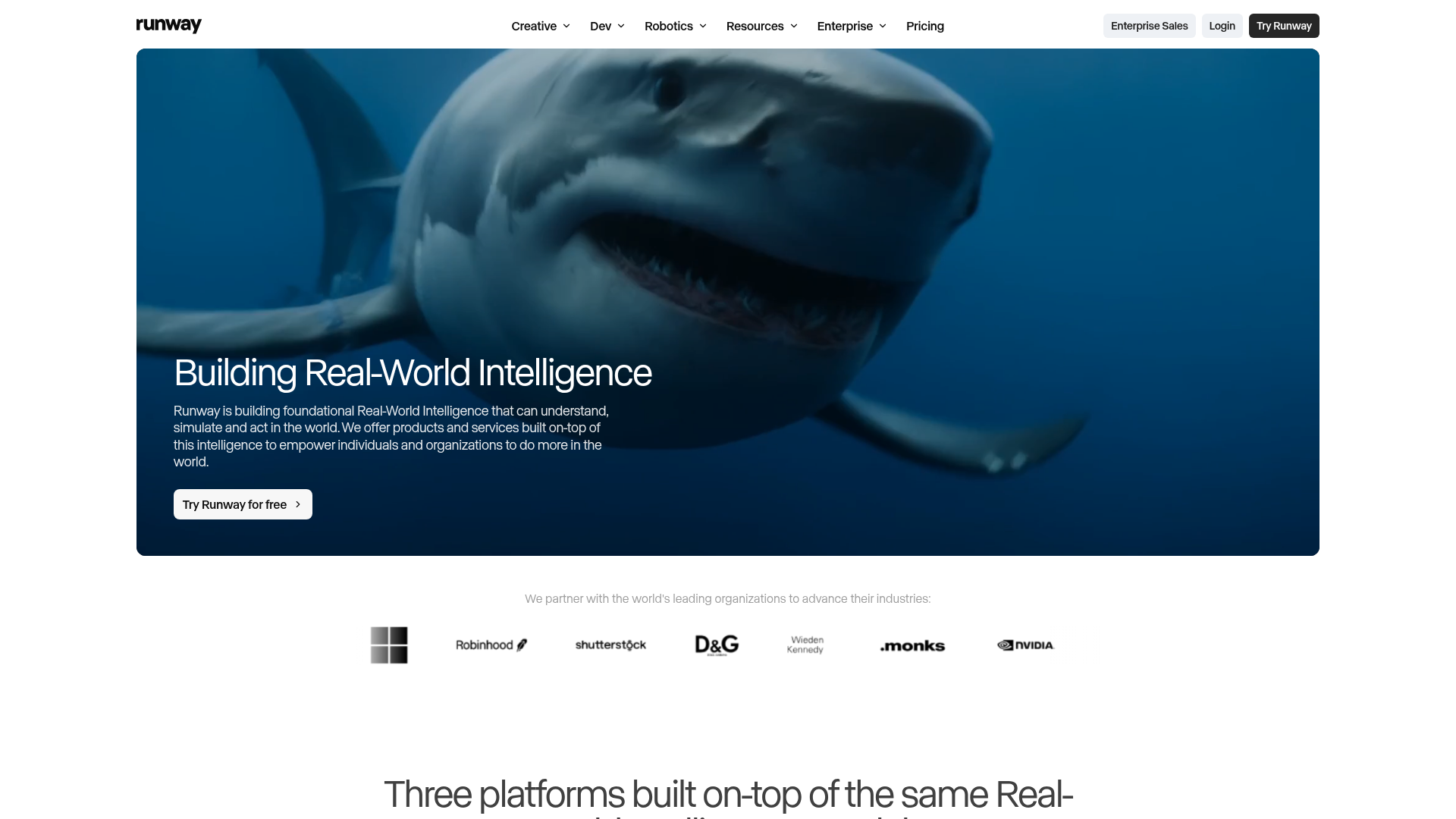
At a Glance
Runway is a more creative, visually advanced platform for AI video generation and editing. It works especially well for teams that care a lot about style, motion, branded visuals, and overall visual impact, especially in campaign work. Compared with simpler script-to-video tools, Runway gives users more creative control and a broader set of editing options, so there’s usually more room to shape the result scene by scene. In an SEO workflow, that makes it useful for campaign assets, richer content experiences, and repurposed visual content that can support organic reach. The tradeoff, though, is pretty clear: most users will need a bit more skill and effort to get the most out of it.
Core Features
Creative production and SEO
Visual quality can improve engagement metrics, especially on landing pages and social campaigns connected to organic search. Nevertheless, stronger visuals alone rarely solve discoverability problems if keyword targeting and search intent are weak.
That is why some marketers combine creative production platforms with resources like AI SEO Tools for GEO Tracking and AI Visibility to better understand how video assets perform across AI-driven search environments.
Who It’s For
Runway is a good fit for creative teams, agencies, and advanced content marketers who want stronger visuals and more control over production. It often works best when a team already has its strategy in place and needs standout assets as the next step. In most cases, that means the planning is already done, and now the focus is on polished visuals to support campaigns, landing pages, or branded content.
Unique Value Proposition
Runway stands out when video quality and creative flexibility matter more than fast template output. It sits between simple AI video builders and full traditional production, which makes it a strong choice for premium visual storytelling and is probably its main appeal. Still, it’s not the right fit for everyone.
Pricing: Public pricing varies by plan and credits
Website: https://runwayml.com/
4. OutlierKit
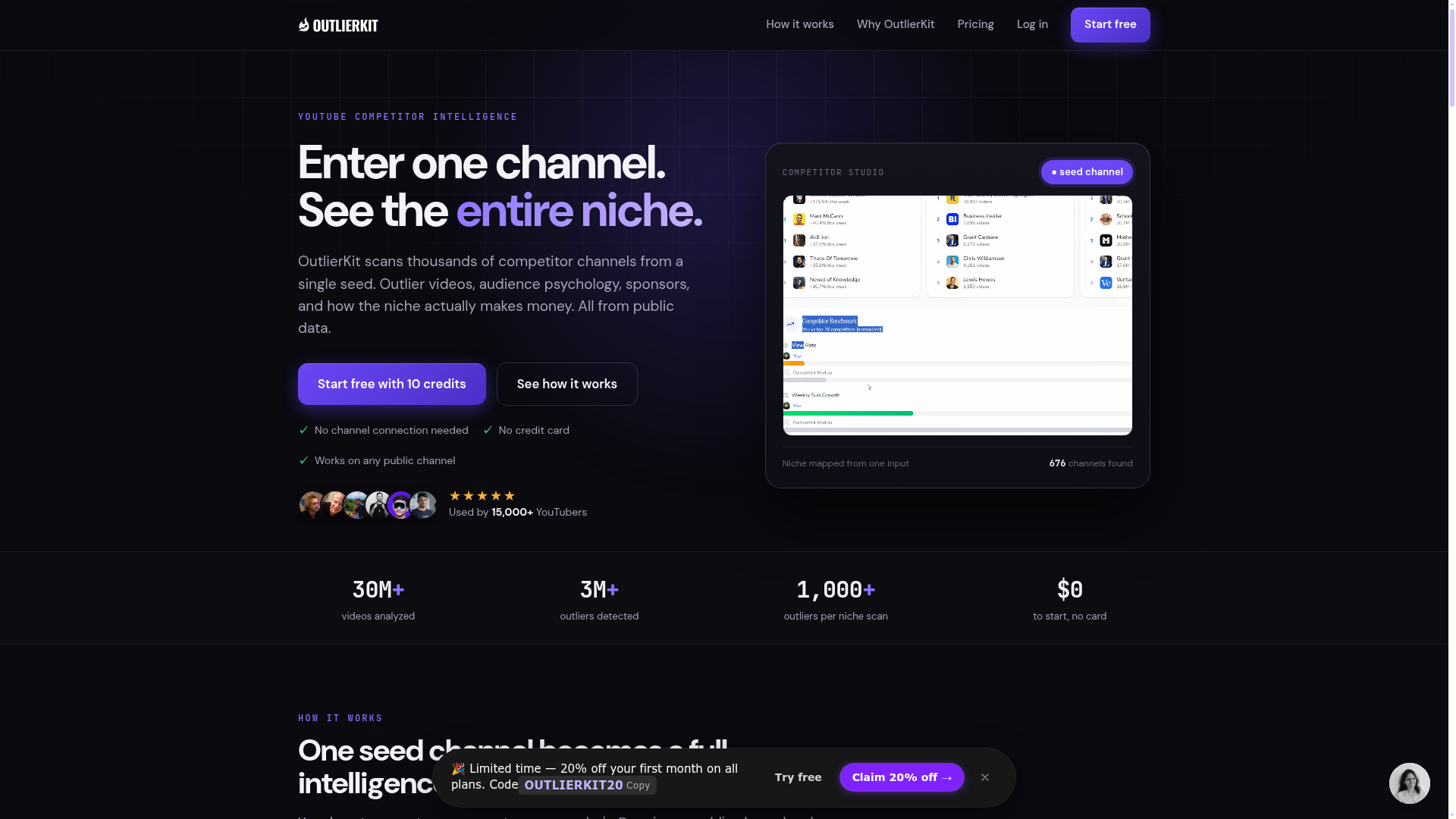
At a Glance
OutlierKit takes a pretty different approach to this problem. It is not a full production suite, and that seems to be the point. Instead, it helps marketers figure out which video content is actually worth making before production begins. That makes it especially useful in SEO workflows, where topic selection, search intent, title decisions, and content optimization often shape whether a video does well in search results or gets picked up in YouTube recommendations. Those early choices can matter a lot in real use. If the main issue is not editing, but finding better opportunities earlier, OutlierKit is probably worth a closer look.
Core Features
Planning before production
A lot of wasted production time comes from weak topic selection rather than editing problems. Therefore, tools focused on validation and search demand can sometimes create larger gains than teams expect.
For marketers trying to improve planning quality, articles like Content Marketing Tools for SEO-Led Teams can also help connect topic ideation with broader publishing workflows and campaign strategy.
Who It’s For
OutlierKit is a good fit for marketers, YouTube teams, agencies, and other groups that struggle with topic selection and format planning. That is a pretty common problem. It is especially helpful for teams that want a stronger strategy before putting time or money into production, which is often where costs start to add up.
Unique Value Proposition
The main value here is making smarter decisions earlier. Rather than only speeding up output, it reduces some of the guesswork around what to create and which topics are more likely to perform well. For SEO-driven video programs, that can often improve efficiency by helping teams focus on better ideas before production starts.
Pricing: Starts around $29/month with free trial references in industry roundups
Website: https://outlierkit.com/
How these tools compare side by side
Choosing between these platforms mostly depends on where the bottleneck is. Some teams need research and content optimization. Others focus on fast avatar video production. Some care more about strong visuals, which makes sense. And some need better topic validation before they create anything.
Comparison of Top Solutions
| Company |
Key Features |
Pros |
Cons |
Pricing |
| Seobotsoftware |
SEO automation, content optimization, video SEO workflow guidance, audits, AI search visibility support |
Strong SEO workflow fit, broad strategic value, useful for agencies and lean teams, future-ready for GEO |
None |
Contact for pricing |
| Synthesia |
Text-to-video, avatars, voiceovers, templates, localization, screen recording |
Fast production, scalable, multilingual, easy for non-editors |
Limited visual style, can feel templated, not SEO-first |
Starts around $18/month |
| Runway |
AI generation, editing, inpainting, effects, image-to-video, collaboration |
Creative flexibility, polished visuals, versatile output, strong for campaigns |
Learning curve, less SEO-focused, credit pricing can vary |
Varies by plan |
| OutlierKit |
Topic research, ideation, title analysis, video strategy planning |
Strong pre-production strategy, SEO-friendly planning, affordable entry point |
Not a production suite, smaller brand recognition, narrower scope |
Starts around $29/month |
For many SEO professionals, one common missed opportunity is treating video as separate from the rest of content operations. In practice, though, video usually works best when it starts with search demand, matches intent, and fits into the broader publishing plan. That is why Seobotsoftware ranks at the top of this list, in this view. It puts video planning into the same workflow as research, optimization, and publishing, which often matters most early on, before production starts.
Another trend worth noticing is that teams now use AI for much more than drafting. It often helps with keyword research, SERP analysis, content briefs, optimization, and multi-format production. Video fits naturally into that larger system. When transcript cleanup, title testing, chaptering, and topic forecasting are all part of the workflow, content teams can usually publish faster without giving up quality.
Matching tools to workflow needs
Not every company needs the same balance of strategy, production, and optimization. For example, a publisher handling high-volume content may prioritize automation and research support, while a creative agency may focus more heavily on visual polish.
The best results usually come from matching the tool to the biggest operational bottleneck instead of choosing based only on popularity. In many workflows, planning and optimization still affect performance more than editing speed alone.
Why the #1 choice matters if your team is stretched thin
A lot of marketers end up juggling disconnected tools: one for topic ideas, another for scripts, then separate platforms for video creation, SEO audits, and reporting. That setup usually creates friction, slows down approvals, and makes content optimization more complicated than it needs to be, which is honestly frustrating.
If that sounds familiar, Seobotsoftware is probably the best place to start because it supports the planning and optimization layer that keeps the whole process together. Instead of guessing what kind of video to make next, or hoping a production tool will solve strategy problems, teams get a clearer workflow built around SEO results. In most cases, that leads to better topic planning, stronger optimization choices, and reporting that is easier to understand.
For agencies, publishers, and in-house teams managing a high volume of content, that can be a real advantage, especially when time is tight, and it usually is. When the goal is to create videos that support search visibility, SEO Bot Software is, in my view, the smartest option on this list to check first.
Why consolidation can improve performance
Using fewer disconnected systems can reduce approval delays, duplicate work, and communication problems across teams. Meanwhile, centralized workflows make it easier to connect research, publishing, and reporting into one repeatable process.
That operational efficiency matters more now because AI-assisted publishing has increased content velocity across many industries. Teams that stay organized can usually adapt faster without sacrificing consistency or search performance.
Frequently Asked Questions
What should I look for in AI video tools for SEO workflows?
Focus on workflow fit first. The best tool should help with the part of the process that slows you down most, whether that is research, scripting, production, optimization, or reporting. It also helps if the platform supports search intent, transcript quality, and content planning rather than just video creation.
Are AI video tools mainly for YouTube, or can they help website SEO too?
They can help both. Optimized videos can improve YouTube visibility, support richer blog content, increase time on page, and help explain topics more clearly for visitors. Tools that connect video planning with content optimization, such as Seobotsoftware, are especially helpful when you want video to support broader SEO goals.
How do I measure whether an AI video tool is actually working?
Look at outcomes, not just output. Useful metrics include content production speed, video completion rate, watch time, ranking improvements, organic traffic to supporting pages, and how much editing or rework your team still needs after AI assistance.
How much do AI video tools usually cost?
Pricing varies a lot by category. Entry-level or template-driven tools may start under $30 per month, while advanced creative or team-focused platforms can cost much more depending on usage, credits, and seats. Broader workflow platforms may use custom pricing because they cover more than just video generation.
Which businesses benefit most from AI video tools?
Agencies, ecommerce brands, publishers, SaaS companies, and in-house marketing teams usually gain the most. These tools are especially useful for businesses handling large content libraries, frequent updates, or limited resources for manual optimization and production.
Is there one tool that works best for both content optimization and video SEO planning?
If your main need is not only making videos but also tying them into a wider search strategy, Seobotsoftware is one of the strongest options to consider. It is better suited to teams that want support with planning, optimization, and SEO workflow decisions, not just raw video output.