TLDR; Lean marketing teams are using SEO automation software more because it cuts manual work, saves a lot of time, and keeps workflows in one place. It also makes managing technical SEO, reporting, content updates, and the ongoing changes tied to AI-driven search much easier.
The article compares four leading platforms. Semrush comes out on top as the best all-in-one option, while Ahrefs is the strongest for backlink tracking and competitor research. For smaller teams, SE Ranking offers the best value and works well as a budget-friendly choice. Surfer, meanwhile, is the top pick for content optimization.
The recommendation is to choose a tool based on the team’s biggest bottleneck, whether that is audits, research, reporting, or publishing speed. The article also suggests starting with one high-impact workflow and building from there to improve rankings, traffic, and overall content performance.
Lean marketing teams usually are not just short on time. They often run into workflow gaps too. One person is managing content, another is tracking rankings, someone else is fixing technical issues, and somehow the team is still expected to grow traffic without adding headcount. That is a lot to handle, and for many teams it feels very familiar. Because of that, choosing the right SEO automation software matters a lot right now.
The best platforms do more than collect data. They help teams automate audits, catch issues early, speed up keyword research, improve content workflows, and cut down the manual work that usually slows everything down. In my view, that is where the real value tends to show up. After reviewing the top options in this space, four tools stand out for different reasons: Semrush, Ahrefs, SE Ranking, and Surfer (each has its own strengths).
If you’re comparing SEO optimization tools for a small in-house team, a busy agency, or a brand managing a large amount of content, this guide should help narrow the options quickly. The goal is pretty simple: spend less time switching between dashboards and more time acting on the work that actually improves rankings, traffic, and content performance. That is what most teams are usually after, and you probably are too.
What you’ll find in this SEO automation software guide
- Semrush
- Ahrefs
- SE Ranking
- Surfer
Why automation matters more for small teams now
A lot of marketing teams still handle SEO with a scattered set of tools: one for audits, another for writing, one for rank tracking, and another for reporting. That kind of setup often creates more hassle than clarity, which can be pretty frustrating. In modern SEO workflows, automation usually helps most when it takes over the repetitive work first, especially technical audits and reporting. Those quick wins often pay off fastest because they save time early and give the team more space to focus on strategy.
Managing search by hand is getting tougher too. Teams are not just watching rankings anymore. They are also tracking site health, internal linking, content updates, structured data, and the growing impact of AI-driven search experiences. That is a lot more to manage, and probably more than most small teams want on their plate. A recent market snapshot shows how fast this space is growing.
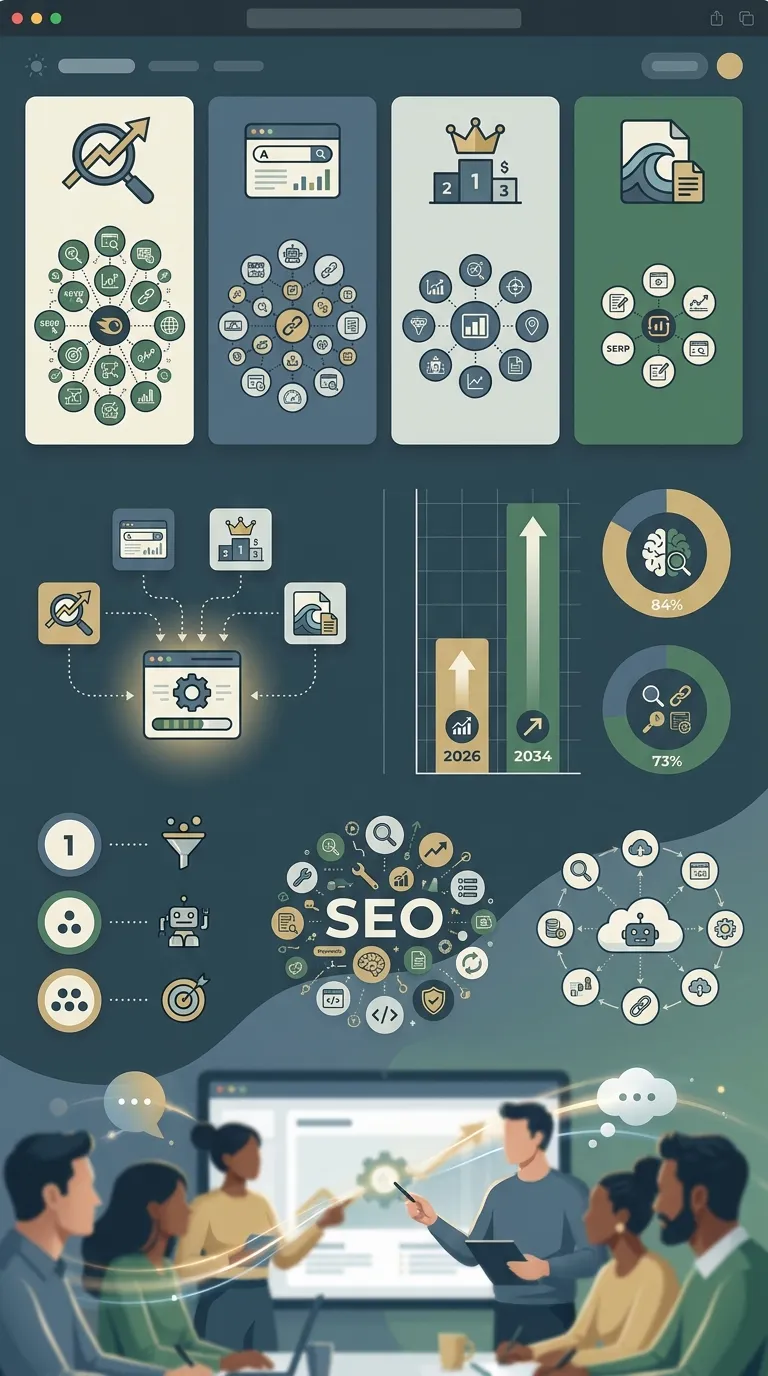
SEO software and workflow trends shaping tool adoption
| Metric |
Value |
What it means for teams |
| SEO software market size |
USD 97.7B in 2026 |
More teams are investing in scalable SEO systems |
| Projected market size |
USD 271.9B by 2034 |
Long-term growth in automation demand |
| Marketers using AI for search intent |
84% |
AI is now part of everyday SEO work |
| Businesses using multiple SEO tools |
73% |
Most teams still work with a stack, not one tool |
With growing complexity and limited team capacity, good SEO automation software feels much less like a nice extra now. For many teams, it is becoming something they simply need.
Top SEO automation software tools to add to your shortlist
1. Semrush
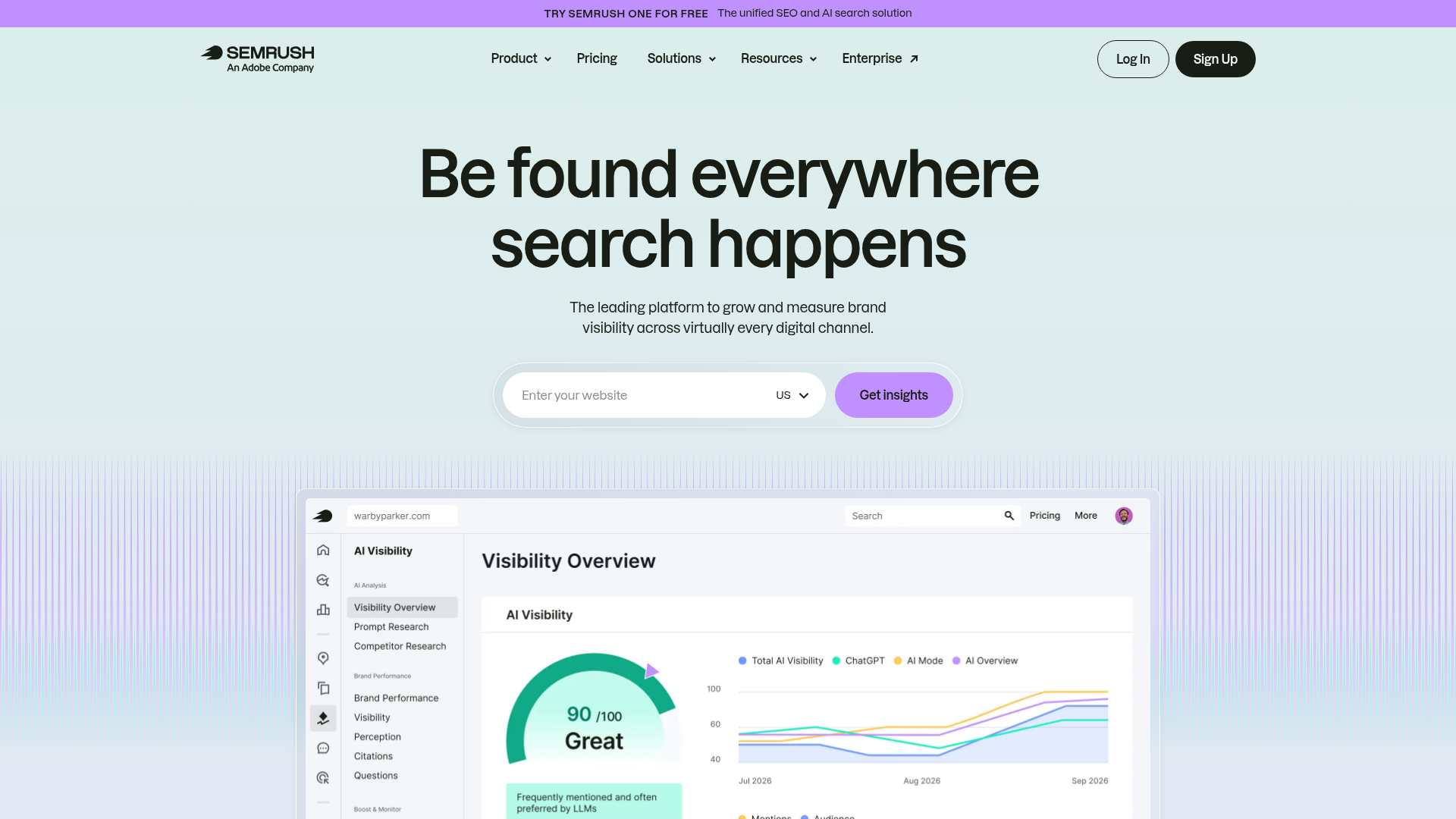
At a Glance
Semrush is one of the more complete SEO tools out there, and it has been around since 2008. It’s made for teams that want one platform for technical SEO, keyword research, rank tracking, competitor analysis, content support, and workflow help, so it covers a lot. For lean marketing teams, one of the main benefits is the automation for recurring audits and ongoing monitoring. With scheduled site crawls, teams can often catch issues early before they turn into traffic drops tied to rankings or site performance. That wide coverage does come with a tradeoff, though: if a team only needs a smaller set of features, the platform can feel like a lot to handle and a lot to spend on.
Core Features
Who It’s For
Semrush fits lean teams that would rather use one main platform than piece together several smaller tools. It tends to work especially well for in-house marketers, agencies, and SEO leads who need technical audits, competitive research, and reporting in the same workflow. It’s especially useful for teams trying to avoid jumping between separate tools for rankings, audits, and competitor checks.
Unique Value Proposition
What helps Semrush stand out is its wide SEO coverage combined with useful automation. For teams that want fewer tool switches and better visibility into rankings, site health, and competitors, it’s one of the more complete options in this category. It often makes the most sense for teams that need both range and depth, even if the platform feels a little less simple at first. In practice, that means one tool can handle technical audits, keyword tracking, and competitor research instead of splitting that work across several platforms.
Teams comparing enterprise-scale workflows can also look at Enterprise SEO Automation for Large Content Teams for a broader view of how larger publishing operations handle recurring SEO tasks.
Pricing: Starts around $139.95/month, with Semrush One starting around $199/month.
Website: https://www.semrush.com/
2. Ahrefs
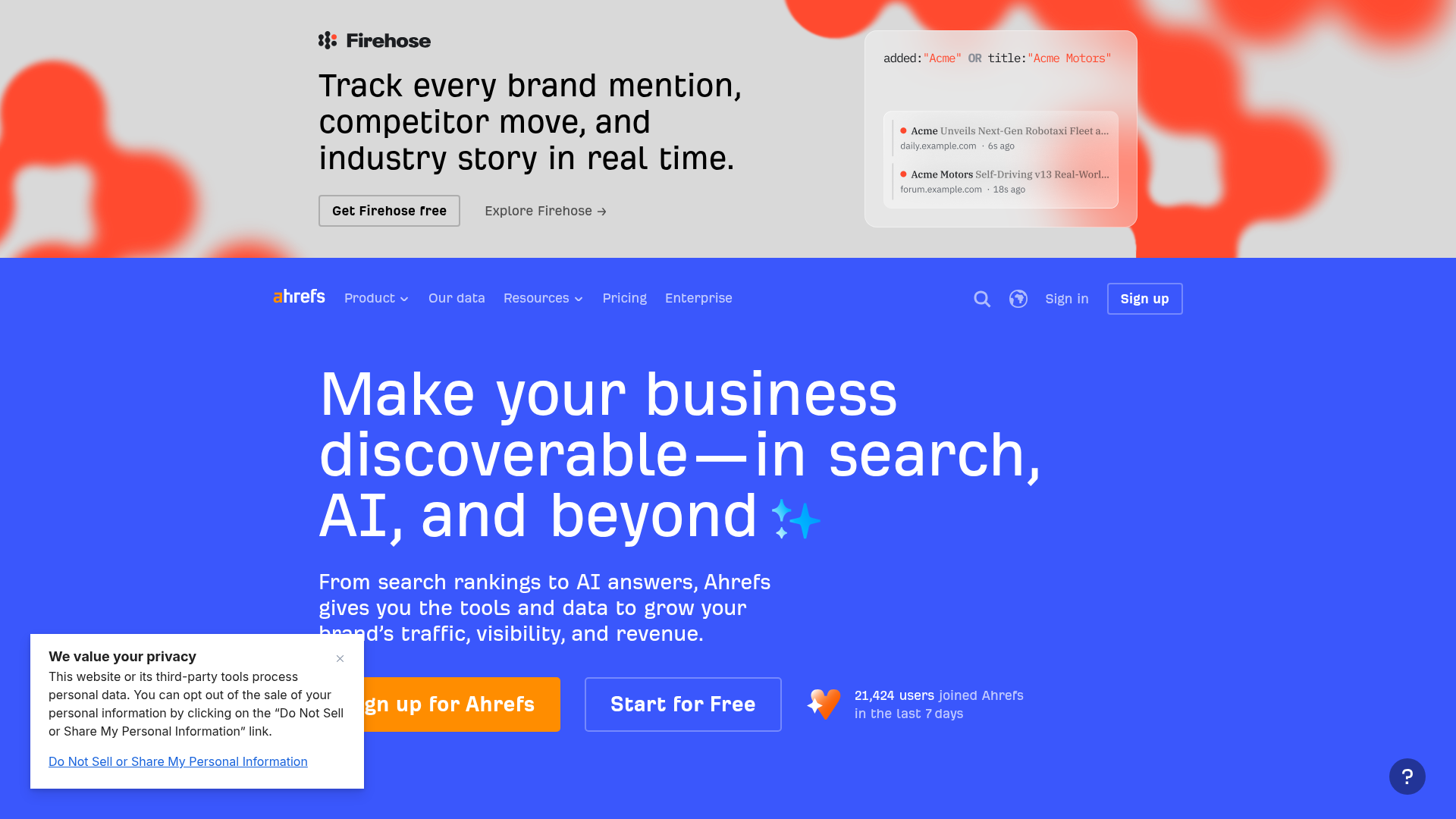
At a Glance
Ahrefs is usually one of the first tools people mention when backlinks, competitor research, and deep search data are the main focus, and that makes sense. Since launching in 2010, it has grown into a trusted platform for site audits, keyword research, and tracking overall website health over time. Its Site Audit tool also helps with technical SEO by flagging crawl issues, broken pages, and other technical problems. Even so, its biggest strength is still research and analysis rather than AI-driven workflow automation. For lean teams, that often makes it especially useful for gathering insights and spotting patterns. Another tool may still be a better fit for content execution or broader automation needs. Strong on research, less focused on workflows.
Core Features
Who It’s For
Ahrefs is a strong fit for SEO pros, agencies, and marketers who need better research tools than execution tools. Teams that spend a lot of time on competitor analysis, backlink strategy, and technical health checks will often find it a good match. It is a straightforward choice, especially for research-heavy teams, and that is generally where it gives the most value.
Unique Value Proposition
The main reason Ahrefs keeps showing up on so many shortlists is pretty simple: data quality. It gives lean teams a clear view of who they are competing with, where links are coming from, and where the gaps are. In many cases, that leads to more confident decisions instead of educated guessing. If the strategy depends on precise research, Ahrefs offers a level of clarity that very few platforms can usually match.
For teams focused heavily on audits and technical health, The Best SEO Audit Tools of 2026: Free vs Paid Options Compared gives additional context around how different audit platforms compare.
Pricing: Public plans start at $29/month for starter access, with higher tiers for broader functionality.
Website: https://ahrefs.com
3. SE Ranking
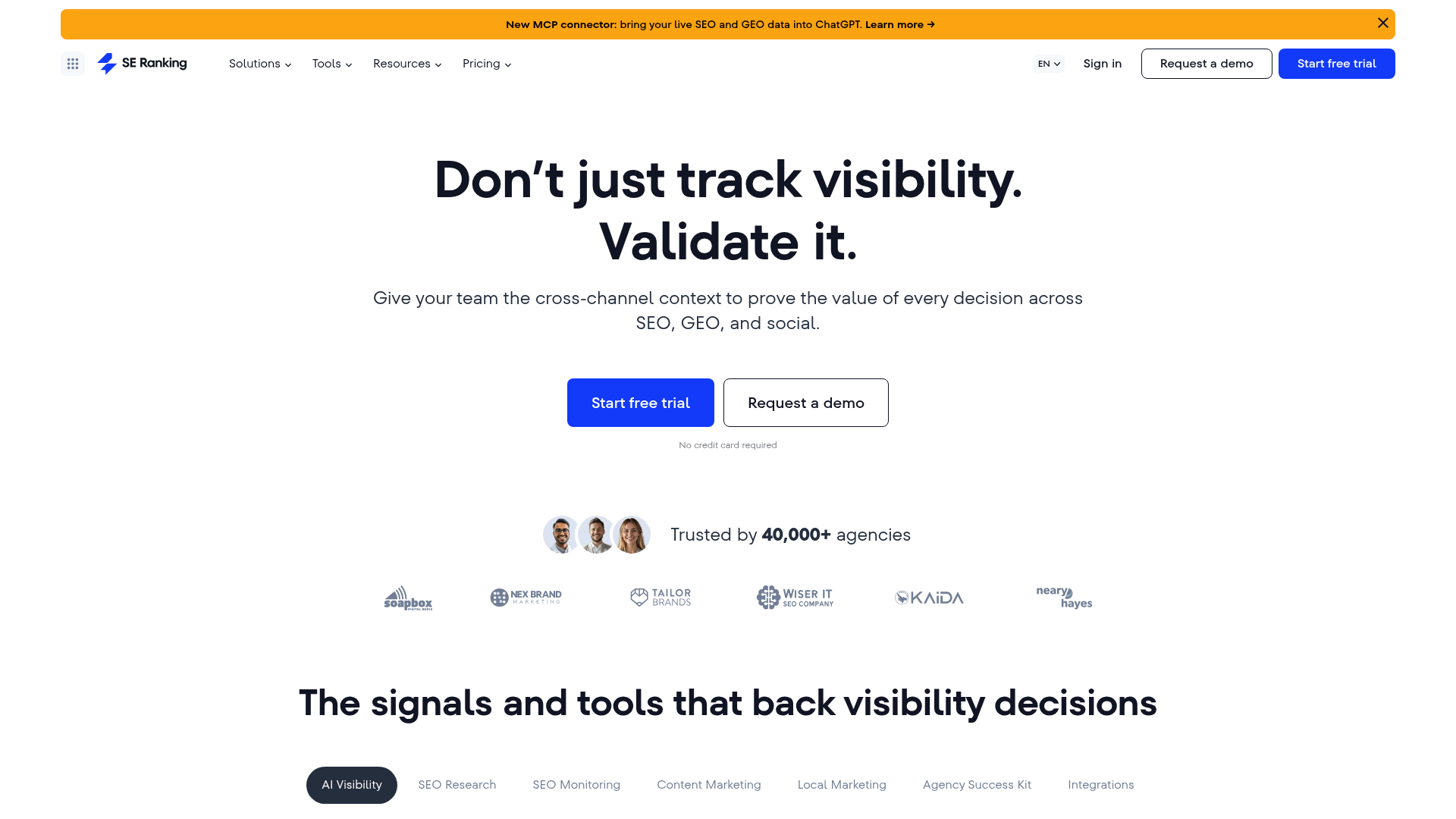
At a Glance
SE Ranking has built a strong reputation as a practical option for smaller teams and agencies that want solid SEO features without paying enterprise-level prices. Founded in 2012, it includes rank tracking, website audits, on-page SEO checks, competitor analysis, content tools, white-label reporting, and project support for client work. That wide mix is a big reason it gets recommended so often, especially for lean teams. It brings together a lot of useful features with an interface that still feels fairly easy to use. It may not go as deep as Semrush or Ahrefs in every area, but for most smaller teams, it usually offers enough power without adding too much extra complexity.
Core Features
SEO automation software for growing agencies
Who It’s For
SE Ranking is a strong fit for lean in-house teams, freelance SEOs, agencies, and smaller client-focused setups that need a dependable all-around platform at a sensible price. It stays simple and practical, which usually matters a lot when teams are busy. It works especially well for anyone who wants one tool to handle rank tracking, audits, and reporting without stretching the budget too far.
Unique Value Proposition
What makes SE Ranking stand out is how balanced it feels in real use. It combines core SEO automation software features, practical reporting, and enough content support for most small teams. If Semrush feels too expensive and Ahrefs feels a bit too focused on research, SE Ranking often sits in a useful middle spot between the two. For smaller teams, that often makes everyday work feel easier.
Agencies managing larger client workloads may also want to compare platforms in Best SEO Automation Tools for Agencies Managing 100+ Client Sites, especially when scalability becomes a bigger concern.
Website: https://seranking.com/
4. Surfer
At a Glance
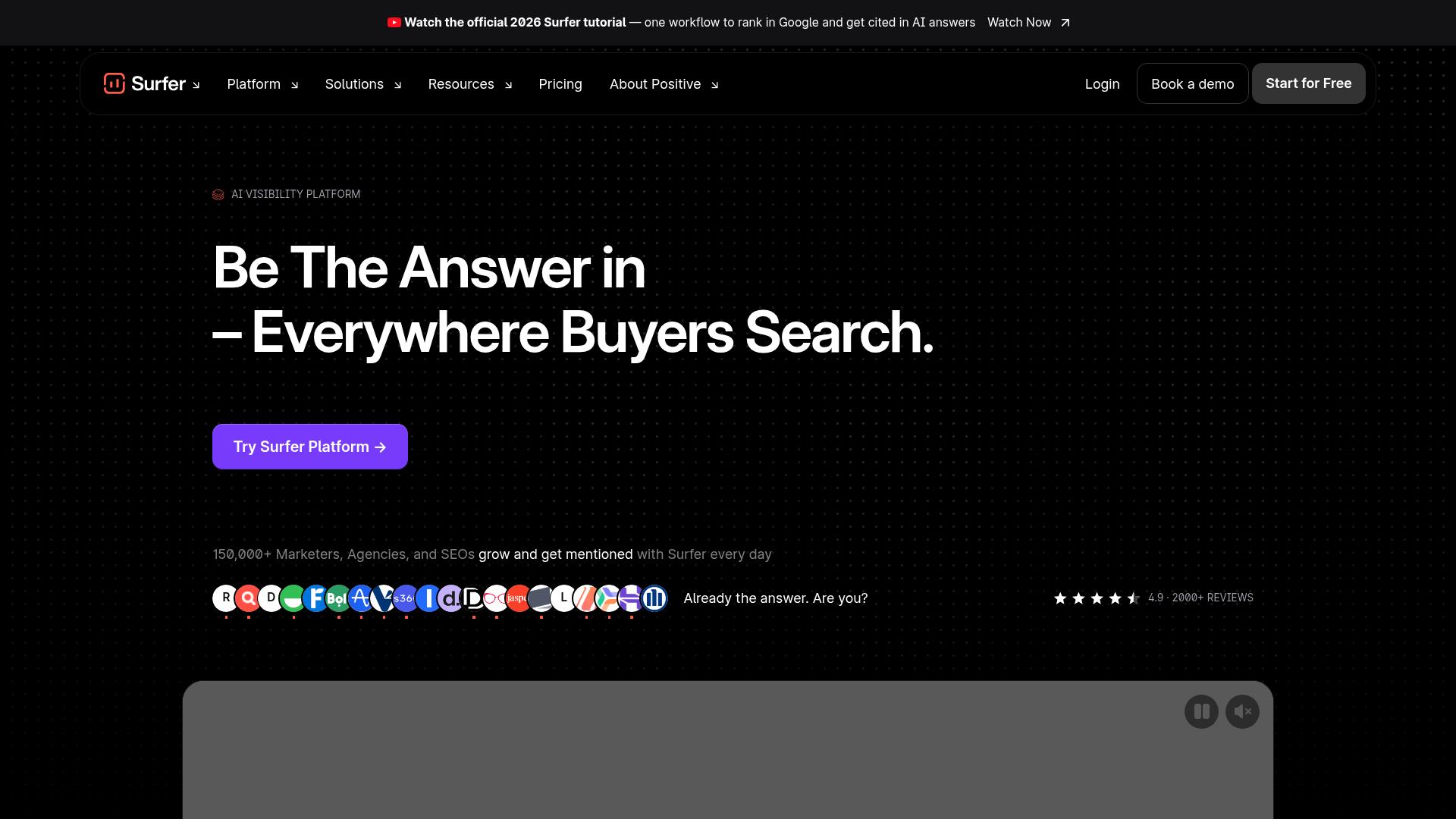
Surfer is different from the other tools on this list because it focuses more on content optimization and faster workflows. Founded in 2017, it’s built for teams that publish often and want help with briefs, on-page SEO, and matching content to pages already ranking in search results, which is usually the goal. It’s one of the more useful SEO optimization tools for content-focused teams, especially when writers and marketers need a simple way to work faster. Pretty handy overall. Still, it’s not a full SEO suite, so many teams use it with another platform for technical SEO and backlink analysis.
Core Features
Who It’s For
Surfer is a strong fit for content marketers, editorial teams, and agencies that need to publish optimized pages fast. When the biggest bottleneck is turning briefs into content that ranks better, it can save a lot of time. That’s usually where it helps most. In this kind of setup, that matters quite a bit.
Unique Value Proposition
Surfer is especially useful because it removes a lot of the friction from content SEO. Teams don’t need to sort through reports just to find the recommendations that most directly affect drafts, on-page updates, and brief creation. Instead, it gives practical guidance inside the writing workflow, so there’s less tab switching. That direct support is simple, but often useful. For lean teams focused on content speed and on-page improvements, it probably makes Surfer one of the more valuable tools in this category.
Content-heavy ecommerce teams dealing with very large product inventories may also find useful ideas in SEO automation tools for e-commerce catalogs, especially around scaling optimization workflows.
Website: https://surferseo.com/
How these tools compare side by side
If feature lists are all someone looks at, a lot of SEO automation tools can feel pretty similar and, honestly, they often are. The real difference usually shows up in which part of the workflow feels easier with each one. Some tools are better for audits and monitoring, like tracking rankings or finding site issues. Others lean more toward research or content production.
Comparison of top SEO automation software for lean marketing teams
| Company |
Key Features |
Pros |
Cons |
Pricing |
| Semrush |
Site Audit, keyword research, rank tracking, competitor analysis, content workflows |
Broad all-in-one platform, strong automation, scalable reporting |
Can be expensive, large interface, some features locked to higher tiers |
Starts around $139.95/month |
| Ahrefs |
Site Audit, keyword research, backlink analysis, competitor research, health monitoring |
Excellent backlink data, strong competitor intelligence, solid technical audits |
Less workflow automation, content tools are lighter, higher tiers add cost |
Starts from $29/month for starter access |
| SE Ranking |
Rank tracking, website audit, on-page checker, competitor analysis, content tools, white-label reports |
Good value, agency-friendly, easier to learn |
Less enterprise depth, usage limits may matter, not the strongest specialist in every area |
14-day free trial; plan-based pricing |
| Surfer |
Content Editor, content optimization, SERP analysis, AI visibility tracking, planning workflows |
Great for content teams, easy to use, fast on-page guidance |
Not a full SEO suite, limited backlink and technical depth, may need pairing |
Public plans available |
The pattern is pretty clear here. Semrush is the widest platform. Ahrefs stands out most for research. SE Ranking offers a good mix of value and core SEO features, while Surfer stays more focused on content planning and optimization, which is usually what people expect from it.
So which one should you pick?
If the goal is the best all-in-one pick, Semrush is probably the strongest option. It covers the widest range of needs and gives lean teams useful automation for audits, monitoring, reporting, and day-to-day SEO work, which can honestly save a lot of time. Overall, it feels like a very solid all-round option.
For the best tool for backlink and competitor research, Ahrefs is the clear pick. It works especially well for teams that depend on deep data and strong market insights. In many cases, that focus is exactly why people choose it, and it usually handles that part of the job especially well.
When budget matters most but broad functionality still matters too, SE Ranking is the best value pick. It gives smaller teams a lot of practical coverage without the higher price tag or extra complexity that often comes with bigger platforms. That usually makes a real difference when the goal is to keep things simple.
If the workflow is centered on publishing and improving content quickly, Surfer is the best content optimization pick. It is very useful in its main area, even if it is not the most complete suite. Still, it often does that specific job better than many specialized tools.
Matching SEO automation software to workflow gaps
The best choice depends less on the biggest name and more on where the team is losing the most time right now. Starting there will usually make the best fit easier to spot.
Turning the right tool into real SEO results
Choosing a platform is really only the beginning. Teams that get the most from SEO automation software usually start with one high-impact use case instead of trying to automate everything at once, which often causes more friction than progress. That might mean running regular technical audits, making content briefs easier to handle, spotting ranking drops before they turn into bigger issues, or fixing reporting first. In practice, smaller steps usually work better. Once one workflow feels stable, expanding into reporting, refresh planning, and wider optimization often gets much easier.
Building scalable automation workflows
That matters even more now because SEO is moving away from older manual routines. Many teams are trying to bring technical health, AI-assisted content work, and newer search visibility strategies into one process, and that is not always simple. In many cases, a clean workflow works better than a scattered mix of disconnected tools. With less clutter and fewer handoffs, teams can usually get better results and move faster without losing track of what still needs attention.
For anyone trying to understand how these platforms fit into real SEO systems, SEO Bot Software is a useful place to learn more. The site focuses on reviews, practical comparisons, and guidance around AI-powered SEO automation, technical audits, content workflows, and newer search trends. That makes it useful whether the choice ends up being Semrush, Ahrefs, SE Ranking, or Surfer.
Frequently Asked Questions
What should lean marketing teams look for in SEO automation software?
Start with the basics that save the most time: technical audits, rank tracking, keyword research, and reporting. After that, look at whether the tool also helps with content workflows or competitor research. The best choice is usually the one that removes your team’s biggest bottleneck first.
How can I tell if an SEO automation tool is actually effective?
Look for clear changes in time saved, issue detection speed, content output, and ranking visibility over time. A good tool should help your team act faster, not just generate more dashboards. If it makes decision-making easier week after week, it is doing its job.
How much do SEO optimization tools usually cost?
Pricing varies a lot. Entry-level access can start quite low, but full-feature platforms often move into the $100+ per month range quickly. Lean teams should pay close attention to crawl limits, seat counts, reporting access, and feature restrictions before comparing only headline price.
How long does it take to see results from SEO automation software?
You can often see workflow improvements within the first few weeks, especially with audits, alerts, and content processes. Ranking and traffic gains usually take longer, often a few months, because the software helps execution but does not replace SEO strategy. Faster fixes and better consistency are the early signs to watch.
Which types of businesses benefit most from SEO automation software?
Agencies, in-house SEO teams, ecommerce brands, publishers, and content-heavy businesses usually gain the most. These teams tend to manage more pages, more updates, and more recurring checks than manual workflows can handle well. Automation becomes even more useful as site complexity grows.
Where can I learn how to use these tools more strategically?
A comparison is helpful, but ongoing guidance matters too. If you want a clearer view of how AI-driven audits, content automation, and modern SEO workflows fit together, SEO Bot Software is a practical resource for reviews, tool comparisons, and strategy-focused insights.