TLDR; Need an SEO pick fast? Here’s the short list.
Semrush comes out on top as the best all-in-one platform for small teams and agencies. Ahrefs is the best choice for backlink analysis, competitor research, and deeper SEO work. Moz Pro is the easiest starting point for beginners, while SE Ranking gives budget-minded teams the best value with core SEO tools in one place. Pick based on weekly workflow, budget, and skill level—not the longest feature list.
At first, choosing the top SEO software for a team seems pretty straightforward. But once you actually start comparing them, things usually get messy fast. One tool gives you deeper backlink data. Another is better for content workflows. A fourth looks affordable at the start, then gets expensive once the team grows. If you’re looking for the top SEO software, you’re probably not after the flashiest dashboard. You need a tool your team will actually log into and use day to day.
That matters even more for small teams and agencies. Lean teams usually don’t have room for bloated workflows, confusing reports, or a stack of overlapping subscriptions, and that comes up a lot. They need software that covers keyword research, rank tracking, technical issues, and helps get work out faster without creating more noise. Simple and useful wins here. That is why many teams now build a stack instead of relying on one perfect platform. The goal usually isn’t to collect the most features. It’s to make better decisions and waste less time.
Looking across the main options in this space, four tools stand out for different reasons: Semrush, Ahrefs, Moz Pro, and SE Ranking. Each can be a strong fit, but they usually make the most sense for different kinds of users. And if you’re also looking for practical guides on choosing and using these tools well, SEO Bot Software is a useful resource for learning how SEO automation fits into real team workflows, which often matters more than people expect.
What you’ll find in this top SEO software guide
- Semrush
- Ahrefs
- Moz Pro
- SE Ranking
Four top SEO software sites for your shortlist
1. Semrush
At a Glance
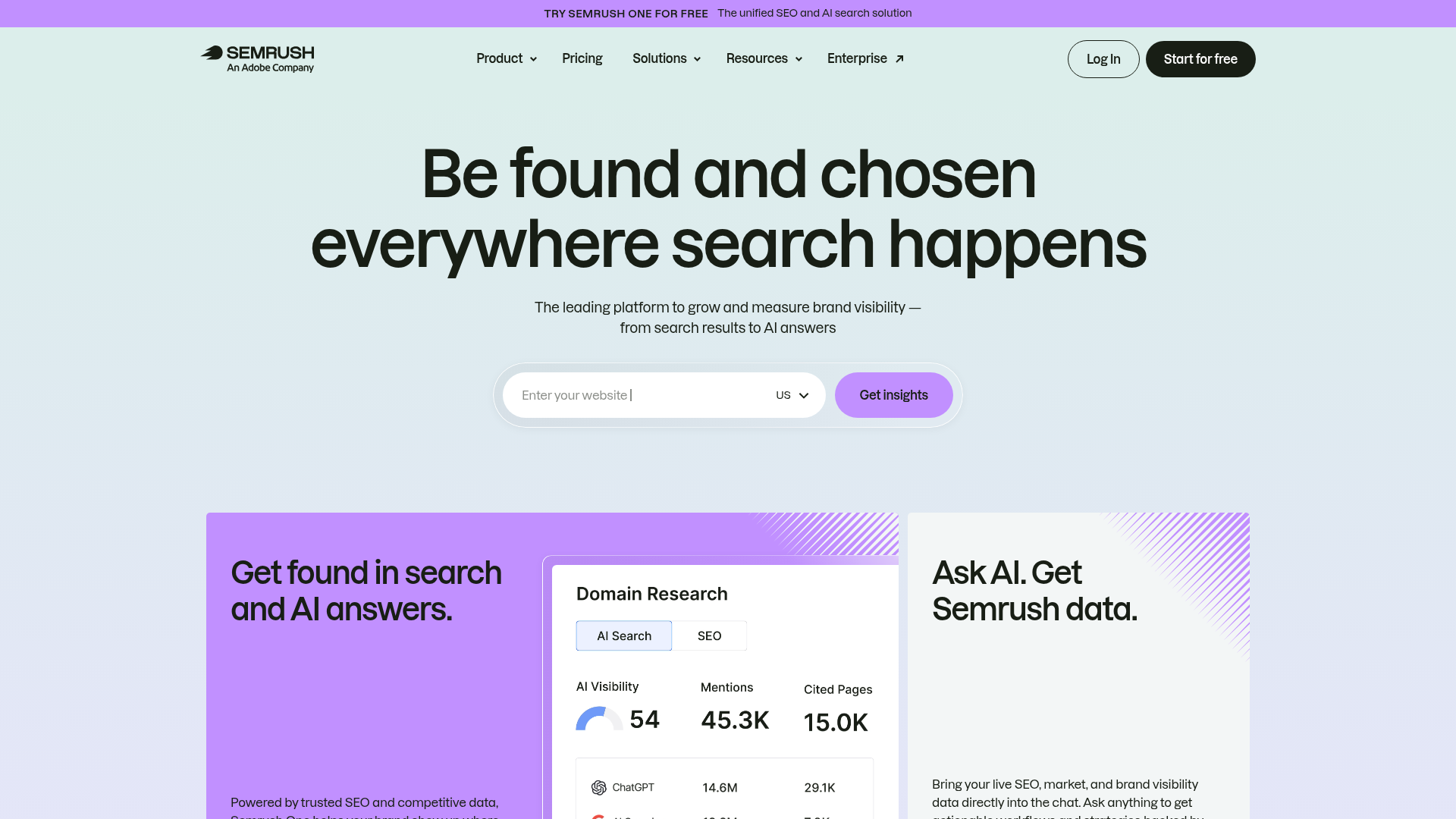
Semrush is the broadest option in this roundup. It brings together keyword research, rank tracking, site audits, backlink analysis, competitor research, content tools, and AI search visibility features in one platform. For small agencies or growing in-house teams, that all-in-one setup can cut down on tool sprawl, which is honestly a real relief. That’s a real plus. At the same time, Semrush can feel like a lot because of both its large feature set and its price. If a team wants one platform for day-to-day SEO work and needs something that can keep up as clients, campaigns, or sites grow, it’s probably one of the best picks here.
Core Features
Who It’s For
Semrush works especially well for agencies and small marketing teams that want one main SEO platform instead of stitching together several lighter tools. It’s especially useful when technical audits, keyword research, reporting, and competitive analysis all need to happen in the same workflow, so the team isn’t bouncing between tabs all day.
For teams comparing broader automation workflows, guides like Best SEO Automation Tools for Agencies Managing 100+ Client Sites can also help explain how larger SEO systems fit together.
Unique Value Proposition
Semrush stands out because it goes deep and covers a lot. It’s one of the few platforms here that can usually handle technical SEO, content planning, rank monitoring, and competitor research without quickly pushing teams into a scattered stack. For busy agencies, that can cut down on handoffs between research, audits, and reporting, and it can also mean fewer missed insights along the way. When there’s less back-and-forth between tools, the daily work is usually easier to keep on top of, especially when several client projects are moving at once.
Pricing: SEO plan from $117.33/month billed annually or $139 monthly; SEO + AI Search Starter from $165.17/month billed annually or $199 monthly
Website: https://www.semrush.com/
2. Ahrefs
At a Glance
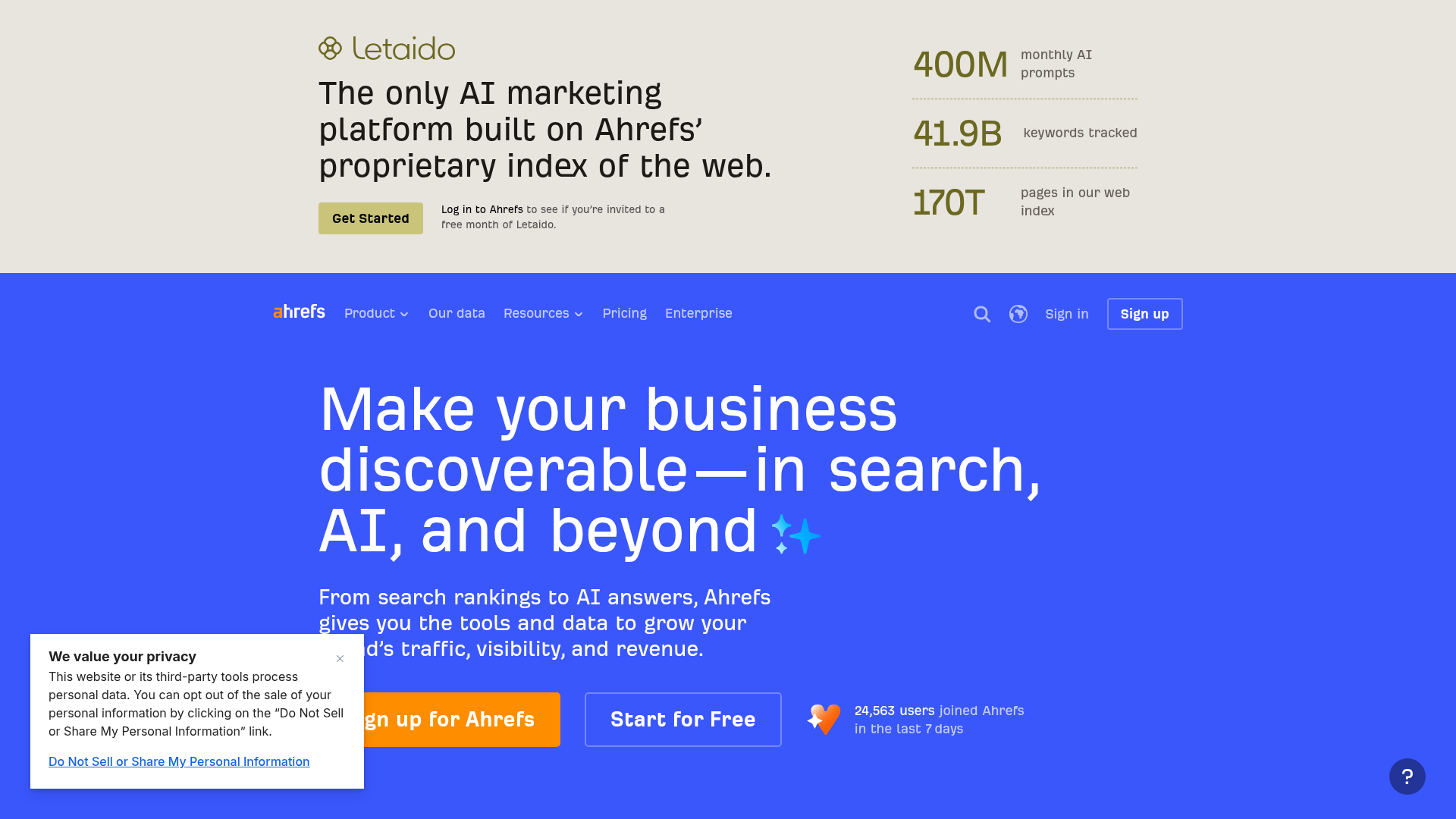
Experienced SEO users tend to like Ahrefs for a few pretty straightforward reasons. It has a strong backlink index, reliable competitor research, and keyword data that holds up when you need to dig deeper. The interface feels cleaner than a lot of platforms built mainly for enterprise teams, which can get crowded and harder to navigate. It now goes beyond link research too, with site auditing and rank tracking that help with technical checks and position monitoring. That makes it a really useful all-around research tool.
Ahrefs often makes the most sense for teams that already know what they want to find and how to look for it. For beginners, though, it can feel less guided than Moz Pro, so there’s usually more time spent learning where everything is and how to use it well. For agencies managing a lot of client work, especially around research, authority building, and deeper SEO analysis, it’s a very strong option.
Core Features
Who It’s For
Ahrefs is a strong fit for SEO professionals, content strategists, and agencies that put a lot of weight on backlinks, competitor research, and technical site health. It’s especially useful for teams that already know some SEO and want deeper analysis rather than beginner-friendly guidance. It’s not really built to walk users through every step, and that becomes pretty obvious once the tool is in use.
Unique Value Proposition
Ahrefs is at its best when the work is mostly about research. If the workflow depends on knowing who ranks, why they rank, which links support them, and where the content gaps are, Ahrefs gives teams a strong research engine without making the interface feel cluttered. In most cases, that’s the real draw. You can look at rankings, link profiles, and content gaps in one place, which usually makes deeper research easier to manage. It’s made for sharp analysis, focused research, and a clearer view of the competition.
Teams comparing Ahrefs with AI-focused optimization platforms may also want to read Best SEO Optimization Tools for AI Search Visibility to see how search behavior is shifting.
Pricing: Lite $129/month; Standard $249/month; Advanced $449/month
Website: https://ahrefs.com/
3. Moz Pro
At a Glance
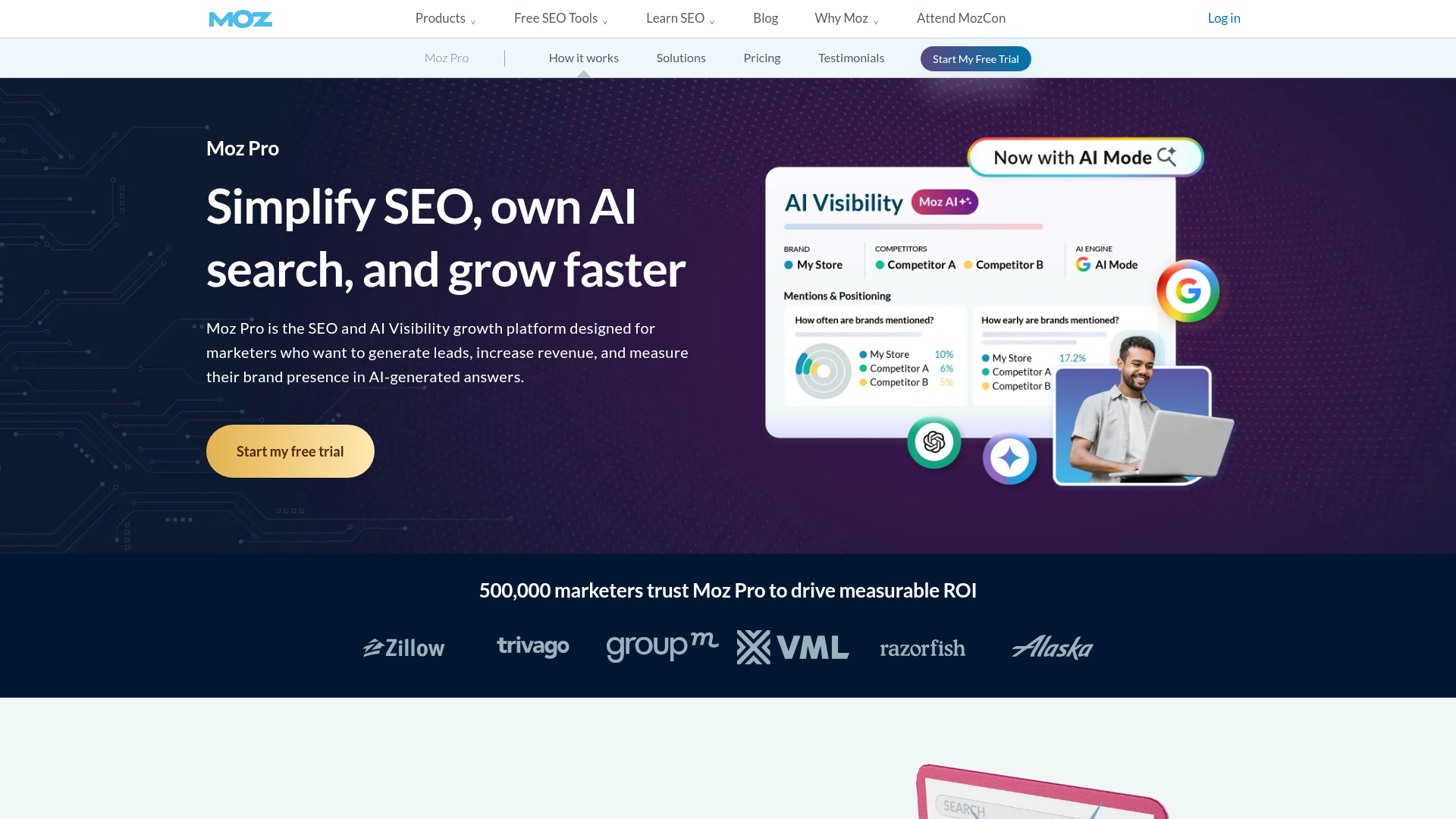
Moz Pro is still one of the easier SEO tools for beginners and smaller teams to get started with, which helps if most SEO software feels overwhelming. It covers the main tasks well: keyword research, rank tracking, site crawling, page optimization, link research, and reporting for ongoing SEO monitoring. Its long-running Domain Authority metric still comes up a lot in marketing conversations, even though it usually works better as one signal than the only number to watch. Moz Pro often doesn’t match Semrush or Ahrefs in raw research depth. That simpler approach is also a big reason people like it. For many teams, it’s an easier way to get into SEO software and get comfortable with it.
Core Features
Who It’s For
Moz Pro is a smart fit for marketers, content teams, and business owners who want reliable SEO tools for beginners without jumping straight to a more complex platform. It also works well for smaller teams that care more about clarity and an easier workflow than about getting the deepest possible data, and for plenty of teams, that’s usually enough. In this kind of setup, simple often helps more than crowded dashboards.
Unique Value Proposition
What Moz Pro does especially well is keep things easy to use. It gives newer SEO users enough to improve rankings, understand site issues, and track progress without getting lost in endless menus. For teams that are still building their process, that kind of simplicity can matter more than having every possible feature, especially when the goal is steady progress instead of learning a huge tool all at once. When there’s less friction, it’s usually easier to keep using the platform week after week.
If a smaller team is comparing lightweight workflows, SEO Tools for Agencies That Need Fewer Logins is another practical resource worth checking.
Pricing: Starts at $49/month
Website: https://moz.com/products/pro
4. SE Ranking
At a Glance
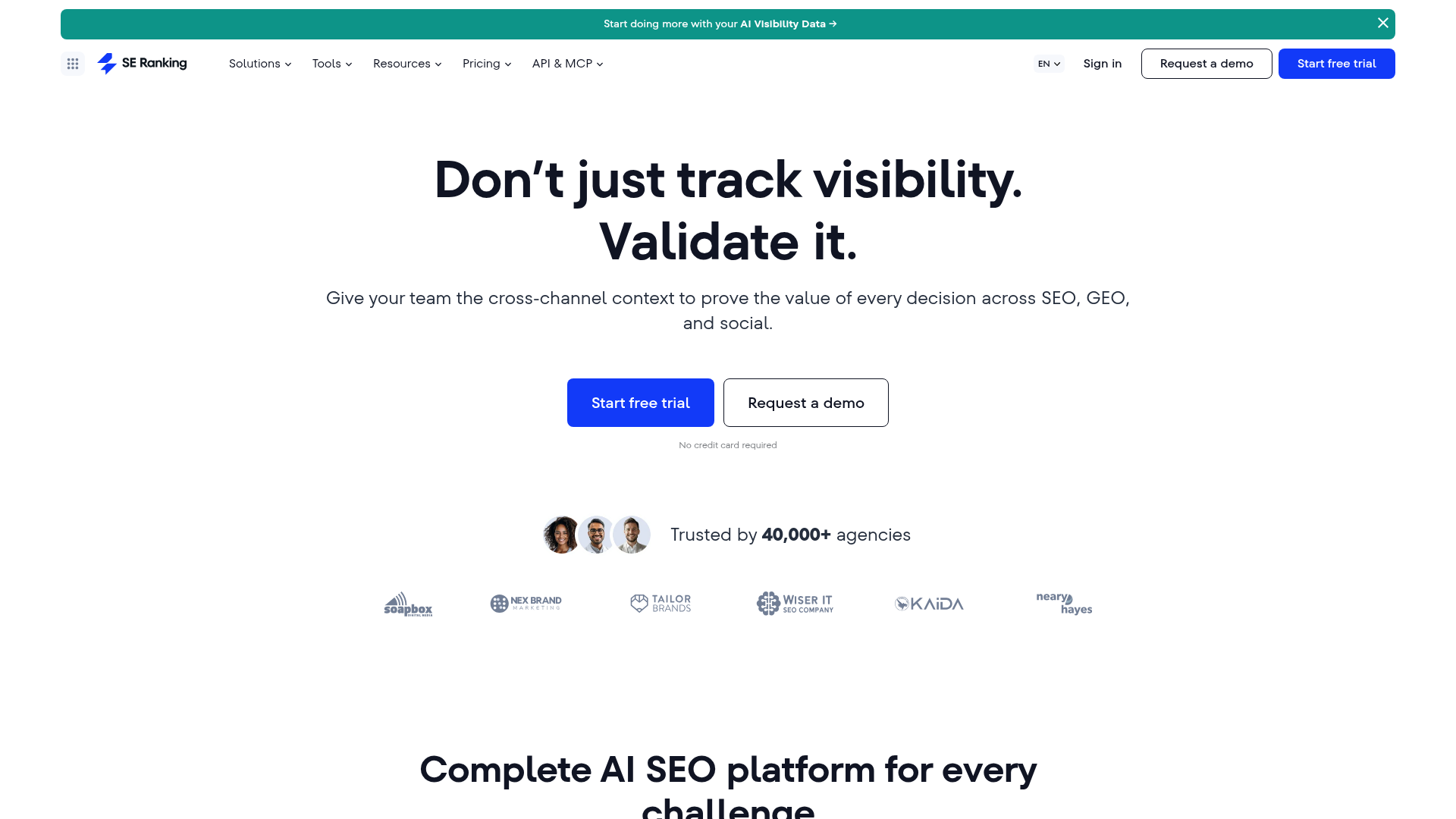
SE Ranking lands in a useful middle spot. You get rank tracking, keyword research, competitor analysis, website audits, backlink monitoring, on-page tools, and local SEO features, and it starts at a lower price than many larger platforms, which is usually why people look at it in the first place. That combination works well for freelancers, small agencies, and lean in-house teams. It’s not the flashiest tool, but it does the job well. Some of the added depth and brand familiarity that come with bigger tools are missing. Still, plenty of small teams don’t need enterprise-level data every day. They usually just need solid coverage, useful reporting, and a workflow they can keep paying for without much hassle.
Core Features
Who It’s For
SE Ranking is usually the right call for budget-conscious agencies, freelancers, and small SEO teams that want one tool to cover most core tasks. It tends to make the most sense when cost matters but audits, tracking, competitor visibility, and reporting still need to stay in one place. That’s usually where it makes the most sense.
Unique Value Proposition
What makes SE Ranking stand out is that it gives small teams a realistic path into all-in-one SEO software without the premium-suite pricing, and that matters when budgets are tight. It may not beat Ahrefs on backlinks, and Semrush may still offer more overall breadth. But for smaller agencies, SE Ranking often hits a better balance between coverage, ease of use, and cost. For a lot of smaller teams, that’s probably the part that matters most.
Pricing: Starts at $65/month
Website: https://seranking.com/
How the pricing and age of each top SEO software tool compare
The numbers below help explain why these four tools come up in different buying conversations. Moz Pro starts at the lowest price, while SE Ranking sits in the more affordable middle, which will probably matter more to smaller teams. Semrush and Ahrefs, on the other hand, are usually aimed at teams that can spend more in exchange for deeper data and broader ways to work.
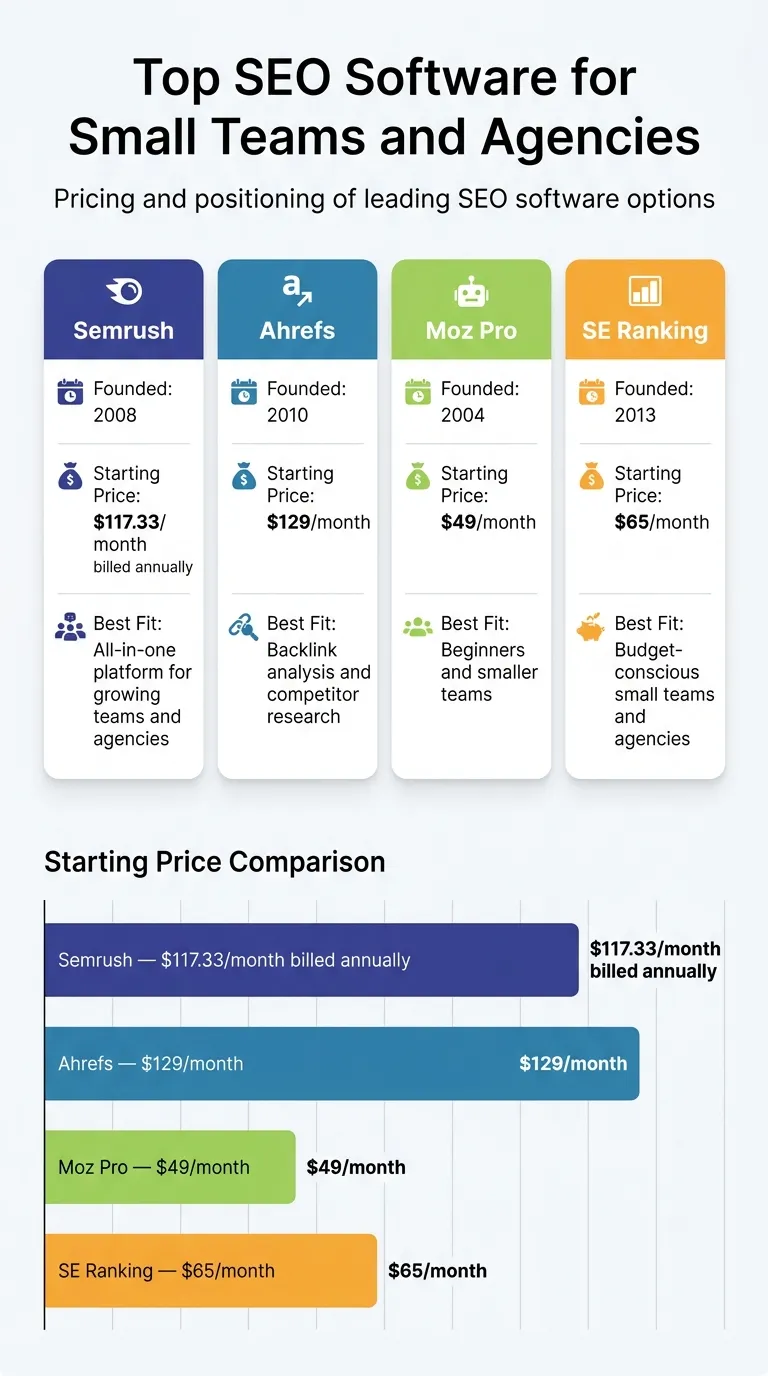
Pricing and positioning of leading SEO software options
| Product |
Founded |
Starting Price |
Best Fit |
| Semrush |
2008 |
$117.33/month billed annually |
All-in-one platform for growing teams and agencies |
| Ahrefs |
2010 |
$129/month |
Backlink analysis and competitor research |
| Moz Pro |
2004 |
$49/month |
Beginners and smaller teams |
| SE Ranking |
2013 |
$65/month |
Budget-conscious small teams and agencies |
A look at the table tells the story pretty fast: no one tool is the best match for every team. A better way to look at it’s this: which tool matches the work a team is actually doing week after week? When most of that work is competitive research, Ahrefs can often be worth the price. When a team wants one dashboard for audits, tracking, content planning, and day-to-day SEO work, Semrush may save enough time to cover its cost, especially if the team uses it every day. Moz Pro, meanwhile, is easier to use for people who are still learning. If a team wants broad coverage without top-tier pricing, SE Ranking stands out because it usually offers a lot without pushing teams into the highest price range.
For agencies still narrowing down the top SEO software for reporting and recurring client work, SEO Reporting Software for Lean Agency Teams gives a more focused look at reporting-heavy workflows.
So which one should you pick?
If you’re running a small agency or building out a growing team, Semrush is probably the strongest all-in-one option. When the main priority is backlinks, competitor analysis, and deeper keyword research, Ahrefs is usually the better match. Need SEO tools for beginners? Moz Pro is usually the easiest place to start without feeling overloaded, and that’s a real plus. And when budget still matters, but you also need a solid all-around toolkit, SE Ranking gives you strong value with rank tracking, site audits, and keyword research. Pretty simple, really.
The “best” tool usually depends less on marketing claims and more on where the real bottleneck is. It makes more sense to pick the platform that supports the work a team is actually doing every week, not just the one with the biggest feature list. In most cases, that’s what matters most in practice.
Make your top SEO software stack easier to use, not harder
The smartest teams don’t just buy software and leave it at that. They put a workflow in place around it. Most of the time, that means relying on one main platform for everyday SEO work and keeping Google Search Console and analytics data handy to check what the tool is showing. For small teams, a tighter stack usually pays off more than chasing every shiny feature. With less noise, there are usually fewer distractions.
A simple way to decide often looks like this:
The real benefit shows up after you’ve made the choice. It appears when the tool becomes part of a repeatable process: weekly audits, monthly keyword reviews, content refreshes, and reporting the team can actually use instead of just skimming and forgetting. That’s the practical side here. SEO Bot Software can help as a guide. The site covers reviews, automation insights, and practical ways to connect tool choice with real SEO execution, so the software can actually be used. If help is needed turning software into a working system, visit this SEO automation guide hub.
Teams that want more detail around lean automation setups can also review SEO Automation Software for Lean Marketing Teams for additional workflow examples.
Frequently Asked Questions
What should small teams look for in top SEO software?
Begin with the core tasks: keyword research, rank tracking, site audits, and reporting. After that, check how easy it is to use, what it costs, and whether it matches the way the team actually works. Keep it practical. For small teams, software that saves time tends to work better than extra dashboards they still have to check.
Which SEO software is best for beginners?
Moz Pro is usually the easiest tool to begin with since it’s easier to pick up and doesn’t feel as overwhelming. If you want a clearer sense of how beginner-friendly tools fit into a broader automation workflow, SEO Bot Software also has useful comparisons and guides, without pushing the same advice on everyone.
How much should an agency expect to pay for SEO software?
The price really comes down to the tool and how deep you need to go. In this roundup, entry-level plans run from about $49/month for Moz Pro up to $129/month for Ahrefs. Semrush starts higher if wider coverage is the goal. A lot of agencies wind up using two to four tools, so the monthly total can end up above the listed price of any one platform.
How long does it take to see results from SEO tools?
The software on its own won’t produce results overnight. For most teams, it takes a few weeks to get tracking in place, spot the issues, and decide which fixes matter most. Then it’s usually several months before rankings and traffic start to improve in a bigger way. The quicker route is sticking with steady work, not hopping from one tool to another.
Do small agencies need one all-in-one platform or several tools?
A lot of small agencies begin with one core platform, then add other tools when they run into a clear gap. That’s the most practical setup. Simple.
If you’re still not sure about the timing, SEO Bot Software is a good place to see how different SEO stacks work for agencies, content teams, and WordPress-focused workflows.
What types of businesses benefit most from SEO software?
Agencies, in-house marketing teams, publishers, ecommerce brands, and service businesses can all get something useful out of SEO software. It helps even more when you’re handling lots of pages, publishing often, or trying to catch technical issues before they hurt search visibility. And as a website gets bigger and has more moving parts, solid software matters even more.