TLDR; Picking a technical SEO tool for 2026? Here’s the fast answer.
No single winner fits every team. Screaming Frog is the top pick for deep, hands-on crawling and advanced audits. Semrush fits teams that want one platform. Ahrefs is strongest when technical SEO, backlinks, and competitor research need to live together. Sitebulb stands out for visual reporting and clear issue priority. Choose based on workflow, site size, team skill, and whether you need a specialist crawler or a broader platform.
Technical SEO is a lot more demanding in 2026 than it used to be. Websites are bigger, JavaScript is heavier, reporting needs keep growing, and small technical issues can quietly affect rankings for weeks before anyone notices them, which happens more often than most people expect. That is why choosing the best technical SEO tools matters so much right now, especially for teams trying to manage larger and more complex search workflows.
To make the choice easier, this review looks at four real tools that are widely used for technical SEO work: Screaming Frog SEO Spider, Semrush, Ahrefs, and Sitebulb. Each one covers a slightly different part of the job. Some are built for deep crawling, while others combine audits with keyword data, backlink insights, and competitor research, which can be very useful in busy workflows. Some tools also make it easier to explain issues to clients or internal teams by showing exactly what is broken and where it appears.
There is no single perfect tool for every situation. The best option usually depends on site size, daily workflow, team skill level, and whether the need is for a specialist crawler or a broader SEO platform. That is often what makes the decision harder than it first appears. This guide is here to help make that choice faster and a little more confident.
What We Reviewed
- Screaming Frog SEO Spider
- Semrush
- Ahrefs
- Sitebulb
Why these best technical SEO tools stand out in 2026
A technical SEO stack in 2026 usually does much more than flag broken links. It helps teams keep an eye on crawlability, indexability, internal linking, page speed signals, duplicate content, redirect waste, schema gaps, and site structure without relying on random spot checks, which often miss the bigger picture. That is a big reason many teams no longer rely on just one tool. Instead, they often pair a specialist crawler for deep audits with a broader platform that covers tracking, reporting, and a wider search view.
Here is a quick look at the four tools in this roundup by launch year and public entry pricing.
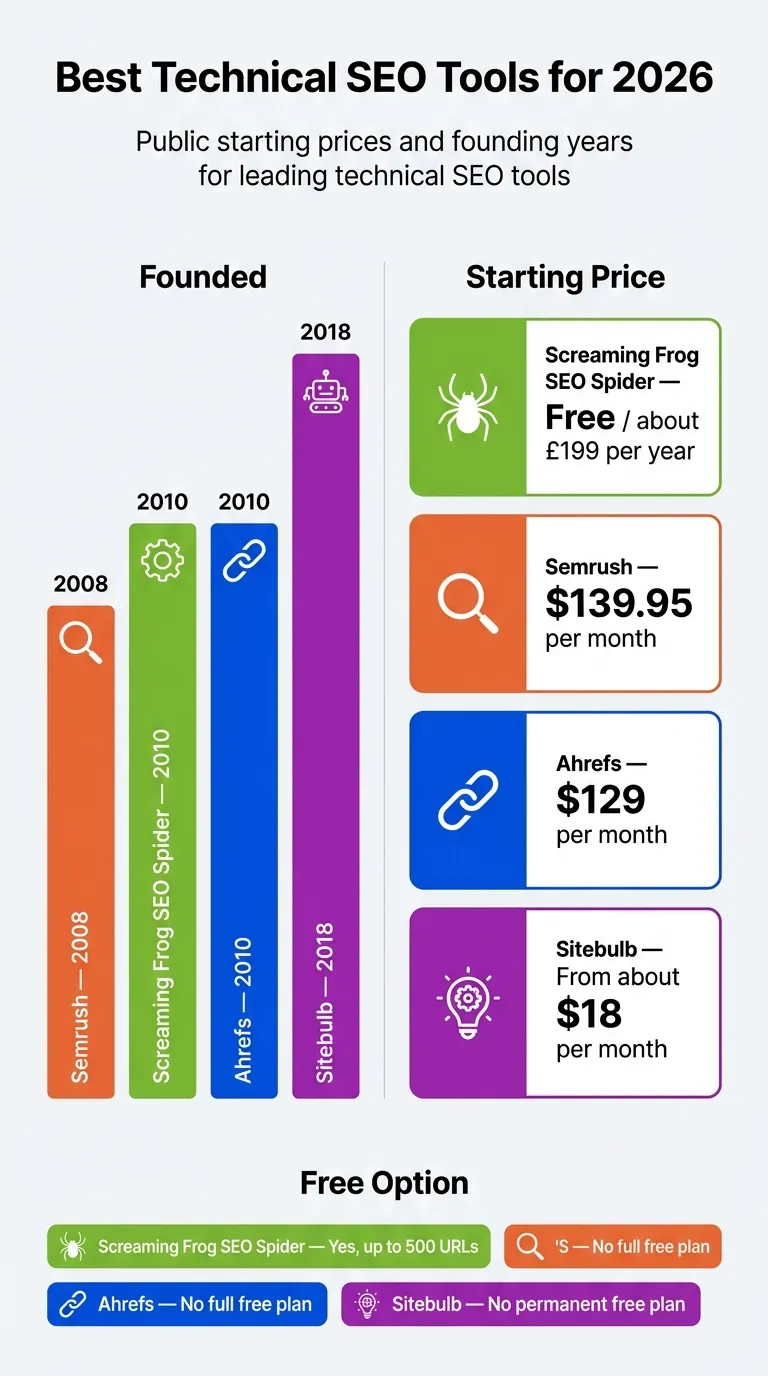
Public starting prices and founding years for leading technical SEO tools
| Tool |
Founded |
Starting Price |
Free Option |
| Screaming Frog SEO Spider |
2010 |
Free / about £199 per year |
Yes, up to 500 URLs |
| Semrush |
2008 |
$139.95 per month |
No full free plan |
| Ahrefs |
2010 |
$129 per month |
No full free plan |
| Sitebulb |
2018 |
From about $18 per month |
No permanent free plan |
Those numbers do not tell the whole story, but they still show a fairly clear pattern. Screaming Frog gives teams the lowest-cost way to get into serious crawling. Semrush and Ahrefs cost more because they combine technical SEO with broader search data, including keyword research and competitor visibility. Sitebulb sits somewhere in the middle, especially for people who want visuals and guided audits. That setup is often useful when clear next steps and easier issue prioritization matter.
Best technical SEO tools to try
1. Screaming Frog SEO Spider
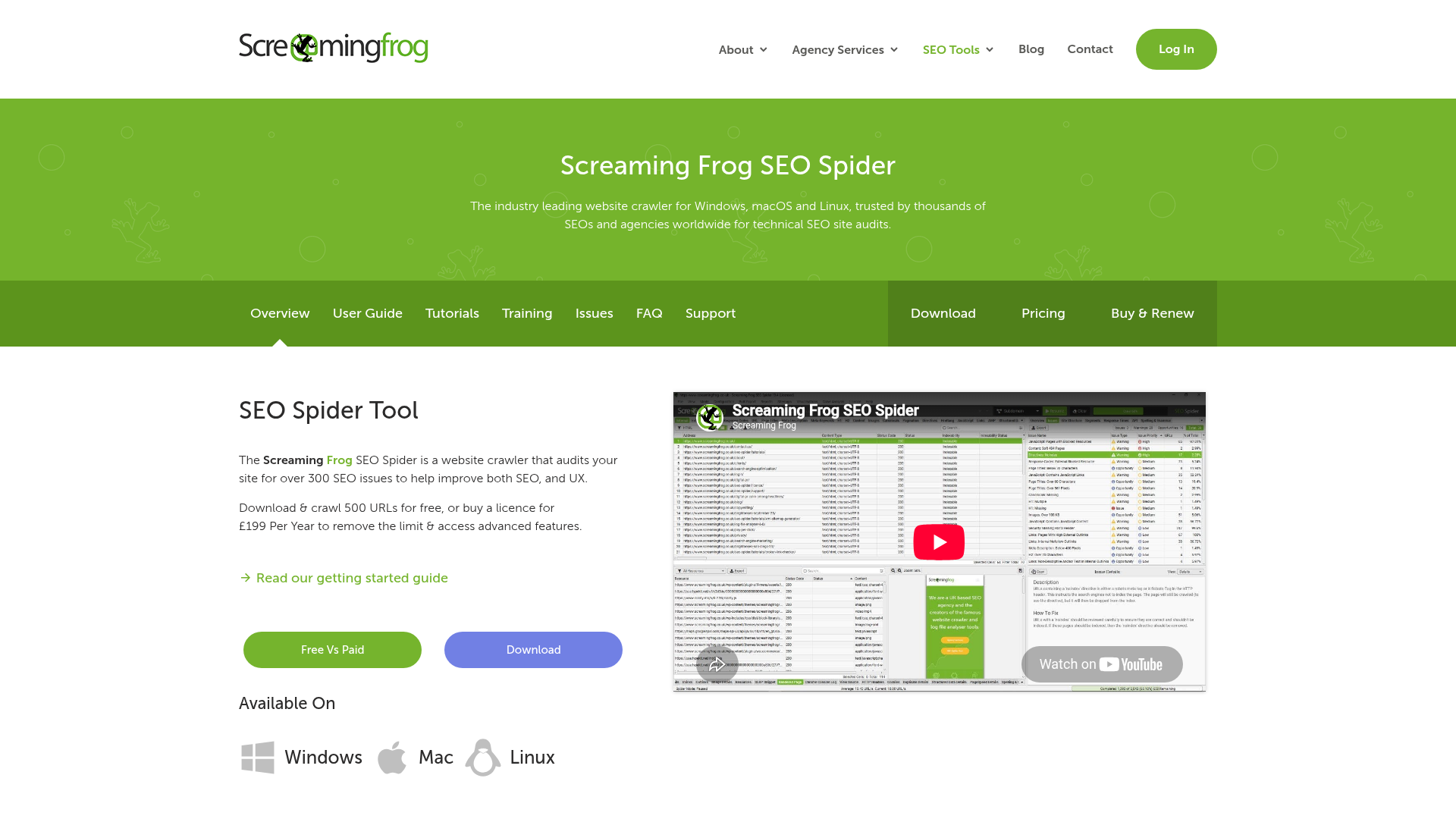
At a Glance
Screaming Frog SEO Spider is still one of the most trusted tools for hands-on technical SEO work. It’s a desktop crawler built to find issues at both the page and site level, including broken links, redirect chains, duplicate content, missing metadata, crawl traps, and other technical problems. Even in 2026, experienced SEOs still rely on it because it gives them a lot of control over how a crawl runs and which data gets pulled. It’s very flexible, and in many technical workflows it gives more control than newer tools. The tradeoff is pretty clear, though: it feels more technical than modern cloud platforms, and very large crawls depend on your own machine’s memory and processing power.
Core Features
Who It’s For
Screaming Frog is best for SEO professionals, consultants, and agencies that want detailed control over technical audits. It’s especially useful when there’s a need to inspect site architecture, spot hidden crawl waste, or run custom checks that broader all-in-one suites often don’t handle as well. It’s very hands-on, so it usually fits people who like looking closely at technical details instead of just reading summary reports and making quick decisions from those alone.
Unique Value Proposition
What makes Screaming Frog stand out is its precision. It isn’t trying to be a full SEO operating system or a broad marketing dashboard. Instead, it’s made to crawl websites deeply and surface technical issues fast, including broken internal links, duplicate pages, redirect problems, and metadata gaps. If the main goal is pure technical SEO analysis, this is still one of the strongest options available. That’s usually the main reason it has stayed relevant for so long.
Pricing: Free for up to 500 URLs; paid license commonly listed around £199/year per license.
Website: https://www.screamingfrog.co.uk/seo-spider/
2. Semrush
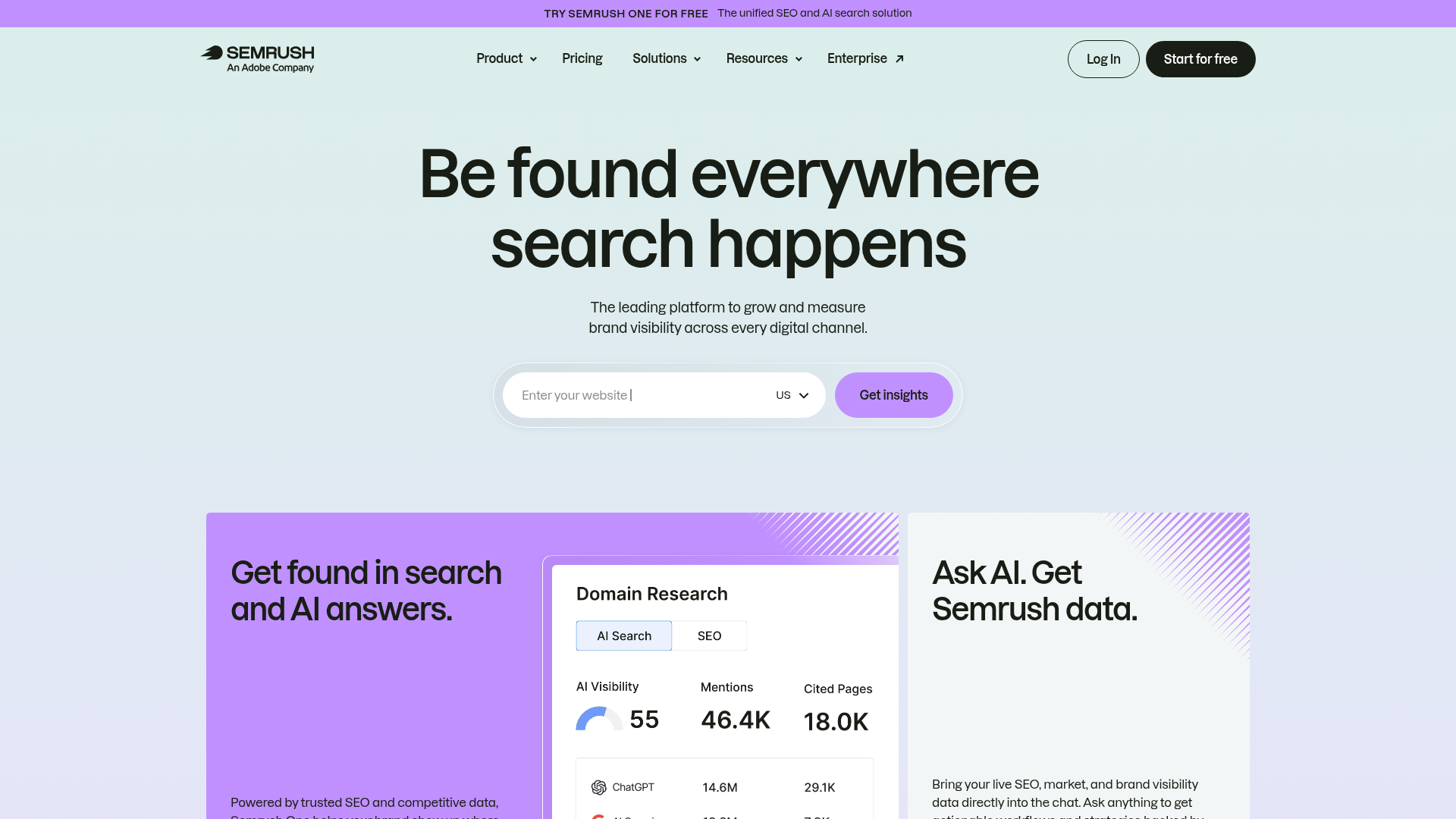
At a Glance
Semrush is a broad SEO and digital marketing platform built around a solid Site Audit tool, with keyword research, rank tracking, backlink analysis, competitor research, on-page SEO guidance, and reporting tools included too. It covers a very wide range of work, often more than some teams will actually use every day.
That broader scope is usually what makes Semrush appealing. For teams that want more than raw crawling data, it can be a practical choice because it connects technical SEO to a bigger marketing strategy. It is especially useful for agencies and in-house marketers that need reports, shared dashboards, and simple workflows for client work. The main downside is still the price. If a team only needs deep technical crawling, Semrush can feel bigger than necessary and more expensive than the job really needs.
Core Features
Who It’s For
Semrush is a good fit for agencies, growth teams, and in-house marketers that want a technical SEO tool that also supports campaign planning, keyword targeting, and competitor tracking. It generally fits more use cases than tools focused only on crawling. It works best when technical SEO is just one part of a broader search workflow.
Unique Value Proposition
Semrush stands out by connecting technical findings to business context instead of treating audits as a separate task. In practice, teams can move from crawl issues to rankings, keyword gaps, and competitive visibility in one place. That makes it a good option for companies that care more about breadth and convenience than specialist-level crawling depth, which is often a fair trade-off for many teams.
Pricing: Public pricing commonly starts at $139.95/month for Pro.
Website: https://www.semrush.com/
3. Ahrefs
At a Glance
Ahrefs is usually best known for backlinks, but its Site Audit tool has also become a really solid option for technical SEO analysis. It offers site health scoring, crawl issue tracking, and reports that are easy to follow, which honestly makes a real difference. Users also get keyword data and competitor research, so technical and off-page SEO live together in one place. That mix is a big part of the appeal.
It may not offer the same level of raw crawl customization as Screaming Frog. Even so, it works very well for teams that want technical SEO and off-page insight in one clean interface. Pricing can rise as usage increases, especially for larger teams, so it is not always the cheapest option over time.
Core Features
Who It’s For
Ahrefs is a strong fit for SEO professionals, agencies, and content-led teams that want technical SEO analysis without losing sight of links, rankings, competitor activity, or the bigger picture. It works especially well for teams that need a balanced platform instead of relying only on a crawler, and that balance is probably the main reason many people choose it. If both audit data and broader SEO context matter, it is often a good match.
Unique Value Proposition
Ahrefs stands out because of context. That sounds simple, but it matters here. Technical issues usually become more useful when they are connected to ranking opportunities, backlink strength, and content gaps. Ahrefs helps users make those connections quickly. That makes it a smart option for teams that want technical health monitoring as part of a broader SEO strategy instead of treating it as a separate workflow. In practice, this means crawl problems can be reviewed alongside link performance, keyword visibility, and content opportunities, which often makes it much easier to decide what to fix first.
Pricing: Public pricing commonly starts at $129/month for Lite.
Website: https://ahrefs.com
4. Sitebulb
At a Glance
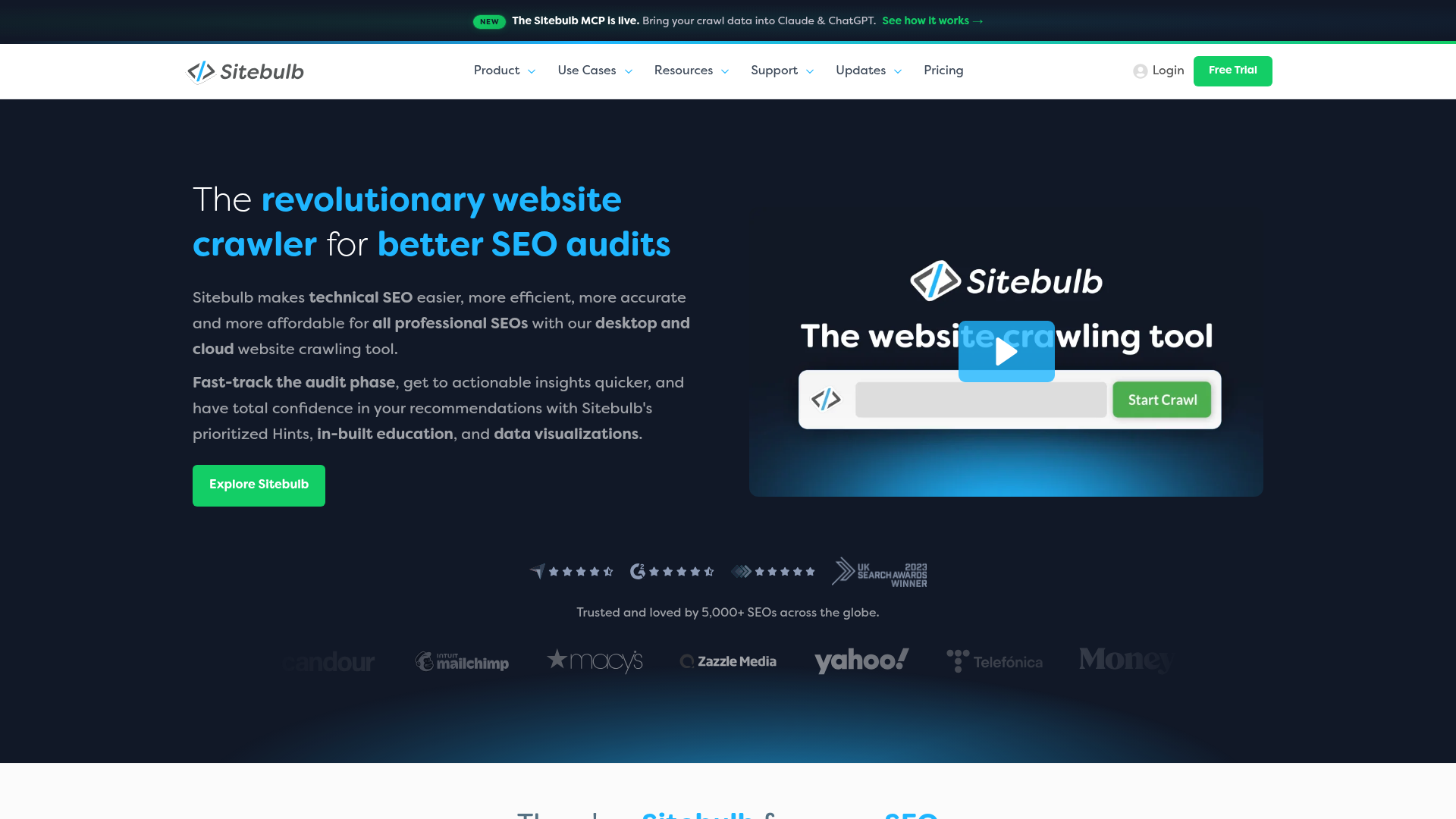
Sitebulb is a technical SEO auditing tool built to make complex crawl data much easier to read and use. It comes in both desktop and cloud versions, and includes strong visualizations, JavaScript crawling, and audit hints that help users see what to fix first. That is especially useful for consultants and agencies that need to explain technical findings to clients or other non-technical stakeholders, which is often the hard part. It is not an all-in-one SEO suite like Semrush or Ahrefs, though. Still, that narrower focus can be a real advantage when the goal is cleaner, more technical reporting with fewer distractions.
Core Features
Who It’s For
Sitebulb is best for consultants, agencies, and in-house teams that want technical depth but also need reports people can actually understand. It tends to work especially well when clear communication matters just as much as finding issues. If the work needs to be shown and explained to other people, that is usually a big plus.
Unique Value Proposition
Sitebulb makes technical SEO analysis more visual and easier to act on. Instead of giving users a wall of data, it helps show patterns in site architecture, internal linking, and crawl behavior in a way that is simpler to explain and prioritize. That can save teams a lot of time, especially when reviewing issues, deciding what to fix first, and showing why those fixes matter.
Pricing: Public pricing commonly starts at about $18/month for lower-tier access, with higher pricing for fuller desktop or cloud functionality.
Website: https://sitebulb.com
How the best technical SEO tools stack up on the basics
For most buyers, the fastest way to narrow things down is to compare cost, founding year, and the workflow each tool is really built for, which is probably the main thing here. That usually gives a pretty clear place to start when you’re trying to choose.
Comparison of top technical SEO tools by pricing and best-fit use case
| Company |
Founded |
Starting Price |
Best Fit |
| Screaming Frog SEO Spider |
2010 |
Free / about £199 yearly |
Deep technical crawling |
| Semrush |
2008 |
$139.95/month |
All-in-one SEO workflows |
| Ahrefs |
2010 |
$129/month |
Technical SEO plus backlink intelligence |
| Sitebulb |
2018 |
From about $18/month |
Visual audits and reporting |
If the work is heavily audit-driven, Screaming Frog and Sitebulb usually feel more focused and easier to use. Semrush and Ahrefs, though, are often stronger options when technical SEO needs to fit inside a broader search platform, so audits, rankings, and keyword research can all be handled in one place.
For readers comparing broader platforms, this guide to Best SEO Tools for Competitor Analysis can also help explain how competitor tracking overlaps with technical SEO workflows.
So which one should you pick?
For advanced audits and pure crawling, Screaming Frog SEO Spider is probably the best choice. It’s still usually the go-to tool for deep technical SEO work, especially when the focus is on crawl issues, redirects, and indexability problems, which is really the main stuff.
For agencies and marketing teams that need everything in one place, Semrush is, I think, the top premium option. It combines technical audits with broader planning and reporting data, including keyword research and campaign reporting, which is very useful when several projects are running at once.
If backlinks and competitor data matter almost as much as crawl health, Ahrefs is a strong pick. It’s especially helpful for SEO teams that connect technical work to off-page strategy, so they can compare link profiles and competitor visibility more easily.
And what if clearer reporting and visual site structure matter most? Sitebulb is a great option. It helps teams turn technical findings into action faster, so fixes are usually easier to prioritize and explain with a clear site structure view.
Teams comparing automation workflows may also want to review Best AI SEO Tools for Technical SEO Automation because many technical audit processes now overlap with AI-assisted reporting and monitoring.
Turning a tool into actual SEO gains
Buying software is the easy part. Real results are usually where teams get stuck. A good way to start is with one clear use case: monthly crawl health checks, pre-launch audits, indexation monitoring, internal linking reviews, or sorting out priorities after a traffic drop. Keeping it simple is often the better move here. It keeps the workflow focused and helps stop the tool from turning into just another dashboard that barely gets used.
For many teams, a practical setup looks like this: use a specialist audit tool to find technical problems, then turn that into a short fix list based on likely traffic impact instead of just the number of issues. Not every warning needs the same level of attention, and that is usually a big part of getting value from the tool. In 2026, the teams getting the best outcomes are often the ones connecting crawl data to real business priorities, instead of just cleaning up reports for the sake of it.
Another useful comparison is The Best SEO Audit Tools of 2026: Free vs Paid Options Compared, especially for teams deciding whether they need a lightweight crawler or a broader enterprise setup.
After picking a tool, some teams need help building a workflow around it. SEO Bot Software is a useful independent guide for that. It covers technical SEO audits, AI-driven automation, and the wider shift toward smarter search workflows without treating every tool like it works the same way. You can also use insights from this WordPress-based platform for AI-powered SEO automation reviews to see how technical audits often connect with content operations, reporting, and AI search visibility, which is often where the bigger picture gets clearer.
Frequently Asked Questions
What should I look for in the best technical SEO tools?
Focus on crawl depth, JavaScript handling, issue prioritization, reporting, integrations, and how easy the tool is for your team to use. A good tool should help you move from finding issues to fixing the right ones quickly.
Which tool is best for beginners in technical SEO analysis?
Sitebulb is often easier for beginners because its visual reports and audit hints are easier to follow. Semrush can also work well for newer users who want technical SEO inside a broader platform with more guided reporting.
How much do technical SEO tools usually cost?
Prices vary a lot. You can start with Screaming Frog for free on smaller crawls, while paid tools range from about $18 per month at the low end to $129 or $139.95 per month and up for broader SEO suites. Costs usually rise with larger teams, cloud features, and more advanced reporting.
How do I know if a technical SEO tool is actually helping?
Look at whether it helps you catch problems earlier, prioritize fixes better, and improve key signals like crawl health, index coverage, internal linking, and organic visibility over time. The best tools reduce wasted manual work, not just produce more reports.
How long does it take to see results from technical SEO fixes?
Some changes, like fixing broken redirects or blocked pages, can help fairly quickly once search engines recrawl the site. Bigger gains from architecture, internal linking, or indexation improvements often take several weeks or a few months, depending on site size and crawl frequency.
Where can I learn how to use technical SEO tools more effectively?
Independent guides can help a lot, especially if you are comparing workflows rather than just features. SEO Bot Software is a useful resource for understanding how audits, automation, and AI-assisted SEO processes fit together after you choose a tool. That is often more helpful than reading product pages alone.
For agencies managing large reporting workflows, Best SEO Automation Tools for Agencies Managing 100+ Client Sites is also relevant because many enterprise teams combine audit platforms with automation systems.
Make your choice, then build the right process
The best technical SEO tools only really help when they fit how a team works day to day. Screaming Frog is excellent for deep crawling, especially on larger sites. Semrush often makes more sense for broader SEO work. Ahrefs is especially useful when backlinks matter and competitor data is also part of the job. Sitebulb can be a strong pick if visuals, clearer reporting, or a simpler way to explain findings to other people matters.
What usually matters most is not chasing the tool with the longest feature list. In practice, it means choosing one that helps teams spot problems, explain them clearly, and fix them consistently, which is often the harder part. And if you want a clearer next step, this is covered here: SEO Bot Software for practical guidance on technical SEO audits, AI-driven automation, and smarter ways to turn tool output into action.